How to take payments for direct bookings: cards, cancellation policies and refunds
Set up card payments, choose between instant booking and booking requests, write a cancellation policy guests understand, and handle refunds calmly.
 Tai Pham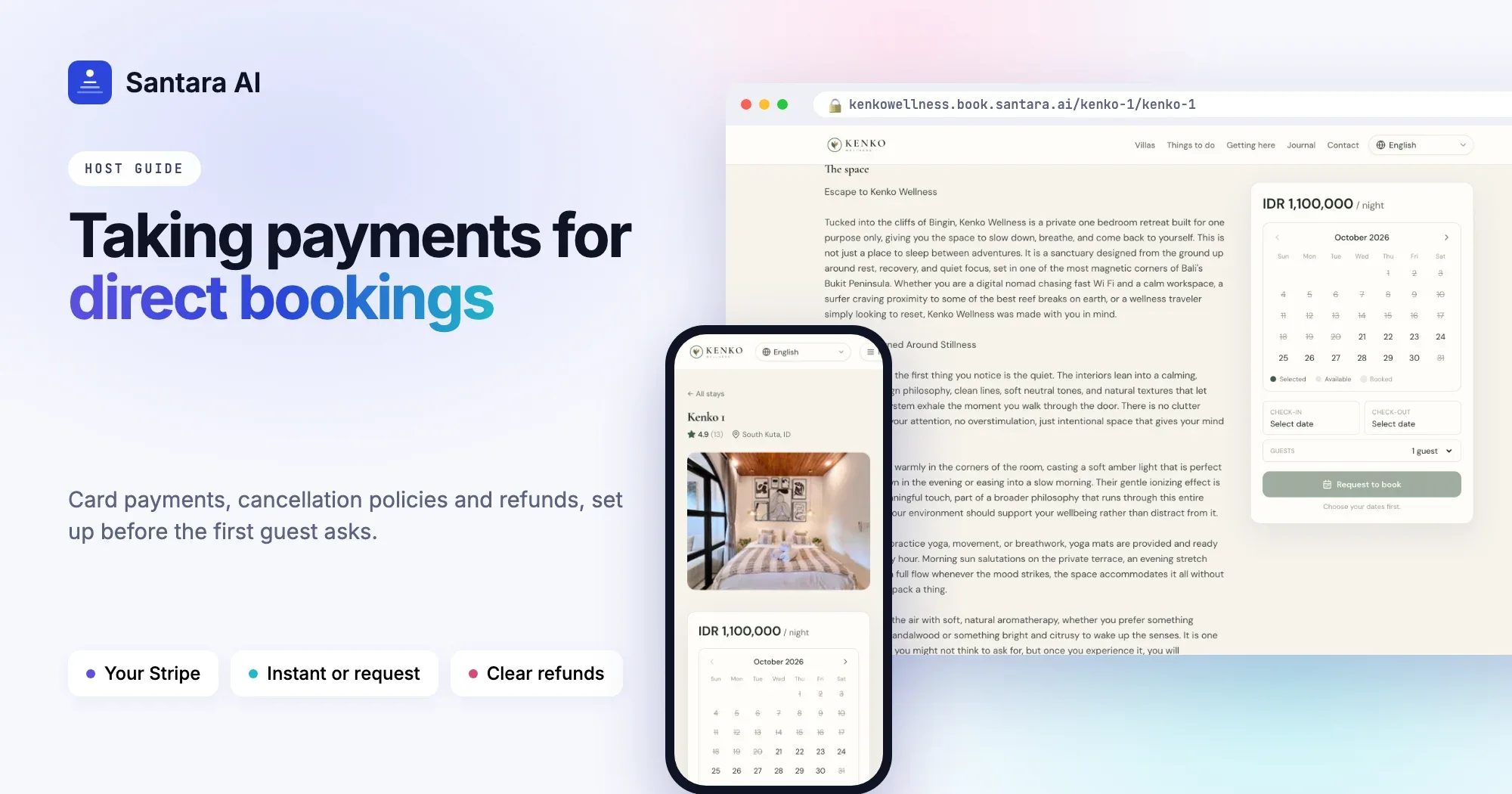
The first time a guest asks to book a villa directly, most hosts say yes and then realise they do not know how to take the money. A bank transfer from abroad takes days and costs the guest fees. A screenshot of a transfer proves nothing. And if the guest cancels, nobody wrote down what happens next.
Taking payment for direct bookings is not complicated, but it needs to be set up before the first guest asks. This guide covers how to accept card payments, choose between instant booking and booking requests, set a clear cancellation policy, and handle refunds.
Why bank transfers are not enough
Bank transfers work for guests who live in your country and already trust you. For everyone else they cause problems:
- International transfers are slow and expensive for the guest.
- There is no instant confirmation. You hold the dates while you wait, and sometimes the money never arrives.
- Refunds are manual, and so is every awkward conversation about them.
- Nothing ties the payment to the booking, so mistakes are easy to make.
Card payments fix most of this. The guest pays in seconds, you know immediately that the booking is real, and refunds go back to the same card.
Instant booking or booking requests?
You have two ways to take a direct booking. Most hosts use both.
| Instant booking | Booking request | |
| How it works | Guest picks dates, pays by card, booking is confirmed | Guest sends a request, you approve or decline |
| Best for | Standard stays, guests who know what they want | Large groups, events, long stays, special requests |
| Your effort | None until arrival | One decision per request |
| Payment | Collected online at booking | Arranged with the guest after you approve |
A good rule: make your standard properties instant, and keep requests for situations you need to discuss first.
Show the full price before payment
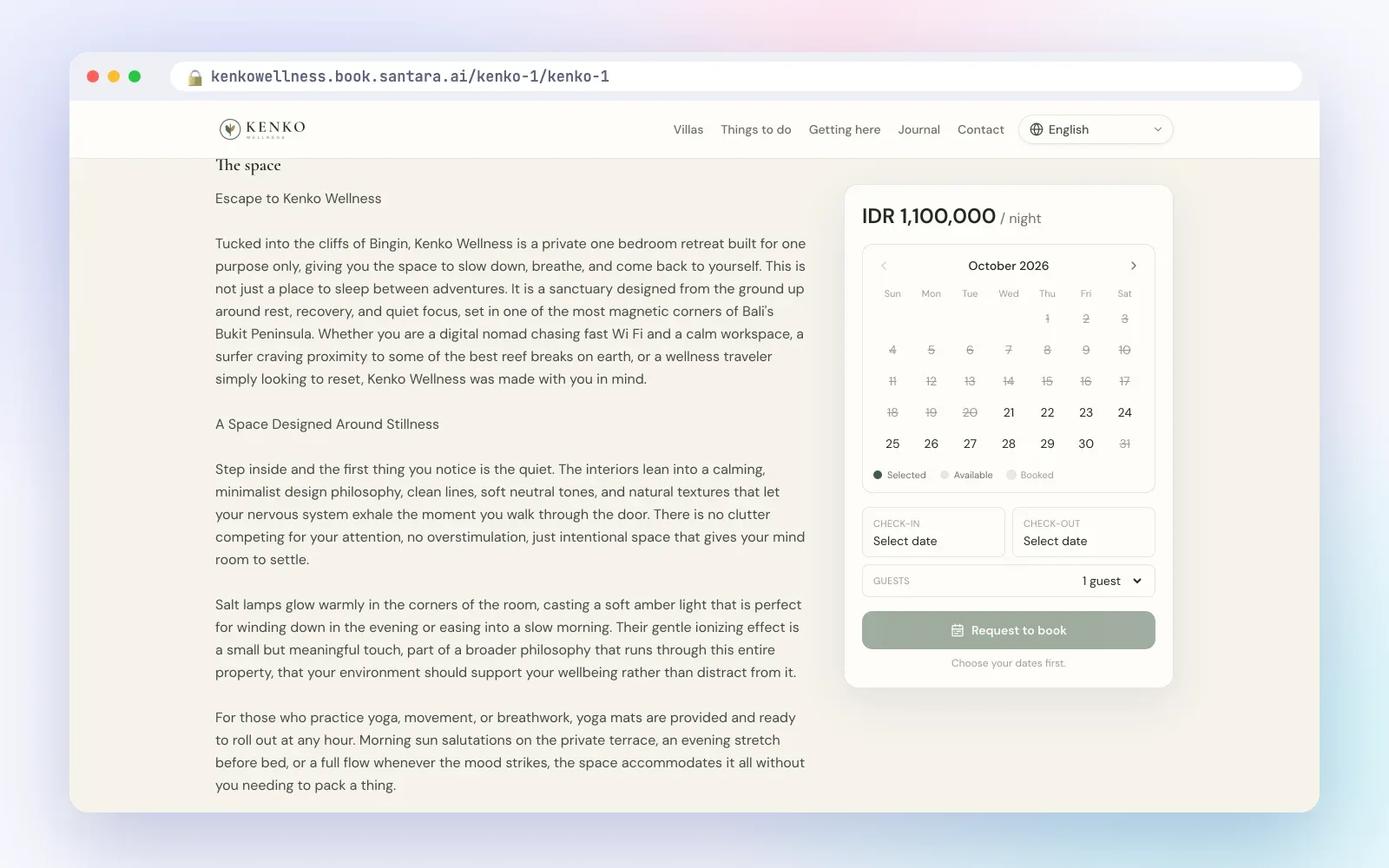
Guests abandon bookings when the price changes at the last step. Show everything up front: the nightly rate and number of nights, the cleaning fee, any extra fees such as an extra-guest fee, taxes and whether they are included, and the total the guest will pay.
Write a cancellation policy guests can understand
A cancellation policy protects you and reassures the guest. Keep it short and specific.
Step 1
Pick a level
Flexible (full refund up to a day or two before arrival), moderate (full refund up to about five days before), or strict (partial refund only if cancelled well in advance). Choose by how hard it is to resell a cancelled night.
Step 2
Say it in days, not adjectives
"Full refund if you cancel 14 days or more before check-in, 50% if 7–13 days, no refund within 7 days." No guest misreads that.
Step 3
Put it everywhere
On the booking site, in the confirmation email, and in your house rules. The same text each time.
Step 4
Plan for real emergencies
Decide in advance how you handle natural disasters, flight cancellations and illness, and apply it consistently.
Handle refunds calmly
When a guest cancels, follow your policy and refund to the original card. If the policy gives no refund but the guest has a genuine emergency, a partial refund or a credit for a future stay often earns a loyal guest. Write down what you decided and why.
Taking direct booking payments with Santara AI
The Santara AI direct booking site is built so guest payments go to you:
- Your own Stripe account. Connect Stripe from the dashboard and guests pay by card. Payouts go to your account.
- Instant booking or requests, per property. Set each property to instant or request mode. Until Stripe is connected, the site takes requests that you approve.
- Live price and availability. The site checks the calendar and the price again at checkout, so a guest cannot book a night that has just sold elsewhere.
- Cancellation policies. Choose flexible, moderate, strict or your own tiers, override them per listing, and the policy is saved with each booking and included in the guest's emails.
- Refunds from the dashboard. Refund in full or by policy.
- Guest emails. Guests receive a booking confirmation, or emails when a request is received, approved or declined.
What is not supported yet
Deposits are not supported: guests pay the full total when they book. Promo codes are not available yet. For booking requests, the site does not collect payment online, so arrange payment with the guest after you approve. Stripe is not available to businesses in every country, so check Stripe's requirements first; if you cannot use Stripe yet, use request mode.
FAQ
Do I need a company to accept card payments?
Stripe accounts are available to individuals and companies in many countries. Check Stripe's requirements for your country before you start.
Who receives the money?
With Santara AI, the guest's card payment goes to your own Stripe account, and payouts go to your bank on Stripe's schedule.
Can a guest book a night that is already sold on Airbnb?
No. The site sells from the same calendar your channels sync to, and checks availability again at checkout.
What happens if a night sells on another channel during checkout?
The booking is not confirmed and the guest is refunded automatically.
Keep reading
- Direct booking website for vacation rentals: how to win repeat guests without leaving Airbnb
- PMS vs channel manager: do short-term rental hosts need both?
- The upsells hiding in your calendar
Your first 3 months are free.
Join For Free