Direct booking website for vacation rentals: running it next to Airbnb
What a direct booking website must do, which rules stay the same as on Airbnb and which can differ, a weekly check, and how to set one up in an afternoon.
 Tai Pham
Say you run three villas in Canggu. A guest who follows you on Instagram sends a message: can they book Villa 2 directly for the second week of December? You check Airbnb, the dates look open, you send bank details over WhatsApp and promise yourself to block the calendar tonight. Before you do, someone books the same week on Booking.com. Now you have two guests and one villa.
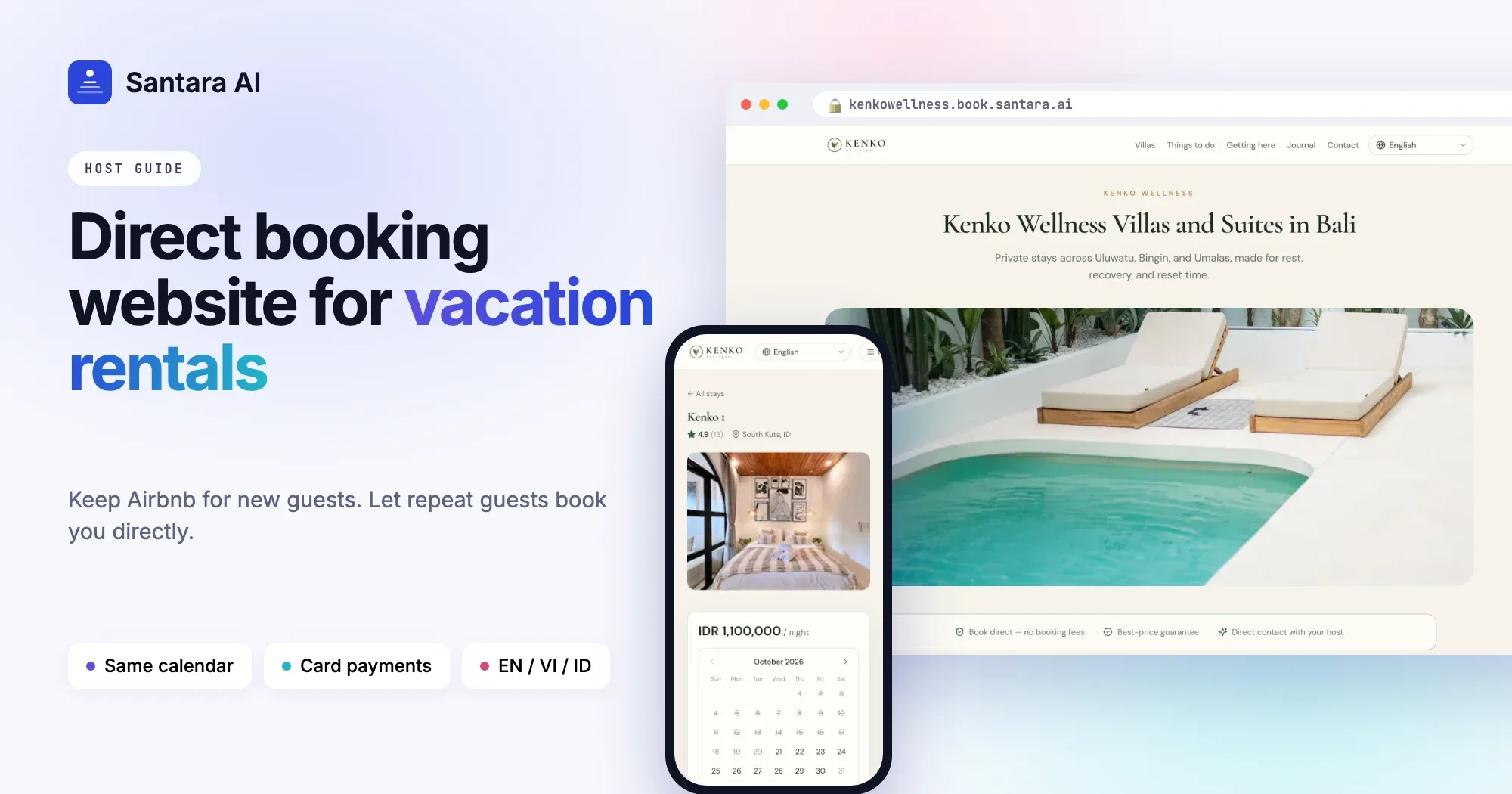
That gap is the job of a direct booking website for vacation rentals: take a booking from anyone who wants to book with you, from the same calendar your OTAs use, with a clear total and a real payment. It does not replace Airbnb or Booking.com. They are where new guests find you, and the direct site runs next to them.
This guide covers what the site must do, how to run it side by side with Airbnb without double bookings or broken platform rules, how to price your direct rate, and how to set one up in an afternoon.
Direct bookings vs OTAs: you need both
| OTAs (Airbnb, Booking.com, Agoda) | Your direct booking site | |
| Best for | New guests who have never heard of you | Guests who already know you: past guests, referrals, followers |
| Guest relationship | Belongs to the platform | Belongs to you |
| Fees | Platform fees on every booking | Lower, and you set the rules |
| Payments | Paid out by the platform | Paid to your own account |
| Calendar | Must stay in sync | Must sell from the same calendar |
The mistake is treating it as either/or. Hosts who switch off OTAs to "go direct" usually lose occupancy fast. Hosts who never build a direct channel pay platform fees on guests they have already earned. The sensible goal is a mix: OTAs fill the calendar with new guests, and a growing share of repeat and referral stays books direct.
What a direct booking website must do
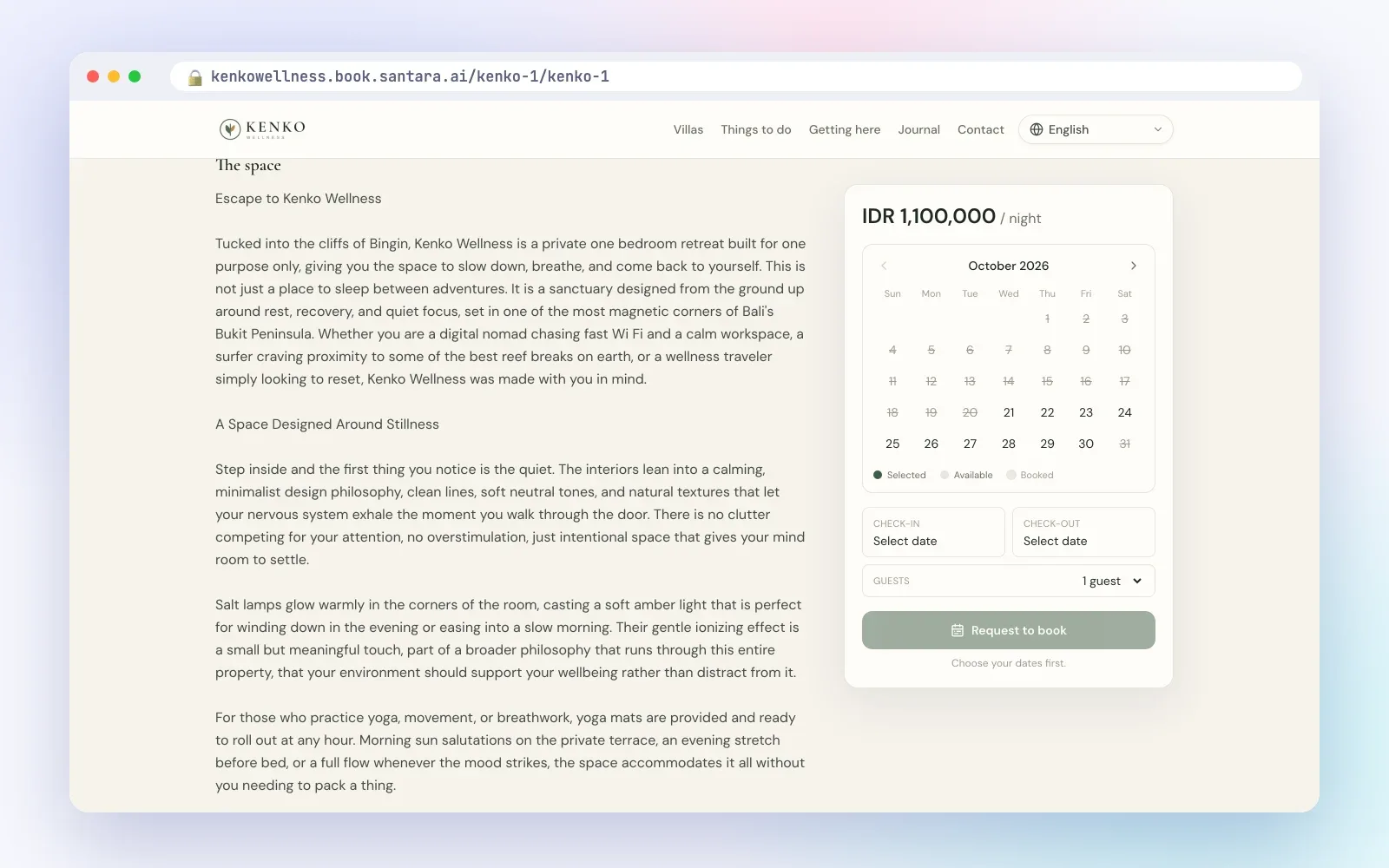
A pretty page with a "contact us" button is not a booking site. Guests expect what they get on Airbnb: real availability, a clear price, and a way to pay. Use this checklist.
Step 1
Live availability from the same calendar
The site must sell from the calendar your channels sync to. If a night sold on Booking.com is still open on your site, you will double book. Copying availability by hand is not a system.
Step 2
A clear total before checkout
Nightly rate, cleaning fee, taxes and any extra fees, shown before the guest pays. Surprise fees at the last step kill direct bookings.
Step 3
Instant booking with card payment
Guests who are ready should be able to book and pay by card right away, into your own payment account. Offer request-to-book only for properties where you need to approve each stay.
Step 4
Trust signals
Real reviews, good photos, a map, house rules, and a visible cancellation policy. A guest booking off-platform needs more reassurance, not less.
Step 5
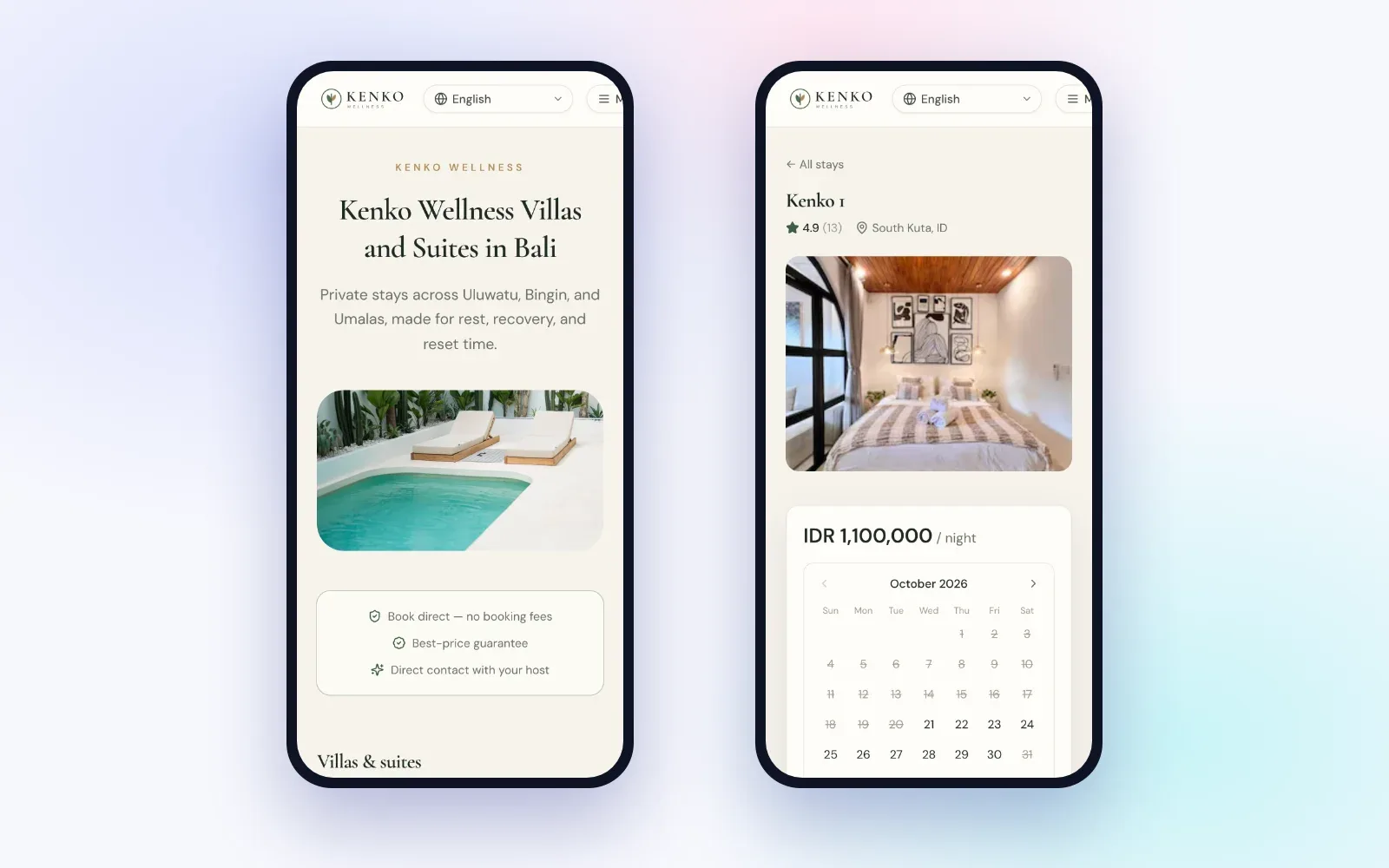
Mobile first
Most guests book on a phone. Test the full flow, from search to payment, on a small screen.
Step 6
The guest's language and currency
Hosts in Vietnam and Bali host guests from Australia, Korea, Europe and the region. Show the site in more than one language, and price in a currency your guests understand.
Step 7
Basic SEO
A proper page title and description, one page per property, a sitemap, and structured data so search engines understand you rent a place to stay.
Running a direct booking website next to Airbnb
One villa sold in two places only works if the guest-facing rules match where they should, and differ only where you decide they will.
| Keep the same everywhere | Can differ on your direct site |
| Availability, from one calendar | Payment, which goes to your own account |
| Maximum guests, check-in and check-out times | Cancellation policy, written clearly on your site |
| House rules: parties, pets, quiet hours | Perks for booking direct |
| Cleaning fee and taxes shown in the total | Languages and currency on the page |
Here is one booking moving through both, using the Canggu host from the start. The Instagram guest books Villa 2 for 9 to 15 December on the direct site and pays by card. Because the site sells from the same calendar as the channels, those nights close on Airbnb and Booking.com as well. The booking sits next to the OTA bookings on the calendar, the turnover on the 15th shows up in the cleaning plan, and the guest gets a confirmation email. Nothing was copied by hand, and nobody had to remember to block anything.
Payments and cancellations are where the two differ most. On Airbnb the platform collects and refunds; on your site you do. Write the policy on the property page and in the confirmation, and read how to take payments for direct bookings before your first refund request.
A 10-minute weekly check
- Go through a test booking on your phone up to the payment step. Is the total what you expect?
- Compare the direct total with the same dates on your Airbnb listing, so you know where you stand on price.
- Answer any booking requests waiting for approval, if you use request-to-book.
- Check that house rules, maximum guests and check-in time still match your listings.
- Look at the next 30 days on the calendar and make sure every direct booking is there.
Getting guests to your direct site
A direct site with no visitors does nothing, and traffic comes from channels you own. Each one has its own guide:
- Past guests: consent to stay in touch, a book-direct card in the room, perks instead of discounts. See how to win repeat guests and get them to book direct.
- Search: page titles, one page per property and local content. See SEO for vacation rental websites.
- Social: your booking link in your Instagram bio, Facebook page and WhatsApp Business profile. See from Instagram to direct bookings.
- Local partners: surf schools, yoga studios and wedding planners who send guests to places they trust. See local partnerships that bring direct bookings.
One rule covers all of them. Airbnb and Booking.com do not allow you to push guests off-platform in their messaging, or to share your contact details before a booking is confirmed. Do not put your website link in OTA messages. Read each platform's terms and keep your direct marketing on channels that are yours.
Pricing your direct rate
Many hosts' first instinct is to make the direct rate cheaper than the OTA rate. Before you do, check your channel contracts: some include rate parity terms about publicly advertised prices. An alternative that rarely breaks a contract is to add value instead of cutting price: a late checkout, an airport pickup, a welcome basket or a free extra night on longer stays for guests who book direct. For ideas, see the upsells hiding in your calendar.
Setting up a direct booking site with Santara AI
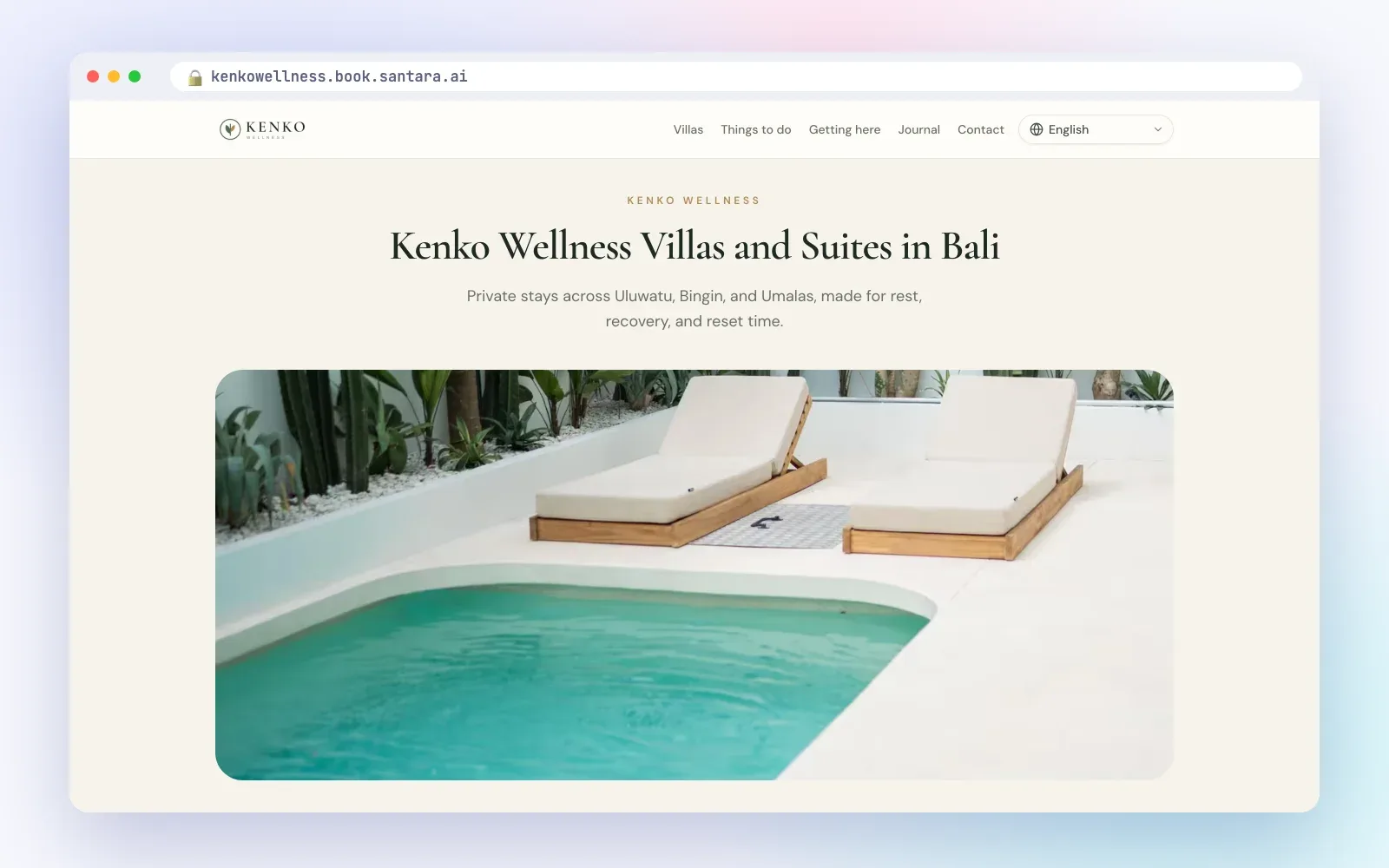
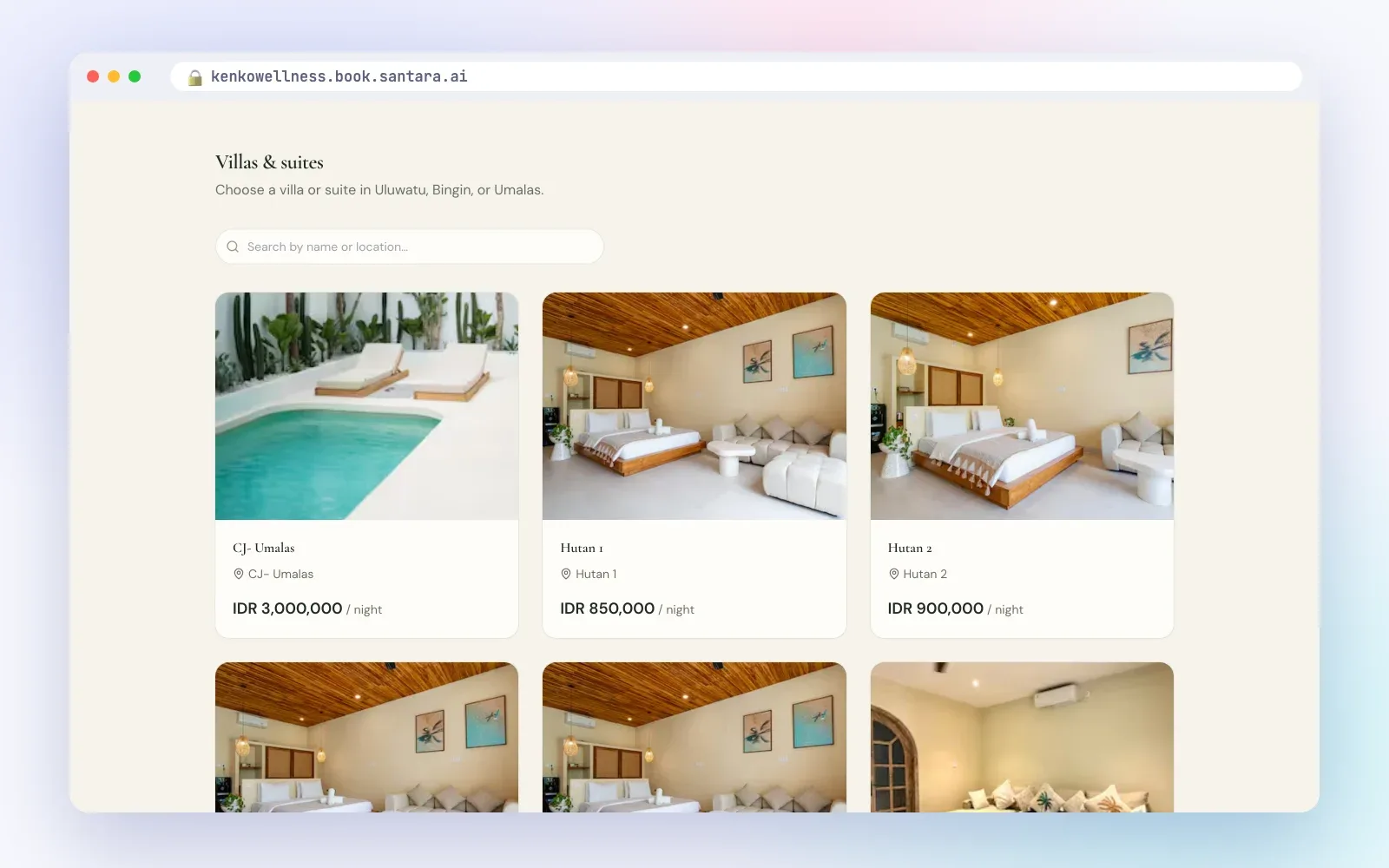
Santara AI builds the site from the properties, rooms, photos and prices already in your workspace, so there is nothing to retype and no second content system to maintain. It sells from the same calendar your channels sync to, so a night sold on Airbnb closes on your site too.
Step 1
Pick a template
Seven templates: Coastal, Boutique, Minimal, Retreat, Urban, Luxe and Gallery. Choose colours and fonts, and add a hero image or a short looping video.
Step 2
Arrange the home page
Turn sections on and reorder them: your listings, an about section, guest reviews, FAQ, a photo gallery, a contact block with email, phone and WhatsApp, and a call to action.
Step 3
Let AI draft the copy, then review it
AI suggests a headline, about text, FAQ answers and SEO title and description from your real property facts. Nothing is applied until you tick what you want to keep.
Step 4
Turn on payments
Connect your own Stripe account and guests pay by card, with payouts going to you. Until then, or for properties where you prefer to approve each stay, use request-to-book mode.
Step 5
Choose languages and currency
The site supports English, Vietnamese and Indonesian, with AI translation you can edit, and a currency such as USD, VND, IDR, AUD or EUR.
Step 6
Publish
Your site goes live at yourbrand.book.santara.ai, with a sitemap, page titles and structured data for each property.
Booking confirmations go to the guest by email, direct bookings appear in the same calendar as your channel bookings, and the cleaning plan picks them up like any other stay.
What it does not do yet
Promo codes and deposits are not supported yet: guests pay the full total at booking. We would rather you know that now.
Common mistakes
- Treating the site as a brochure. If guests cannot see availability and book, they will go back to the OTA.
- Copying availability by hand. One missed block is a double booking and a cancelled guest.
- Hiding fees until checkout. Show the full total early.
- Breaking platform rules. Never use OTA messages to send guests to your site.
- Undercutting without checking contracts. Add value before you cut price.
- Launching and forgetting. Share the link every time a guest asks how to book again.
FAQ
Do I need to leave Airbnb to get direct bookings?
No. Keep OTAs for new guests and use your direct site for guests who already know you. Most hosts run both, from one calendar.
Can a direct booking site double book against Airbnb?
It is rare when the site sells from the same calendar your channels sync to. Problems start when availability is copied by hand.
Does my direct site need the same cancellation policy as Airbnb?
No. It needs a policy that is written down, shown before payment and repeated in the confirmation. Many hosts keep it close to their OTA policy so guests are not surprised, then decide how strict to be.
Should the direct price match my Airbnb price?
Check your channel contracts first, since some include rate parity terms. Adding a perk for direct guests is usually safer than cutting the price.
How do guests pay on a direct booking site?
With Santara AI, by card through your own Stripe account. Until Stripe is connected, the site takes booking requests that you approve.
Can I use my own domain?
Yes. Your site starts at yourbrand.book.santara.ai. To use a domain you own, open the Custom domain card in your booking site setup, add the two DNS records it shows and verify. HTTPS is switched on by the Santara AI team after you verify, and the original address keeps working.
Will my direct site show up on Google?
It has page titles, a sitemap and structured data for each property, which help. Ranking also depends on links and content, so share your link widely and add a few useful pages about your area.
Keep reading
- PMS vs channel manager: do short-term rental hosts need both?
- How to choose villa management software for 1–20 villas
- The guest message playbook: 10 moments that decide your review score
Your best guests already know you. Give them a way to book you directly. See how the Santara AI direct booking site works.
Your first 3 months are free.
Join For Free