Calendar-first upsells: why waiting for guests to ask is too late
Your calendar shows which stays sit next to an empty night hours before a guest asks. A 10-minute morning routine for late checkout, early check-in and extra nights.
 Tai Pham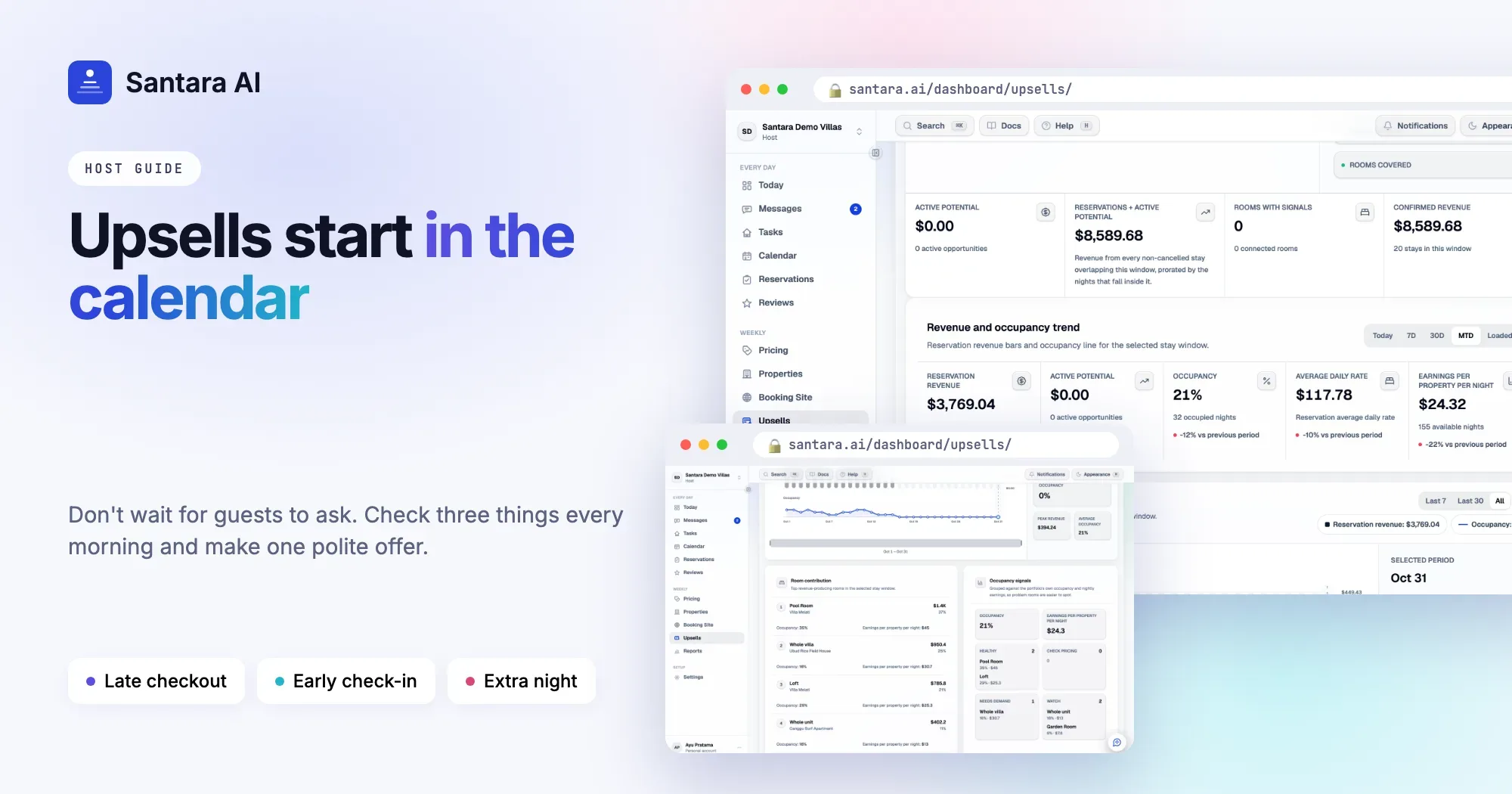
Most upsell advice starts with the guest. Wait for someone to ask about late checkout, then say yes and name a price. The trouble is timing. By the time a guest asks at 10:30 on checkout morning, your cleaner has planned the day around 11:00, and the free night after their stay may have sold an hour ago on another channel.
Your calendar sees these chances hours or days before the guest thinks to ask. It shows which stays sit next to an empty night, which mornings have no arrival, and which rooms stood empty last night. A good vacation rental upsell strategy starts there, not in the inbox. This guide covers a short morning routine, how to fit offers around your cleaning team, and how to make one polite offer instead of a stream of sales messages.
Why waiting for the guest is too late
Waiting feels respectful. In practice it costs you the sale, and often the guest's last good hours too.
- The night sells first. An empty night after a stay is the one you most want to fill. It is also exactly what a last-minute booker is looking for. If the guest asks on their final evening, it may already be gone.
- The cleaning plan is already set. Cleaners plan their route the evening before or first thing in the morning. A late checkout request at 10:00 means rearranging a day that has already started.
- Most guests never ask. Many don't know late checkout is possible, assume it is expensive, or feel awkward asking. Their flight leaves at 20:00, so they spend six hours with their bags in a café. That is a lost sale and a worse last day.
Offering first, from the calendar, turns this around. You pick the moment, you have already checked the cleaning plan, and the guest gets a clear option with a price.
Three questions to ask your calendar every morning
Each question points to one offer. These are the most reliable airbnb upsell ideas because they need no supplies, no partners and no extra staff, only a room that would otherwise stand empty.
| Question | What the calendar shows | Offer |
| Who checks out today with no one arriving? | The room stays empty until tomorrow | Late checkout |
| Who arrives today after an empty night? | The room was free last night | Early check-in |
| Who leaves tomorrow, with tomorrow night still free? | A night that will probably stay empty | One extra night |
Late checkout is worth offering early on checkout morning, before the guest starts packing. Early check-in belongs on the morning of arrival, before your normal check-in time, once you know no one is leaving that room today. The extra night is best offered the day before checkout, while the guest can still change a flight or a transfer.
Two conditions apply to all three. The gap must be real, so check that nothing has been booked or blocked since yesterday. And the clean must still fit.
A ten-minute morning routine
Step 1
Open today and tomorrow
Look at every room for both days. You only need checkouts, arrivals and empty nights, so the list is short.
Step 2
Mark the three cases
Checkouts today with no arrival, arrivals today after an empty night, and checkouts tomorrow before a free night. Write the room and guest name next to each.
Step 3
Check with the cleaning team
For each case, ask whether the new time works. Drop any offer the team can't absorb today.
Step 4
Send one offer per stay
Use the guest's existing booking conversation. Give a time, a price and an easy way to say no.
Step 5
Tell the team the result
When a guest says yes, update the cleaner straight away, in the same place they get their tasks.
Keep the cleaning team in the loop
Every yes changes someone's day. A late checkout pushes a clean later. An early check-in means the room must be inspected and ready before the usual time. An extra night removes tomorrow's clean and may need a towel change instead.
A few habits keep this calm:
- Agree a latest time. For example, no late checkout past 15:00 when one cleaner covers three rooms. Then you never have to ask.
- Ask before you offer, not after the guest accepts. It is easier to skip an offer than to take one back.
- Put changes where the team already looks. If tasks live in a WhatsApp group, post the new time there, with the room name.
- Watch the busy days. On a day with four checkouts and one cleaner, skip late checkouts entirely.
One offer, not a sales campaign
Guests remember how an offer felt. One clear, well-timed message reads as good service. Three reminders read as pressure.
- One offer per stay, per type. If the guest doesn't reply, leave it.
- Send it in the booking conversation. Stay on the platform where the guest booked. Don't move them to another app or ask them to cancel and rebook.
- Say why it is possible. "No one checks in after you today" explains the offer and makes it feel personal.
- Make "no" free. End with something like "no worries either way".
Hi Maya, nobody checks in after you today, so you're welcome to stay until 14:00 instead of 11:00. It's IDR 375,000. Just reply here if you'd like it, no worries either way.
If the guest says yes on an Airbnb, Booking.com or Expedia stay, arrange the time change, extra night and any payment through the platform's own tools, so every calendar stays correct. For pricing and more wording ideas, see the upsells hiding in your calendar.
How Santara AI does the morning check for you
Santara AI Upsells runs the same three questions against your calendar. Detection reads the calendar, not guest messages, and no AI guessing is involved:
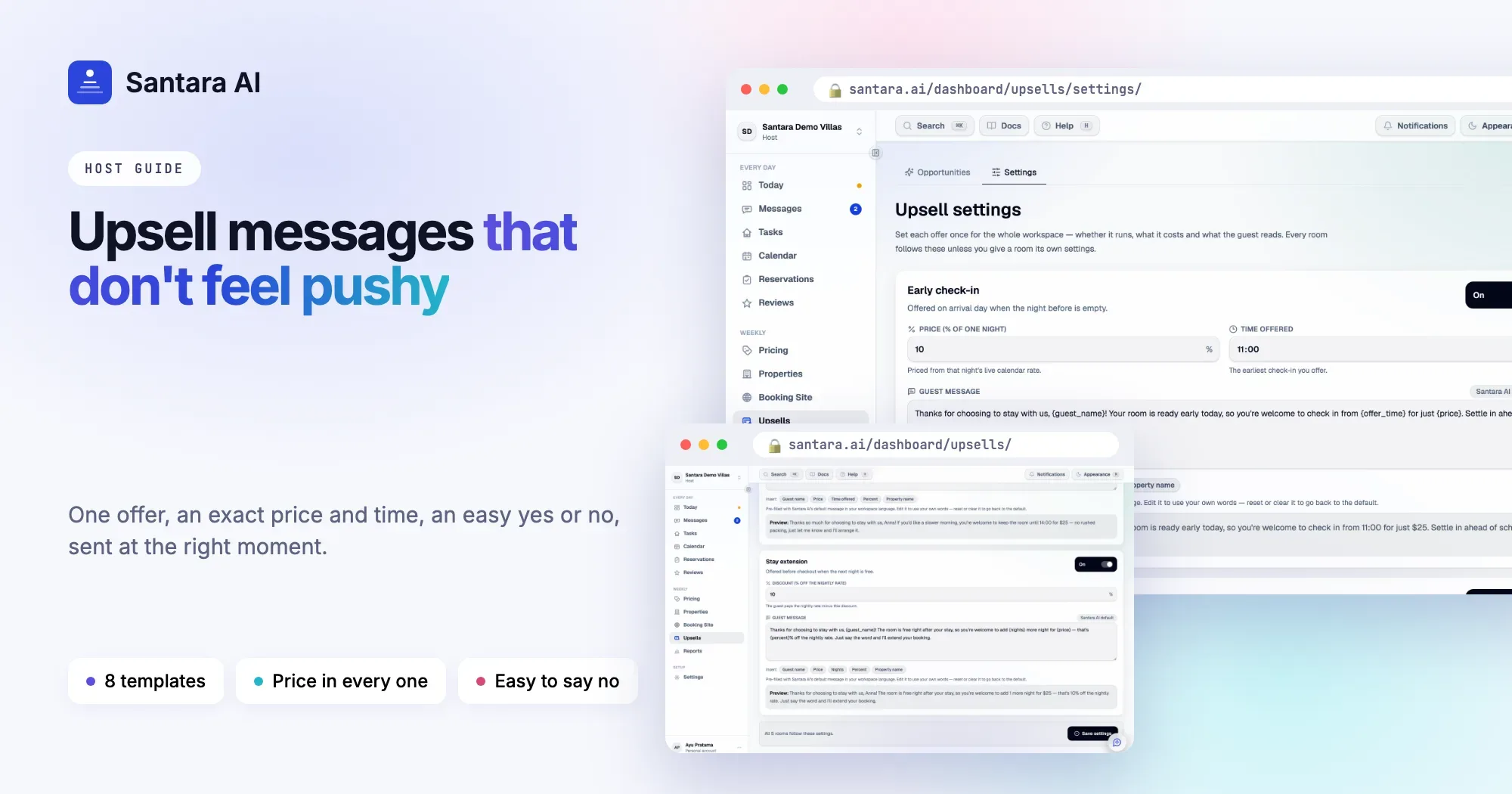
- Early check-in on arrival day, before check-in time, when the night before was empty and no guest checks out of that room that day.
- Late checkout on the morning of checkout, when no new guest arrives that day.
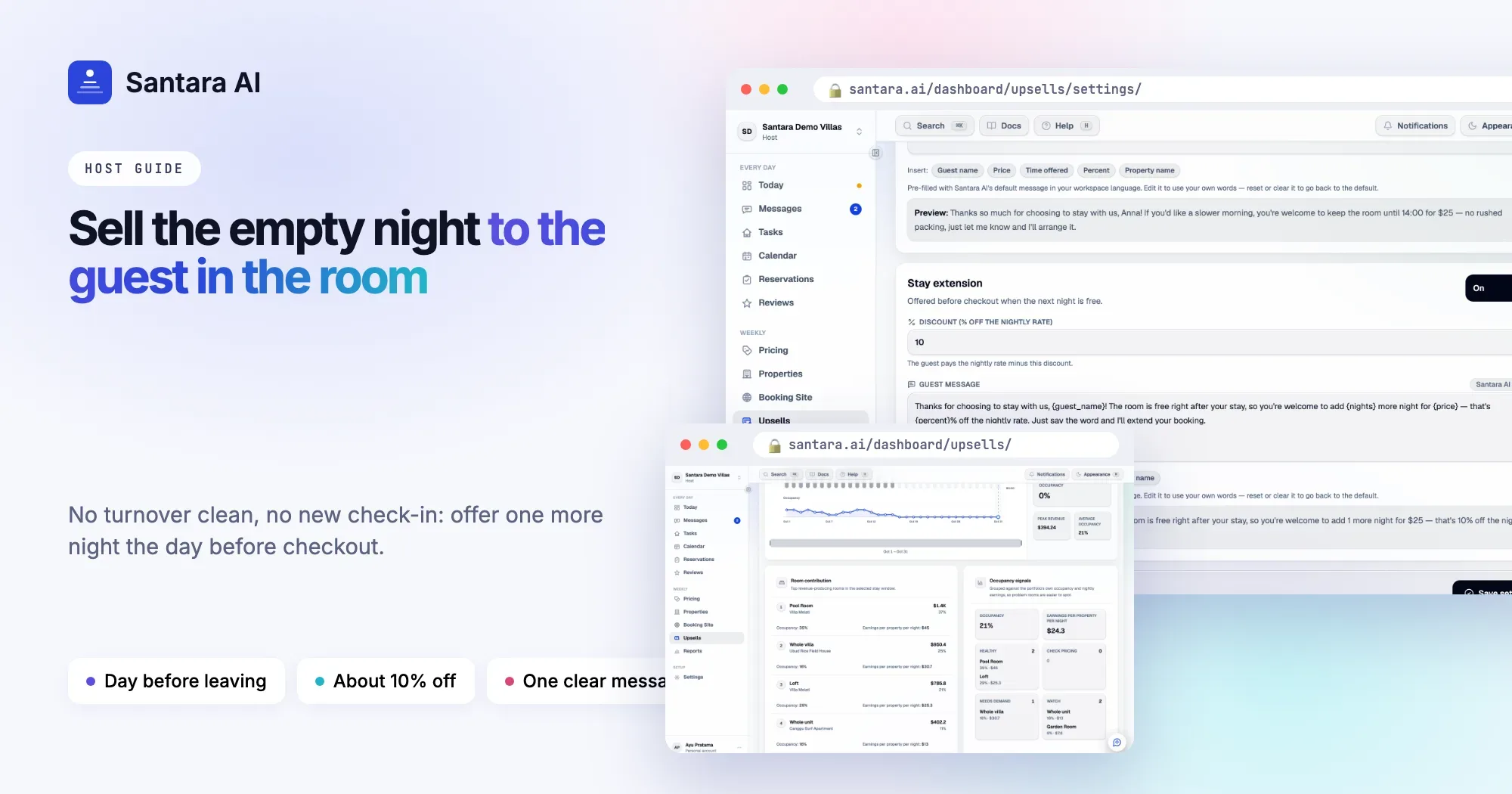
- Stay extension the day before checkout, when the next night is free.
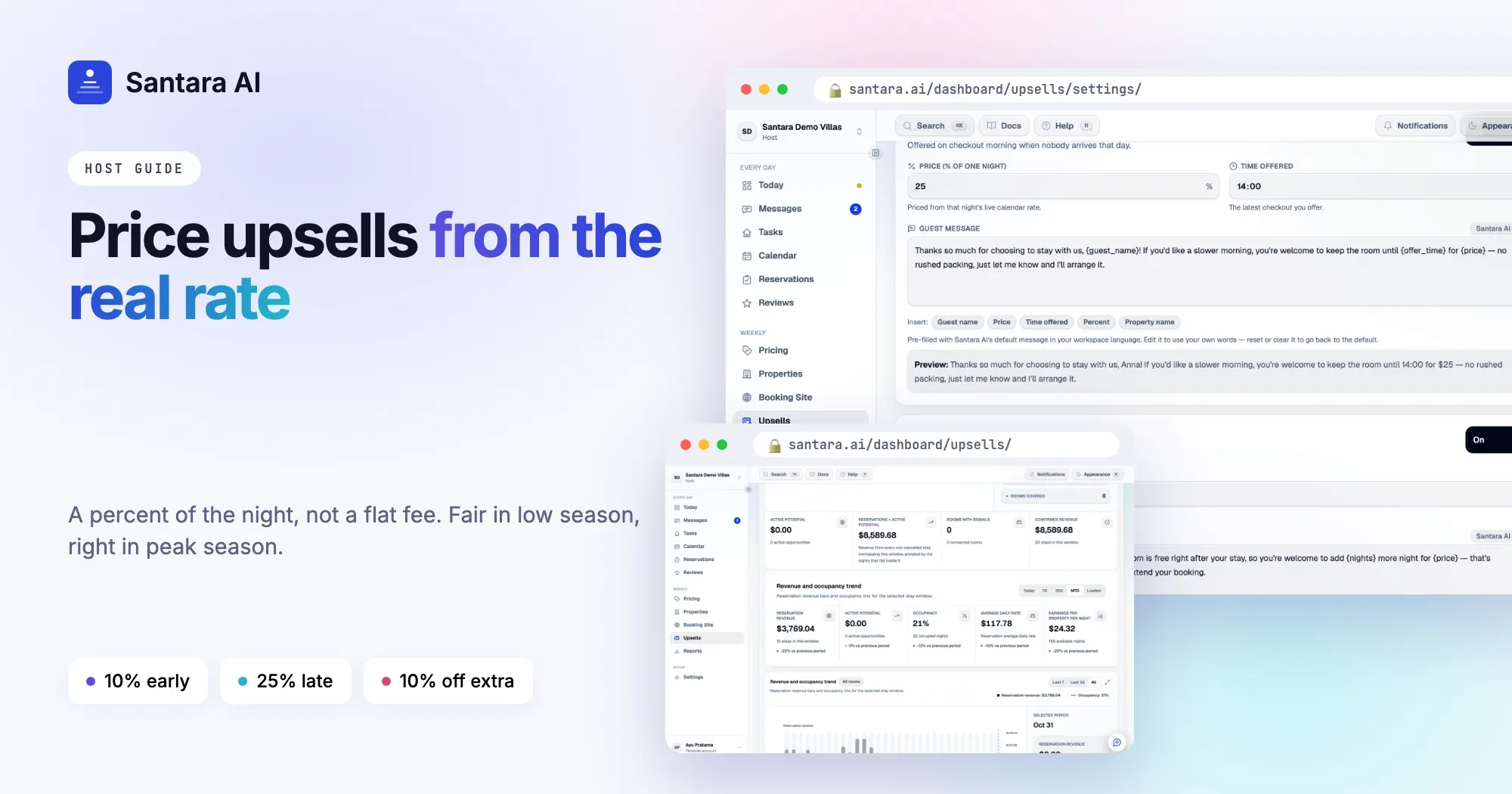
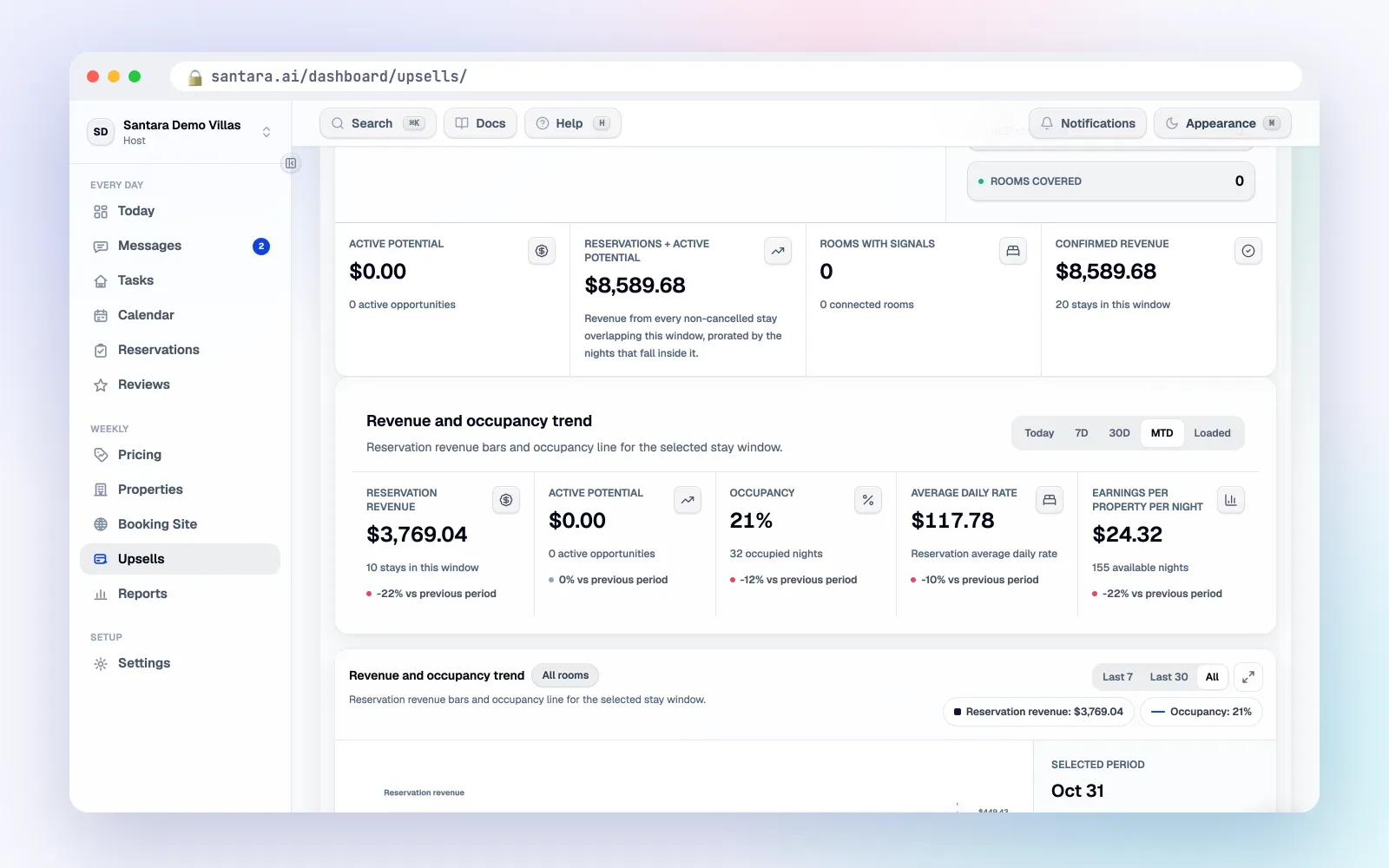
Offers appear in two places. Your Daily Brief email shows up to six upsell cards next to the day's arrivals, departures and cleans, each with the guest, dates, room, price, why it was found and the exact message the guest would receive. The Upsells page in the dashboard lists offers ready to send, soonest to expire first, with counters for message-ready, expiring soon and needs review.
The calendar gate is strict. Santara AI never offers a night that is booked or blocked, never offers late checkout when someone arrives that day, never offers early check-in when someone leaves that day, and makes no offer once the check-in or checkout time has passed. Offers expire on their own after checkout or cancellation.
Nothing is sent automatically. You review the offer and press send, one at a time or as a queue. The message goes into the guest's existing conversation on Airbnb, Booking.com or Expedia, or on WhatsApp when a WhatsApp conversation exists and is still inside WhatsApp's 24-hour reply window.
Guests can also ask first. In the stay's QR guidebook, the Extras section lets a guest who enters their booking code request early check-in, late checkout or one more night. The request is priced from the same settings and checked against the calendar, and you get a notification to confirm.
What Santara AI does not do
Santara AI finds and prices these three offers only. It does not change the reservation, move check-in or checkout times, extend the stay or take payment. After a guest says yes, you arrange it, on the booking platform for OTA stays. There is no accepted or declined tracking yet, and nothing goes out by email or SMS.
FAQ
Why not just wait until a guest asks?
Because the empty night may sell and the cleaning plan may be fixed by then. Offering first, after checking both, gives you and the guest more options.
How many times should I send the same offer?
Once. If the guest doesn't reply, leave it. One clear offer is service; repeated reminders feel like pressure.
Does Santara AI read guest messages to find upsells?
No. It reads the calendar: checkouts, arrivals and empty nights. Guest messages play no part in finding offers.
Can guests request extras themselves?
Yes, through the Extras section of the stay's guidebook after entering their booking code. You confirm before anything is arranged.
Keep reading
- The guest message playbook: 10 moments that decide your review score
- Turnover day without chaos: a cleaning system for 5 to 50 units
- 05:30 to 23:00: A day running 12 villas in Canggu
Your first 3 months are free.
Join For Free