Upsell message templates that don't feel pushy
Seven principles and eight ready templates for late checkout, early check-in and extra nights, plus what not to write, so upsell messages read as care.
 Tai Pham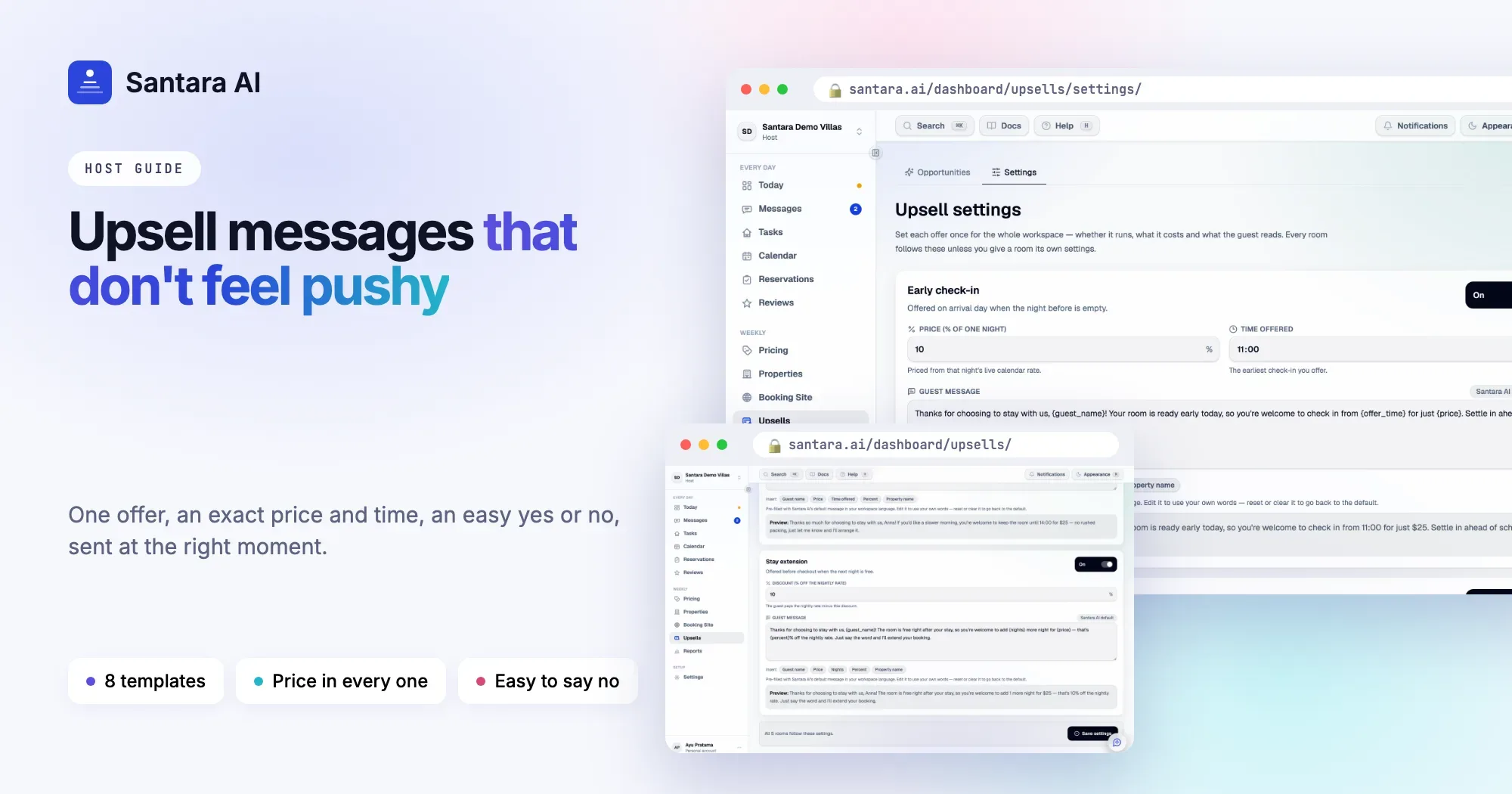
Most hosts are not afraid of the upsell. They are afraid of how it sounds. Nobody wants to be the villa owner who sends a sales pitch to a family on holiday, so the late checkout never gets offered and the empty night after checkout stays empty.
The fix is not a cleverer pitch. It is a better message: short, kind, specific, and easy to refuse. This guide covers the principles behind upsell messages that don't feel pushy, gives you ready upsell message templates for Airbnb and other platforms, including a late checkout message template, and lists what not to write.
Seven principles for upsell messages
1. Lead with care, not the sale. Start with something that is about the guest: their trip, their flight, their comfort. "No one arrives after you tomorrow, so you're welcome to stay longer" sounds like a favour. "Upgrade your stay today!" sounds like an ad.
2. One clear offer per message. Late checkout or an extra night, not both, plus a list of extras. One offer is easy to answer. Three offers need a decision.
3. Exact price and exact time. "Until 2pm for IDR 375,000" is clear. "A small fee" makes the guest ask, and asking feels awkward.
4. Make yes and no both easy. "Just reply yes" and "no worries if not". The guest should be able to answer in one word, either way.
5. No pressure. No "only today", no fake scarcity, no countdowns. A real deadline is fine ("let me know by 6pm"), because it protects you if the room books.
6. Send it at the right moment. Early check-in a day or two before arrival. Late checkout the evening before departure. An extra night the day before checkout. The same words sent at the wrong time feel pushy.
7. Write in the guest's language. A short message in the guest's language reads as hospitality. If you don't speak it, keep the English simple, with no idioms.
All of this assumes the offer is real: the room is free, the cleaner has time, and nobody else is affected. If you are not sure the gap is there, read the upsells hiding in your calendar first.
Where and when to send
| Offer | When to send | Where |
| Early check-in | 1–2 days before arrival, or the morning of arrival | The booking conversation |
| Late checkout | The evening before checkout, or the morning of checkout | The booking conversation |
| Extra night | The day before checkout | The booking conversation |
| Follow-up | Once, a few hours later, only if no reply | The same conversation |
Always send inside the guest's existing booking conversation on Airbnb, Booking.com or Expedia. If the guest says yes, arrange the change and any payment through the platform's own tools. Never ask a guest to pay you directly or to cancel and rebook.
Upsell message templates you can copy
Change the name, time and price. Keep the length.
Late checkout
Hi Sarah, no one checks in after you tomorrow, so you're welcome to stay until 2pm instead of 11am. It's IDR 375,000. Just reply yes and I'll let the team know. No worries at all if not.
Late checkout, for a late flight
Hi Tom, I saw your flight leaves in the evening. If it helps, the villa is free tomorrow, so you can keep the room until 2pm for IDR 375,000 and leave from here rather than waiting around. Happy either way.
Early check-in
Hi Ana, good news: your room is ready early. If you land in the morning, you can check in from 11am instead of 2pm for IDR 150,000, so you can shower and rest straight away. Just let me know.
Extra night
Hi Emma, the villa is free tomorrow night, so if you'd like one more night, you're very welcome. It would be IDR 1,350,000, 10% under the usual rate. Let me know by 6pm today and I'll set it up through Airbnb.
A polite follow-up (send once)
Hi Emma, just checking in case my last message got buried. The extra night is still free if you'd like it. If not, no need to reply. Enjoy your last evening.
When they say yes
Great, it's yours. I'll send the change through Airbnb in the next few minutes, so you just need to accept it there. Enjoy the extra morning.
When the guest asks but it's not possible
Hi Ben, I'd love to say yes, but a new guest arrives tomorrow, so we need the room by 11am. You're welcome to leave your bags with us after checkout and use the pool area until your driver comes.
When you need to withdraw an offer
Hi Lisa, sorry, the extra night was just booked by another guest, so I can't offer it anymore. Thank you for considering it, and safe travels tomorrow.
What not to write
- Sales words. "Exclusive", "limited", "upgrade your experience", "don't miss out". Guests recognise ad copy instantly.
- Vague prices. "A small fee", "a special price". Always write the number.
- Several offers in one message. It reads like a menu, and the guest answers none.
- Guilt. "We'd really appreciate the support." The offer should be a favour, not a favour you ask for.
- Repeated reminders. One follow-up at most. A second chase is pressure.
- Promises you can't keep. Don't offer late checkout before you have checked the cleaning plan.
- Off-platform payment or contact. No bank details, no payment links, no "message me on another app" for a booking-platform guest.
- Long paragraphs. If the message doesn't fit on one phone screen, it's too long.
How Santara AI helps you write upsell messages
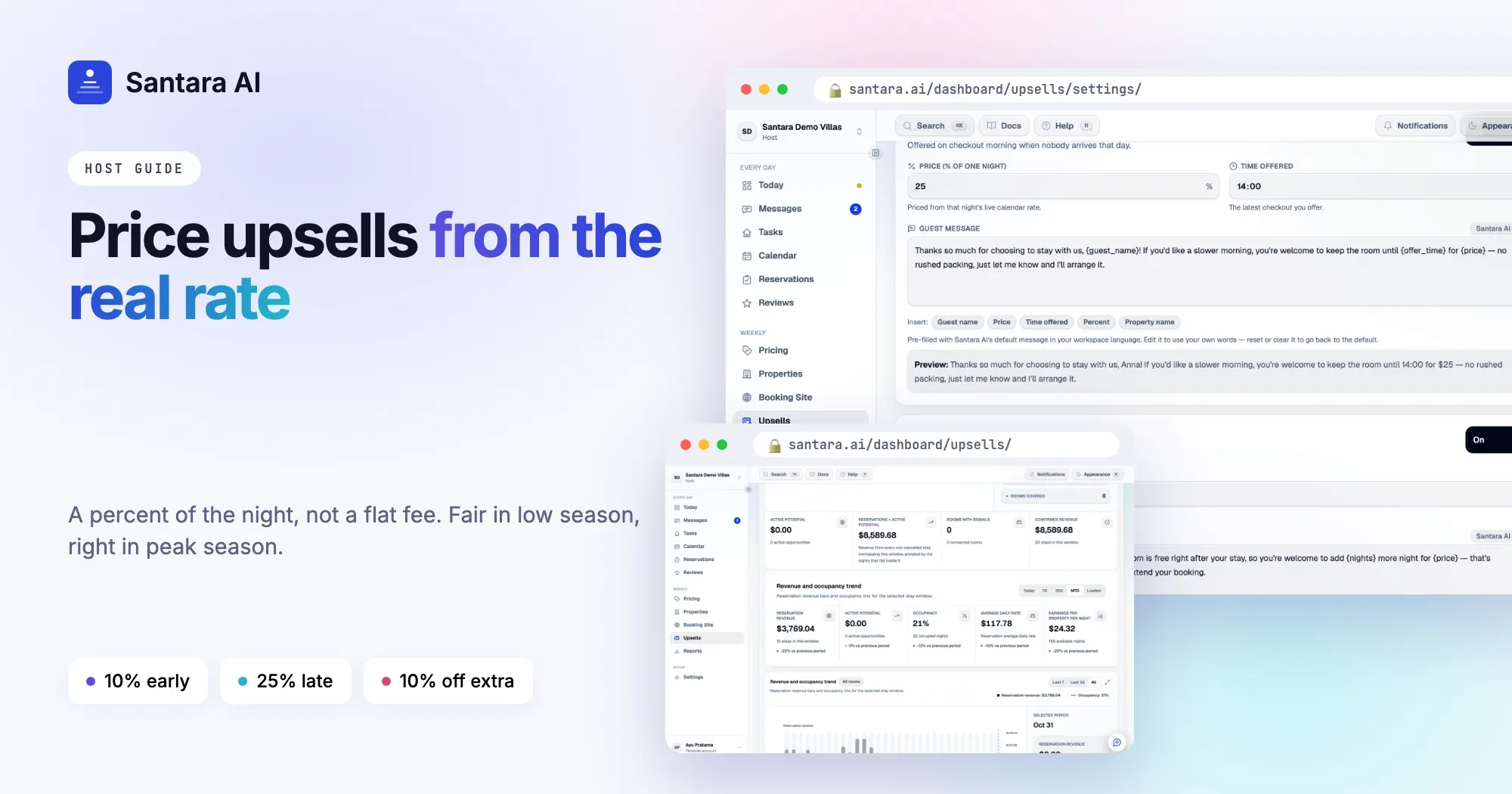
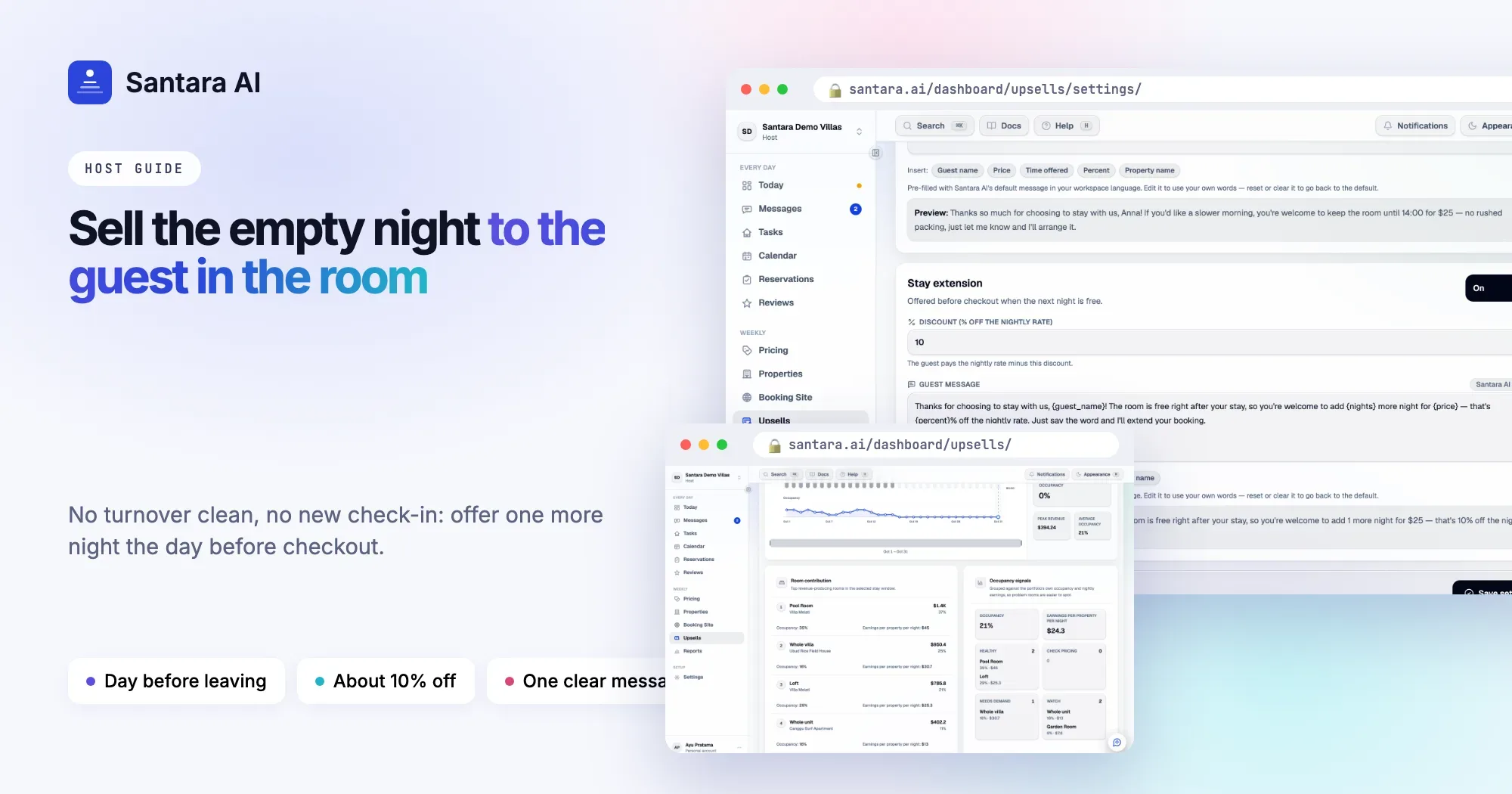
In Santara AI, each offer type has its own message: early check-in, late checkout and stay extension. You write it once in Upsells → Settings, and every offer of that type uses it.
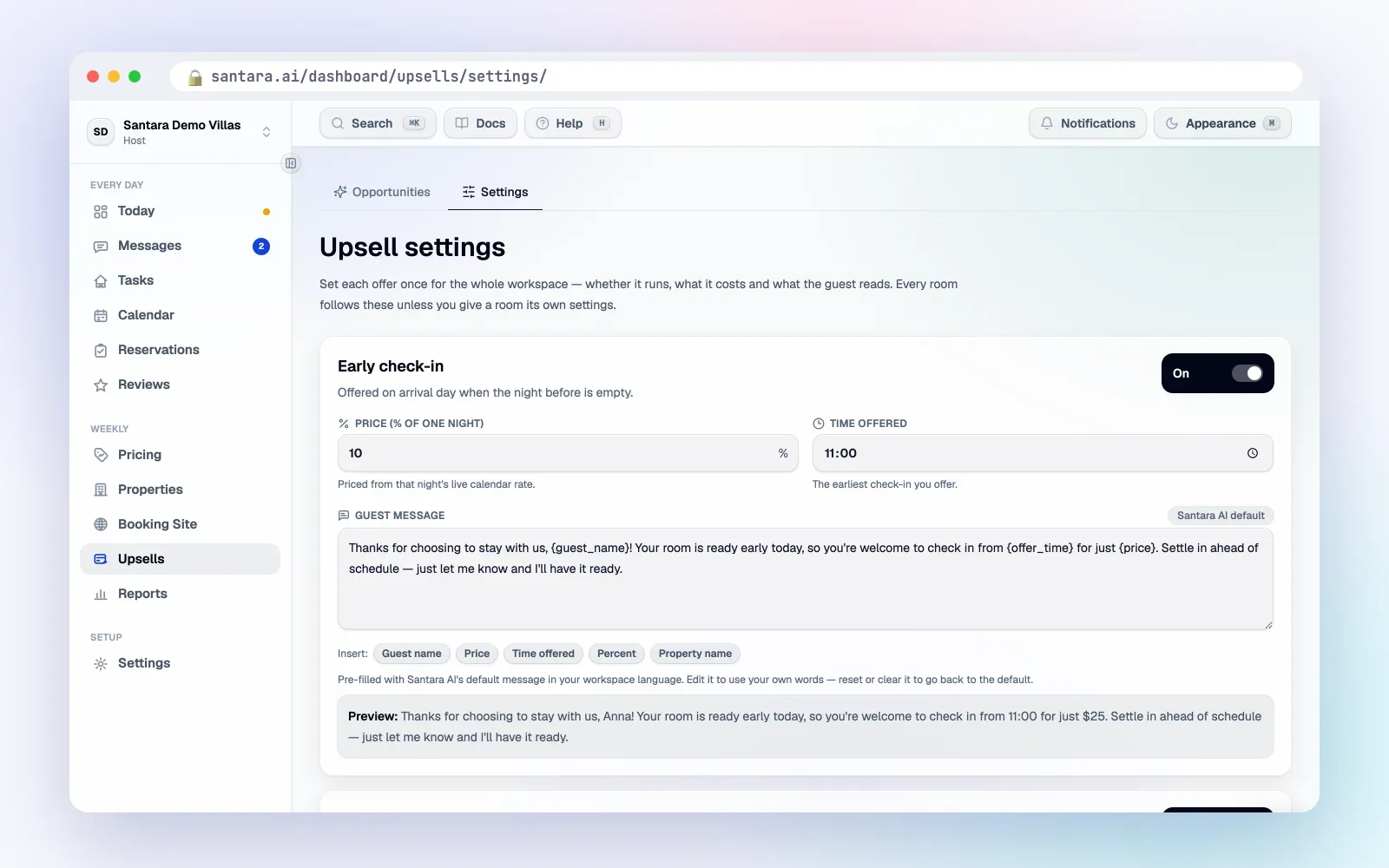
- Insert chips add Guest name, Price, Time offered, Percent and Property name to the message, and Nights for stay extensions. Each offer fills in the real values for that guest.
- A live preview shows the message as the guest will read it.
- A default message is pre-filled by Santara AI in your workspace language: English, Indonesian or Vietnamese. You can rewrite it.
- The price must be in the message. Santara AI requires the Price in every message, so guests always see the exact number.
- Room by room. Use one message for the whole workspace, or give any room its own.
Offers appear in your Daily Brief email and on the Upsells page with the exact message the guest will get. Nothing is sent automatically. You read it, then press send, and it goes into the guest's existing conversation on Airbnb, Booking.com or Expedia, or WhatsApp when a conversation there is within WhatsApp's 24-hour reply window.
Good to know
The message is written per offer type, in the language you choose, not translated per guest. Follow-ups are up to you; Santara AI does not send them. When a guest says yes, you arrange the change and any payment through the booking platform's own tools.
FAQ
Is it allowed to send upsell offers in Airbnb messages?
Yes, when the offer is for the stay booked through Airbnb and the change and payment go through Airbnb. Don't share payment details or ask the guest to book elsewhere.
Should I send an upsell to every guest?
No. Send it when the gap is real and the guest is easy to host. One well-timed offer beats a message to everyone.
How many times should I follow up?
Once at most, a few hours later. If there's still no reply, take it as a no.
Can I write different messages for different rooms?
In Santara AI, yes. The workspace message is the default, and any room can have its own.
Keep reading
- The guest message playbook: 10 moments that decide your review score
- Turnover day without chaos
- A day running 12 villas in Canggu
Your first 3 months are free.
Join For Free