How to price upsells from your real nightly rate (so you never undersell)
Flat upsell fees are too cheap in peak season and too steep in quiet weeks. Price late checkout, early check-in and extra nights as a percent of the real nightly rate.
 Tai Pham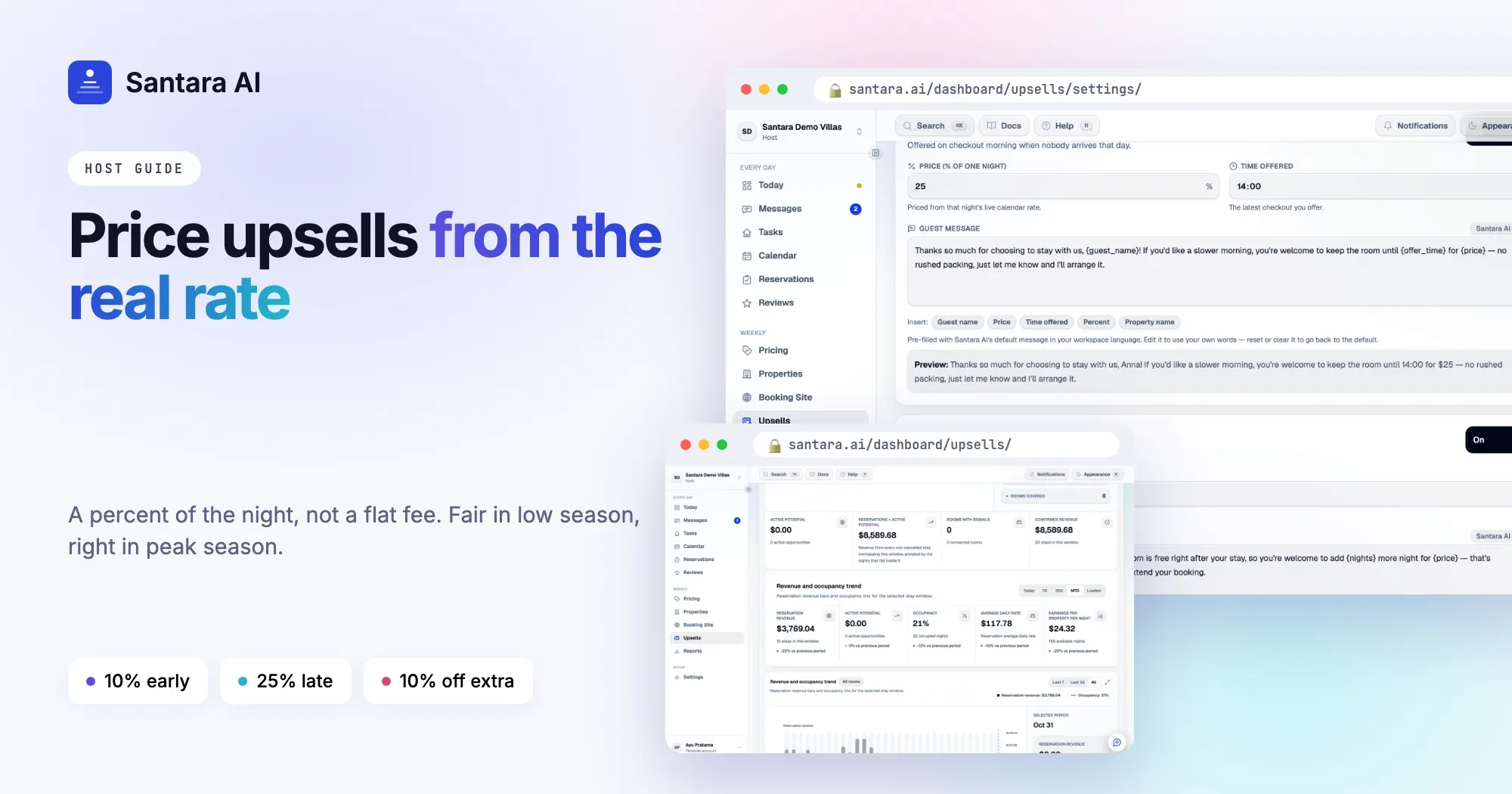
Most hosts set an upsell price once and forget it. Late checkout is IDR 300,000, early check-in is IDR 200,000, done. It feels simple, and it works for a few weeks. Then high season arrives, your nightly rate doubles, and that same late checkout is now a bargain on the busiest weekend of the year.
The fix is to price upsells from the night they use, not from a number you picked months ago. This guide covers upsell pricing for a vacation rental in plain steps: why flat fees undersell, how a percent of the nightly rate works, worked examples for low and peak season, sensible rounding, different rates for different rooms, and how much to take off an extra night.
The problem with a fixed upsell price
A flat fee ignores what the time is worth. Late checkout uses hours of a room that would otherwise sit empty, so its value moves with that night.
Say your villa goes for IDR 1,500,000 a night in the rainy season and IDR 3,000,000 over Christmas. A flat late checkout fee of IDR 300,000 is:
- 20% of the night in low season, which is fair.
- 10% of the night in peak season, which undersells an afternoon in your busiest week.
The opposite also happens. Set the flat fee for peak season and low-season guests see a price that looks out of proportion to the room. They say no, and the room stays empty anyway.
Price as a percent of the night
The simplest fix is to express each offer as a share of the nightly rate for the night it touches:
- Late checkout: a percent of the night the guest leaves on, because that is the room you hold back from the next guest.
- Early check-in: a percent of the night before arrival, because that is the night the room stood empty.
- Extra night: the nightly rate for that night, minus a small discount.
Reasonable starting points are about 10% of the night for early check-in, about 25% for late checkout, and about 10% off for an extra night. They are only starting points. Your market, your cleaning setup and your guests decide the final numbers.
Because the price follows your nightly rate, it rises in peak season and falls in quiet weeks without you touching it.
How much to charge for late checkout, early check-in and an extra night
The table below uses example rates for one villa in Bali. These are illustrations, not recommendations for your property.
| Offer (example %) | Low season, night at IDR 1,500,000 | Peak season, night at IDR 3,000,000 |
| Early check-in, 10% of the night | IDR 150,000 | IDR 300,000 |
| Late checkout, 25% of the night | IDR 375,000 | IDR 750,000 |
| Extra night, 10% off | IDR 1,350,000 | IDR 2,700,000 |
The same rules give a fair price in both seasons. A guest in February pays a modest fee. A guest over New Year pays a price that matches the demand for that week.
If you price in USD, the logic is identical. At USD 120 a night, 25% for late checkout is USD 30. At USD 220, it is USD 55.
Round to numbers people can read
Nobody wants to pay IDR 337,500. Round every price to a clean step before you send it.
- IDR and VND: round to the nearest 5,000 at least. For larger amounts, 10,000 or 25,000 reads even better.
- USD, EUR, AUD: whole numbers.
- Never round to zero. On a very cheap room, 10% may be a tiny figure. If the result looks silly, raise the percent for that room or skip the offer.
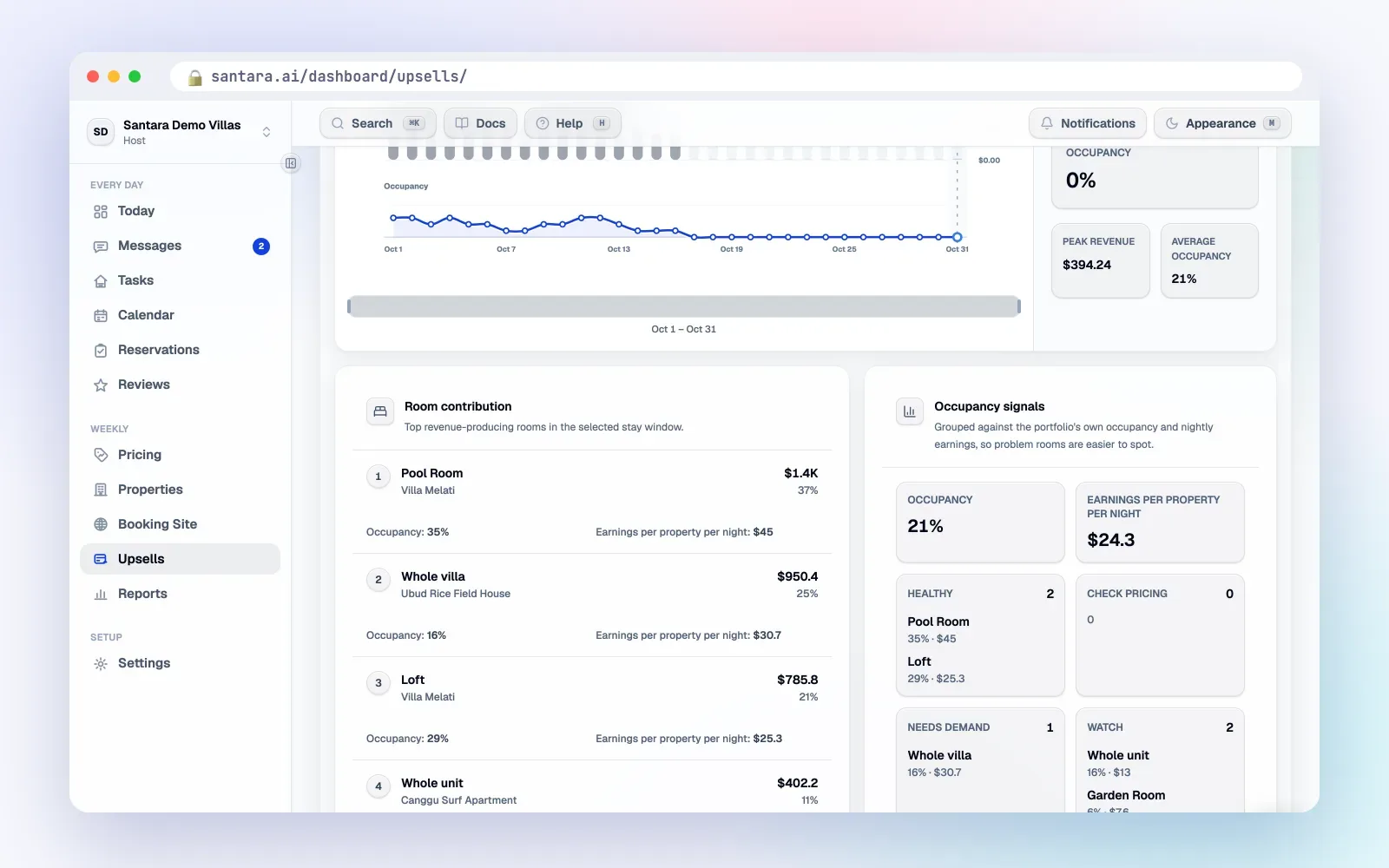
Different rooms, different percentages
One percentage for every room is a good start, but rooms are not equal.
- Large villas with a pool take longer to clean. A late checkout squeezes the team more, so a higher percent is fair.
- Small rooms with quick turnovers can take a lower percent and still be worth it.
- Rooms that sell well at the last minute deserve a smaller extension discount, or none at all.
- Rooms that often sit empty can take a slightly bigger extension discount, because an empty night earns nothing.
When to discount an extra night, and by how much
An extra night for a guest already in the room saves you a turnover and a check-in. That is the reason a small discount makes sense. It is not a reason to give the night away.
- Start around 10% off. It feels like a thank-you, not a clearance sale.
- Don't discount when the night is likely to sell. On a holiday weekend, offer it at the full rate or not at all.
- Go deeper only when it is close and quiet. If tomorrow night is still empty and nothing is moving, a slightly bigger discount can be better than an empty room. Decide your floor in advance so you don't drift lower each time.
- Avoid big discounts. Large cuts teach guests to wait for a deal next time.
Review prices every season
Percentages save you from repricing every week, but they still need a check a few times a year.
Step 1
Before each season starts
Look at your nightly rates for the coming months. If they jump, your percentages may already produce the right prices. If not, adjust.
Step 2
After a few weeks
Note which offers guests accept and which they ignore. A late checkout nobody takes may be priced too high for that room.
Step 3
When your cleaning setup changes
A new cleaner, a second team, or a new villa changes what late checkout costs you. Update the percent.
How Santara AI prices upsells
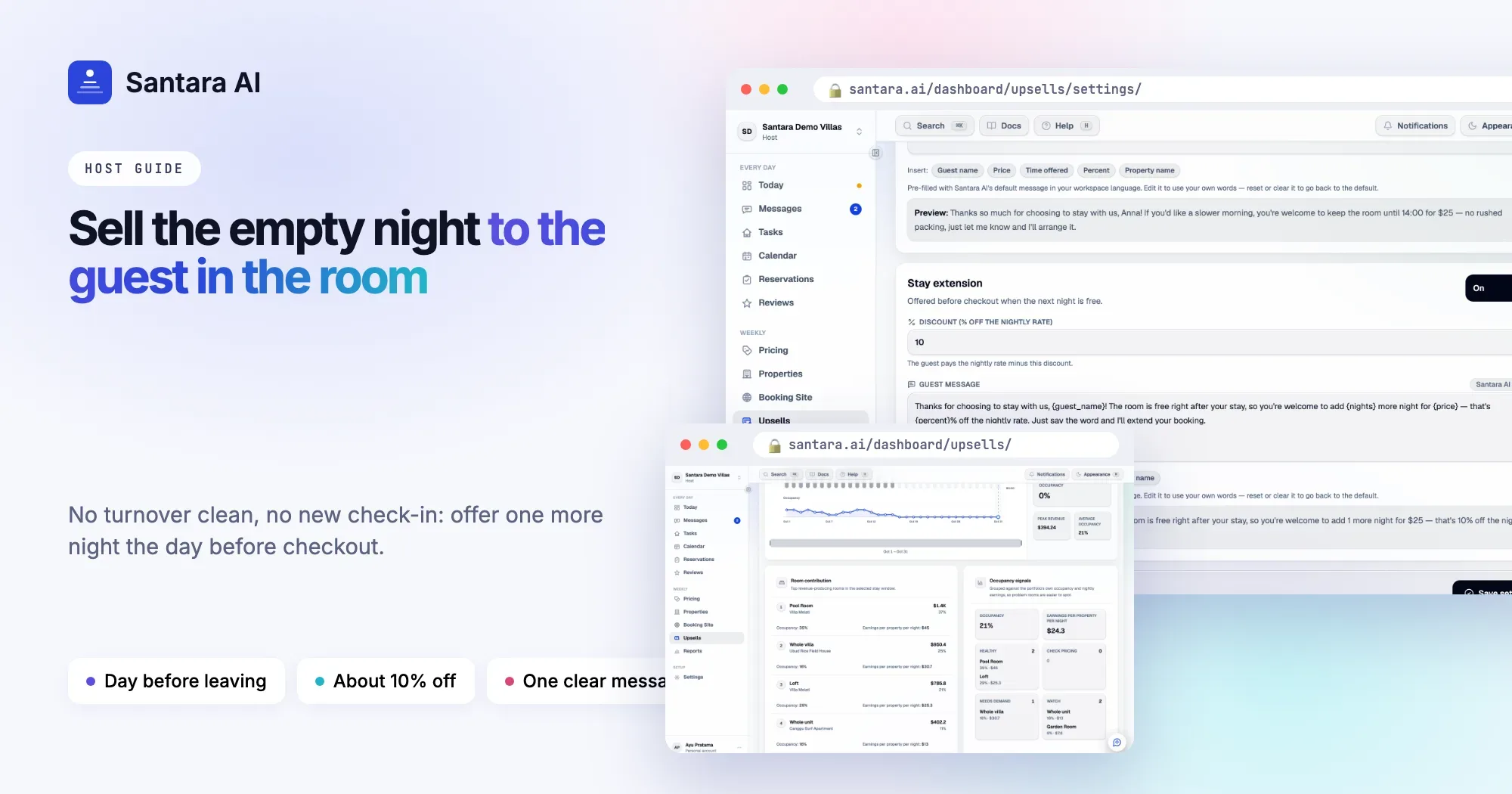
Santara AI Upsells uses exactly this approach. Each price is a percent of the live nightly rate on your calendar for the night involved: the checkout night for late checkout and stay extension, and the previous night for early check-in. When you change your rates, the offers follow.
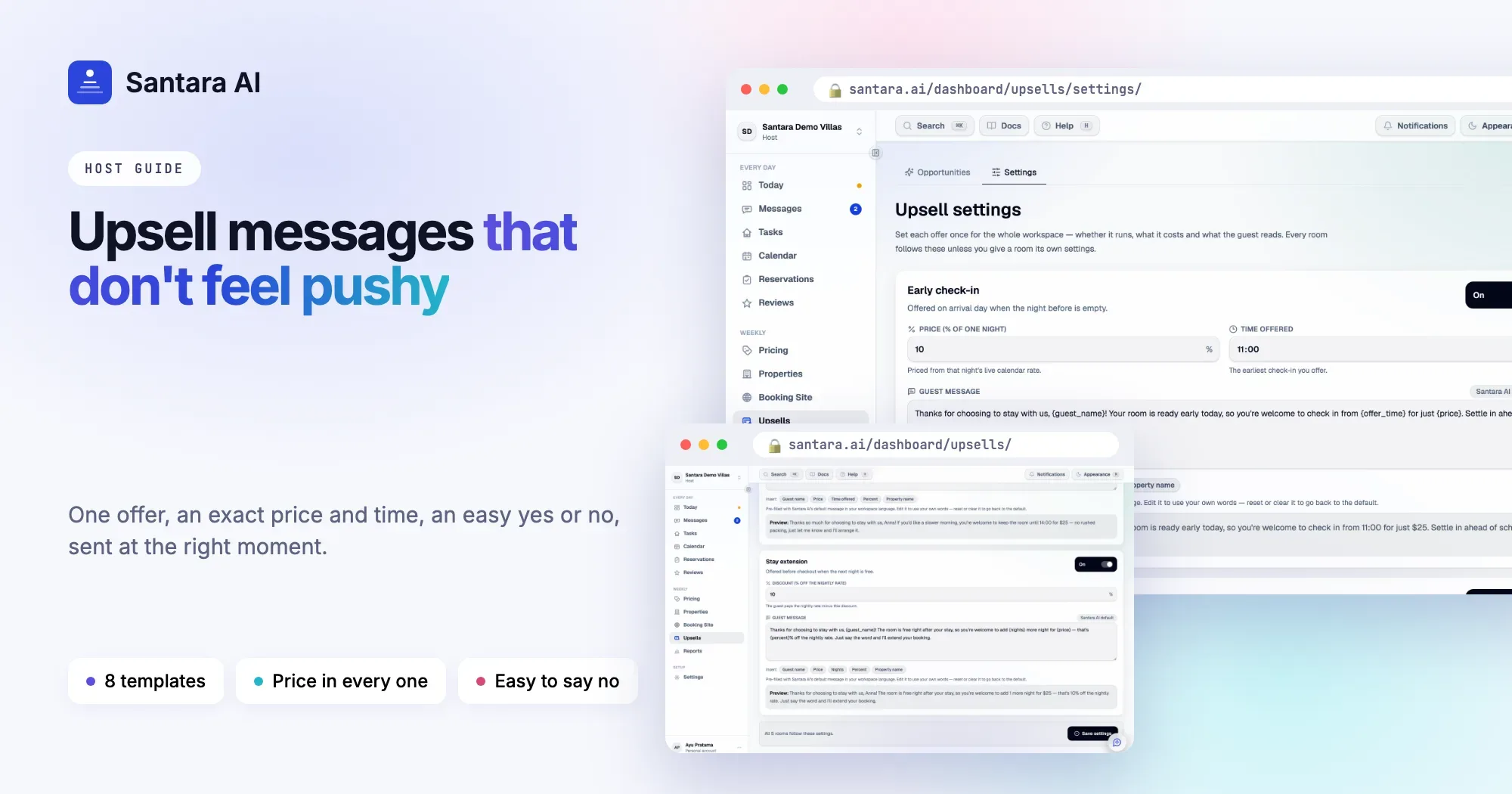
The defaults are 10% of the night for early check-in, 25% for late checkout, and 10% off for a one-night extension. You set them once for the whole workspace under Upsells → Settings, and any room can have its own settings. Prices are rounded sensibly per currency, for example to 5,000 for IDR and VND, they are never rounded down to zero, and a zero price is never offered.
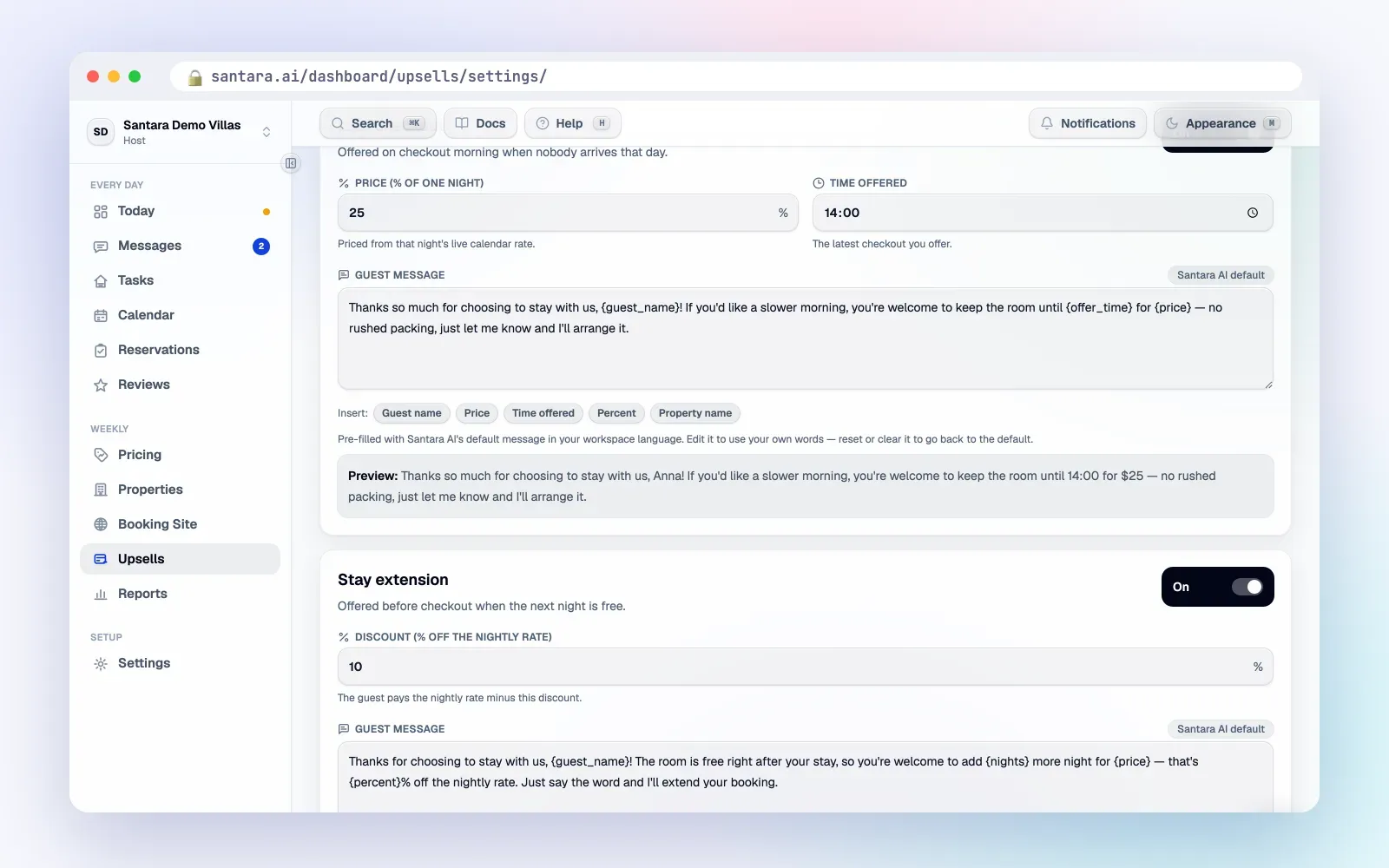
The guest message must include the price, and the editor has insert chips for guest name, price, time offered, percent and property name, plus a live preview. You review every offer before it is sent; nothing goes out automatically. For when each offer appears and how to time it, see the upsells hiding in your calendar.
Good to know
Santara AI prices and prepares the offer. It does not change the reservation or take payment. When a guest says yes, you arrange the change and any payment yourself, through the booking platform's own tools for OTA stays. There is no report of upsell revenue earned yet.
FAQ
How much should I charge for late checkout?
A common starting point is about a quarter of that night's rate, adjusted for how much the later time squeezes your cleaning team. Price it from the night it affects, not a fixed fee.
Should early check-in cost less than late checkout?
Usually, yes. Early check-in uses a room that was already empty and clean, so a smaller share of the night is fair.
Does Santara AI use my base rate or my current rate?
The live nightly rate on the calendar for the night involved, so offers move with your seasons and rate changes.
Can one room have different prices from the rest?
Yes. Settings apply to the whole workspace, and any room can override them with its own percentages.
Keep reading
- The guest message playbook: 10 moments that decide your review score
- How to choose villa management software for 1–20 villas
- Turnover day without chaos: a cleaning system for 5 to 50 units
Your first 3 months are free.
Join For Free