Is booking direct safe? How to make guests trust your direct booking site
Guests worry about fake listings, card safety and refunds. These practical trust signals answer each worry before they ask, so they feel safe booking you direct.
 Tai Pham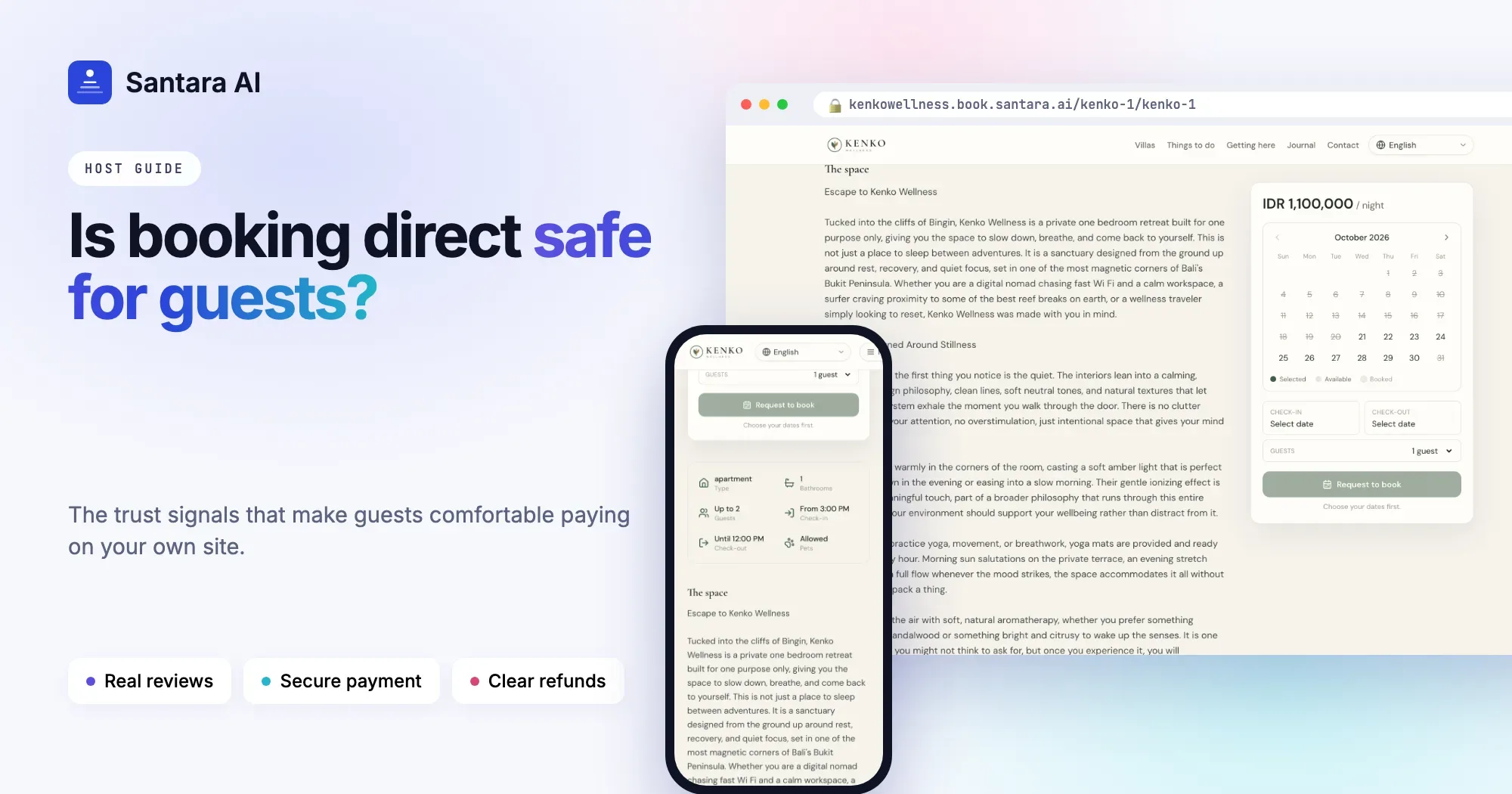
Put yourself in your guest's place for a moment. They found your villa on Instagram, followed the link and landed on a website they have never seen before. It asks for their card number. They have read stories about fake villa listings in Bali, about deposits sent to strangers, about arriving to find no booking at all. On Airbnb they feel protected. On your site, they are not sure yet.
Is booking direct safe? For the guest, it is as safe as the site makes it look and feel. This guide goes through the worries guests actually have, and the practical direct booking trust signals that answer each one before they have to ask.
What guests worry about
Most hesitation comes down to five questions:
- Is this place real? Fake listings and copied photos exist, and guests know it.
- Is my card safe here? An unfamiliar payment page is the moment many guests leave.
- What if the host cancels? On a platform someone steps in. Direct, who helps?
- Can I get my money back if my plans change?
- Who do I talk to if something goes wrong on the day?
A good direct booking site answers all five on the page, not in a chat afterwards.
Prove the place is real
- Real photos of your property, including ordinary ones: the bathroom, the road outside, the view from the bed. Stock-perfect photos look less real, not more.
- Reviews from real stays. Guests trust reviews they recognise from Airbnb or Booking.com.
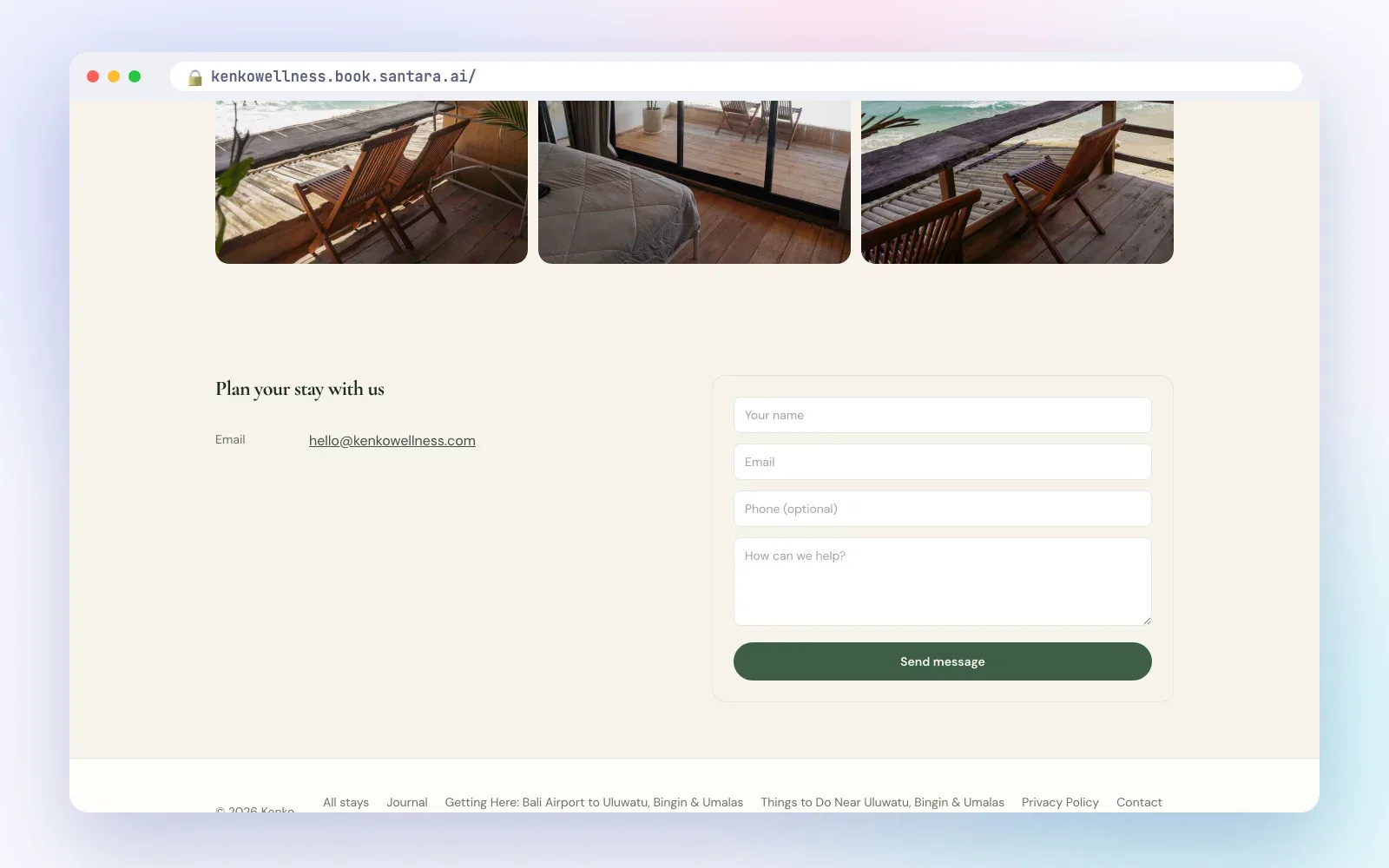
- A clear address and a map. A fake listing never shows exactly where it is.
- The same name everywhere. Your Instagram, Google Maps profile, OTA listings and website should use one name and link to each other. When a guest searches your name and finds the same place, the same photos and the same reviews, the doubt goes away.
Make payment feel safe
Card safety is about what the guest can see.
- Show the full price before payment: nightly rate times nights, cleaning fee, other fees, taxes and the total. A price that grows at the last step looks like a trick.
- Use a payment processor guests recognise. A known name on the payment form tells the guest their card details are handled by that company, not typed into a stranger's form.
- Never ask a new guest to send money to a personal bank account. This is exactly what scammers do, and careful guests will walk away.
- Send a receipt straight after payment.
Write the cancellation policy in days
"Flexible" means nothing to a guest. "Full refund if you cancel at least 7 days before check-in, 50% if you cancel 3 to 6 days before, no refund after that" means everything. Show it before payment, ask the guest to agree to it, and put it in the confirmation email.
Also decide what happens if you have to cancel: a flood, a broken pump, a double booking. The honest answer is a full refund, quickly, plus help finding another place. Say so on your terms page. Guests rarely ask about it, but they think about it.
Send a confirmation that answers everything
The confirmation email is the guest's proof. It should include:
- Property and room name.
- Check-in and check-out dates, nights and number of guests.
- An itemised price and the total paid.
- The cancellation policy.
- How to reach you, and a reply that actually reaches a person.
A guest holding a clear confirmation stops worrying and starts planning.
Be easy to reach, and reply fast
- Real contact options: email, phone, WhatsApp, and your address.
- Social links that lead to active profiles, not an account that last posted two years ago.
- Quick replies. A question answered within an hour does more for trust than any badge.
Replace the placeholder text on your legal pages
Privacy, Terms and Cancellation pages matter more than hosts think. Guests do open them, especially before a large payment. A page that still says "Your company name here" tells them nobody is running this site. Write these pages yourself, in plain words, about your villas: who you are, how you use guest data, what happens if either side cancels, and how refunds work.
Step 1
Check your name
Search your property name on Google and Instagram. Does every result lead to the same place?
Step 2
Check your price
Book a test stay up to the payment step. Is every fee visible before the card form?
Step 3
Check your policy
Read your cancellation policy aloud. Is it in days, and could a guest misread it?
Step 4
Check your pages
Open your privacy and terms pages. Is any placeholder text left?
Step 5
Check your replies
Send yourself a question through your own contact form. How long until you saw it?
How Santara AI builds trust into your booking site
The Santara AI direct booking site is designed so the trust signals above are there by default:
- A payment form guests recognise. Checkout uses Stripe's embedded payment form, styled in your site's colours and marked "Payments secured by Stripe". Stripe emails the guest a receipt. Money goes to your own Stripe account.
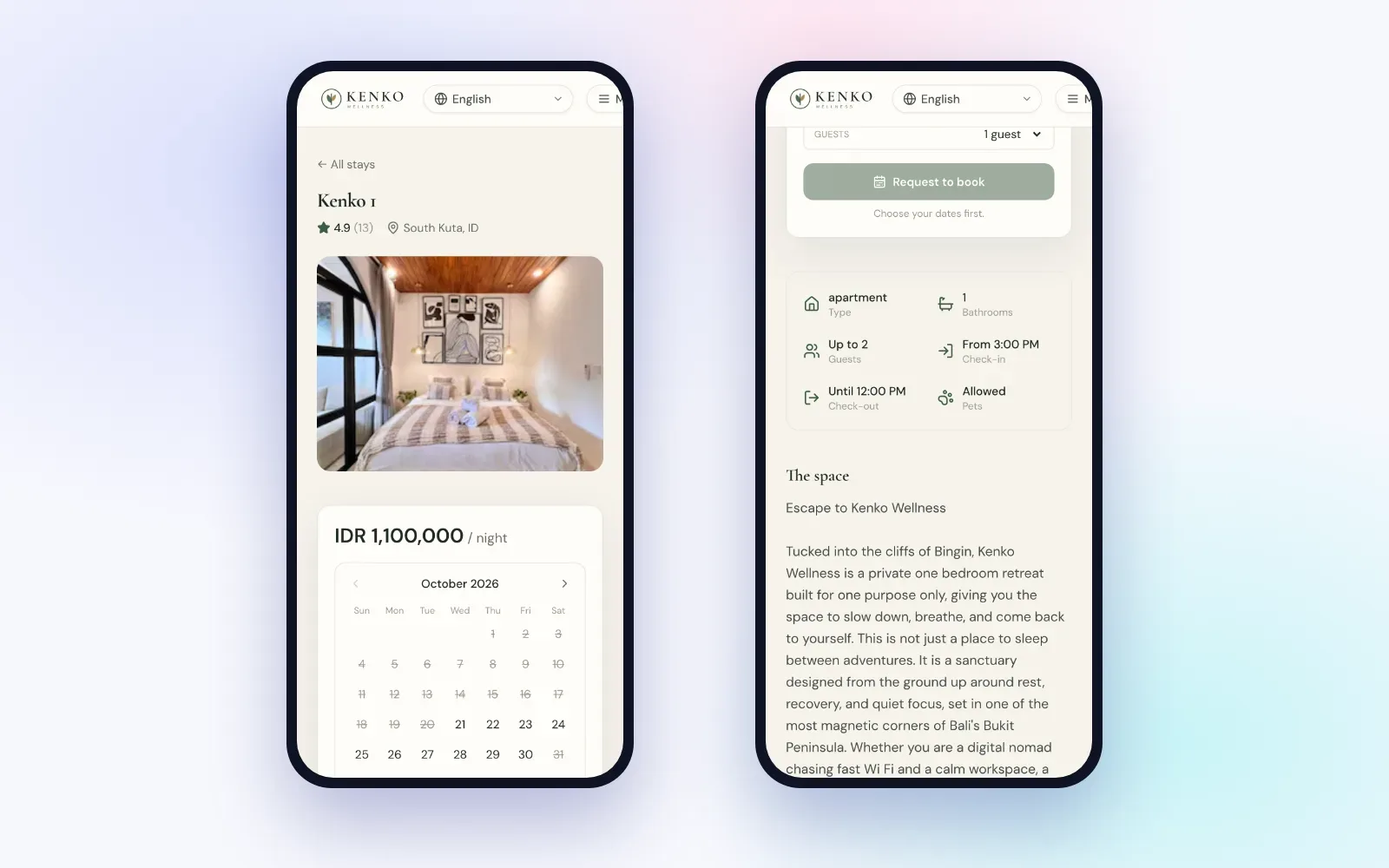
- The full price before paying. Nights, cleaning, fees, taxes and damage waiver are shown with the total. Price and availability are re-checked at checkout, and the dates are held for the guest for a short time while they pay.
- A policy agreed at checkout. The guest agrees to your cancellation policy before paying, and the policy is saved with the booking. You can refund from the dashboard, in full or by what the policy allows.
- An itemised confirmation email with the property, dates, nights, guests, price breakdown, total and policy. When the guest replies, it goes straight to you.
- Reviews and a map. Listing pages show reviews already in Santara AI from your channels, plus an embedded Google Map with "Open in Maps".
- Real contact options. Email, phone, WhatsApp, address, social links and an optional contact form.
- Starter legal pages. One button adds Privacy, Terms and Cancellation pages with placeholder text. Edit them before you publish.
- No double-selling. If a night sells on another channel while a guest is paying, the guest is refunded automatically.
Good to know
Guest emails are sent in English only. Reviews come from your channels; the site does not collect reviews from direct stays. Contact form messages appear in the Leads tab with no email alert, so check it daily if you want to reply fast. Instant book needs a Stripe account, and Stripe is not available to businesses in every country.
FAQ
Is booking direct safe for guests?
It is when the site shows a real address and reviews, the full price, a clear cancellation policy, and takes payment through a known processor with a receipt.
Should I ask Airbnb guests to book direct next time?
Not through Airbnb or Booking.com messages. That is against their rules. Build direct bookings through your own website, social profiles and Google listing instead.
What should I do if I have to cancel a direct booking?
Tell the guest immediately, refund in full and help them find somewhere else. Write this promise on your terms page.
Do I need a lawyer for my privacy and terms pages?
That depends on where you operate. At the very least, replace all placeholder text with your own business details and policies.
Keep reading
- Direct booking website for vacation rentals: how to win repeat guests without leaving Airbnb
- How to take payments for direct bookings
- The guest message playbook: 10 moments that decide your review score
Your first 3 months are free.
Join For Free