Late checkout fee: how much to charge and when to say yes
When late checkout is possible, how to price it from the night's actual rate, 14:00 vs 16:00, half-day options, saying no kindly and protecting the next turnover.
 Tai Pham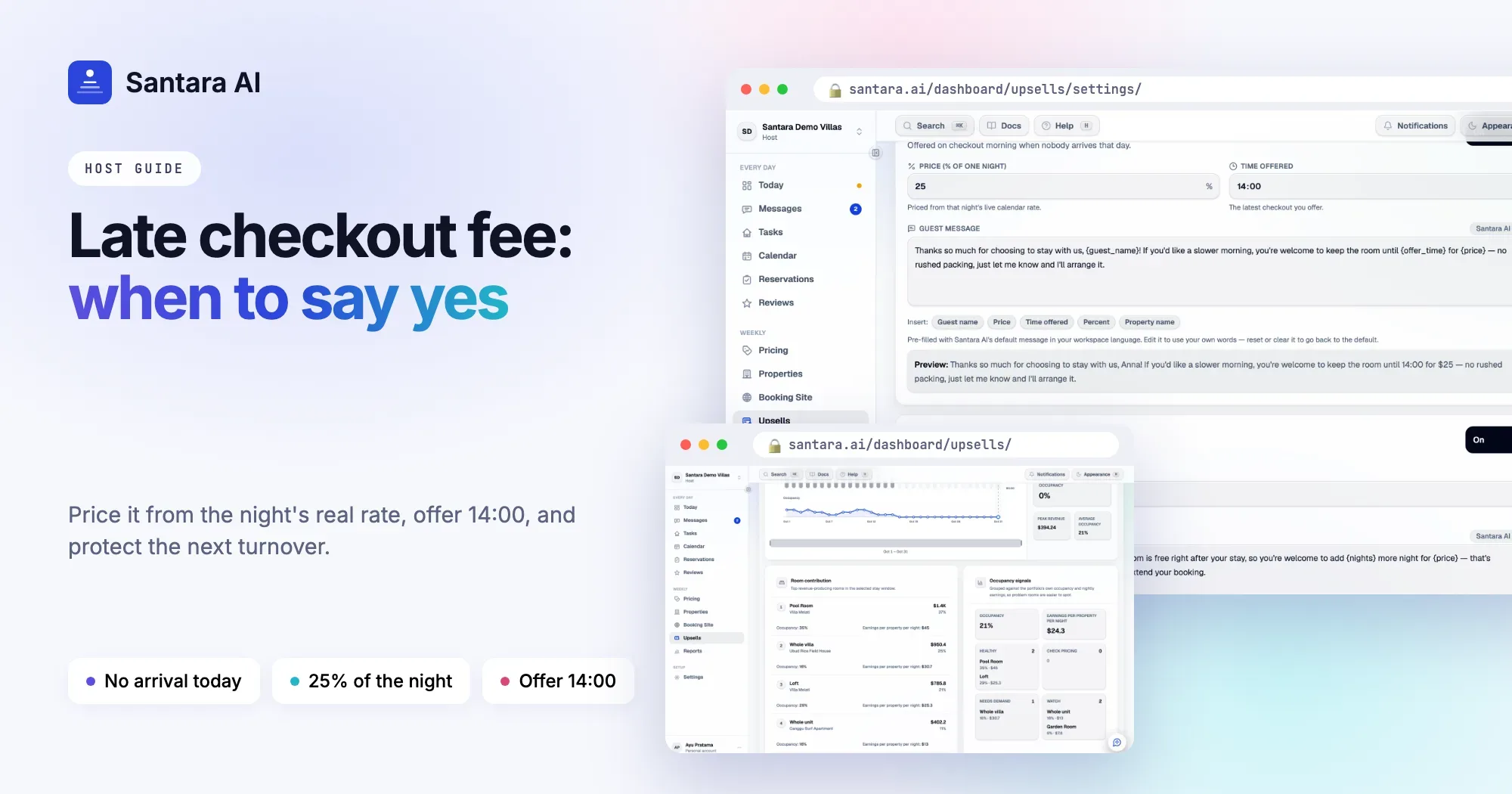
Almost every guest asks the same question on their last morning: "Can we stay a bit longer?" Some hosts always say yes for free. Others always say no. Both leave something on the table. A free yes costs you cleaning time you may need. A flat no loses money on a room that would sit empty all afternoon anyway.
A clear late check out policy for your vacation rental fixes this. You decide in advance when late checkout is possible, what time you offer, and what it costs. Then the answer takes ten seconds, the guest knows exactly what they're paying for, and your next turnover stays safe. This guide covers all of it.
When late checkout is actually possible
Late checkout only works when three things are true on the same day. Check all three before you say yes.
- Nobody arrives that day. This is the big one. If a guest checks in today, even at 21:00, the room needs a full clean before then. A same-day arrival is almost always a no.
- Your cleaner has the capacity. A 14:00 checkout moves the clean into the afternoon. If your cleaner already has four rooms that day, the late one may get rushed or pushed to the next morning.
- There's enough turnover time before the next guest. If the next arrival is tomorrow morning and your team doesn't work evenings, a 16:00 checkout may leave the room uncleaned overnight. That can be fine, or it can mean a 07:00 start for someone.
If any of the three fails, the answer is no, kindly. More on wording below.
How to price it
There are two common ways to set a late checkout fee.
Flat fee. For example, IDR 300,000 for any late checkout. Easy to explain, but it ignores your pricing. The same fee on a quiet Tuesday and a peak-season Saturday is too high on one and too low on the other.
Percent of the night's rate. For example, 25% of the rate for the checkout night. This follows your pricing automatically. When the night is worth more, the late checkout is worth more too.
We recommend the percent approach, tied to the night's actual rate, not your base rate. If your dynamic pricing has the night at IDR 2,400,000, that's the number that matters.
| Late checkout until | Suggested fee | Example (night at IDR 2,000,000) |
| 14:00 | 25% of the night | IDR 500,000 |
| 16:00 | 35–40% of the night | IDR 700,000–800,000 |
| 18:00 (half-day) | 50% of the night | IDR 1,000,000 |
These are starting points, not rules. Adjust them after a few weeks based on how many guests say yes.
What time to offer: 14:00 or 16:00?
A 14:00 checkout is the easy default. It gives the guest a relaxed morning and lunch, and it still leaves your cleaner most of the afternoon. For most villas and rooms, 14:00 is the time you can offer without thinking.
A 16:00 checkout is worth more to the guest, but the clean moves into late afternoon, which gets tight with a small team. Offer 16:00 only when you're sure the cleaner can come late.
Pick one standard time and stick to it. Guests accept a clear answer more easily than a negotiation.
Half-day options for late flights
Many guests in Bali and across Southeast Asia fly out at night. For them, a 14:00 checkout still means hours with luggage and nowhere to shower. A half-day option, until 18:00 at around half the night's rate, solves a real problem. If it doesn't fit, offer free luggage storage instead. It costs you little and guests remember it.
How to say no kindly
Saying no is part of a good late checkout policy. The trick is to give the reason and an alternative.
Hi Emma, I'm sorry, a new guest arrives today and the team needs the villa ready by 14:00, so we can't extend checkout this time. You're welcome to leave your bags with us until your driver comes.
Short, honest, with an alternative. Never promise "maybe later" if you know the answer is no.
When to make the offer
Don't wait for the guest to ask. If the day works, offer it.
Step 1
Check the day before
The evening before checkout, look at the next day: any arrival, how many cleans, which cleaner is on.
Step 2
Decide the time and price
Use your standard time, usually 14:00, and your percent of that night's live rate.
Step 3
Send one short message
Name, time, price, and how to say yes. Give a deadline, such as "reply by 9am".
Step 4
Tell the cleaner
As soon as the guest says yes, move that clean in the cleaner's plan so nobody knocks at 11:00.
Arranging it on the booking platform
Keep the offer inside the guest's existing conversation on the platform they booked with. Don't send a payment link by email or ask the guest to pay outside the platform.
For Airbnb, Booking.com and Expedia stays, arrange any payment for the late checkout through the platform's own tools. To collect a late checkout fee on Airbnb, hosts typically use a payment request in the Resolution Center. Rules change, so check what your platform allows for your listing. For direct bookings, follow your usual payment method.
Protect the next turnover
A late checkout should never cost you a review from the next guest. A few habits help:
- Confirm the late checkout time in writing, inside the booking conversation.
- Put it on the cleaning plan immediately, not "later".
- If the guest overstays, a polite message at the agreed time is enough. Agreeing the time in writing makes that conversation easy.
How Santara AI helps
Santara AI Upsells finds late checkout offers from your calendar, not from guest messages. On the morning of checkout, it checks whether anyone arrives in that room that day. If nobody does, it prepares an offer. If someone arrives, it doesn't offer late checkout at all.
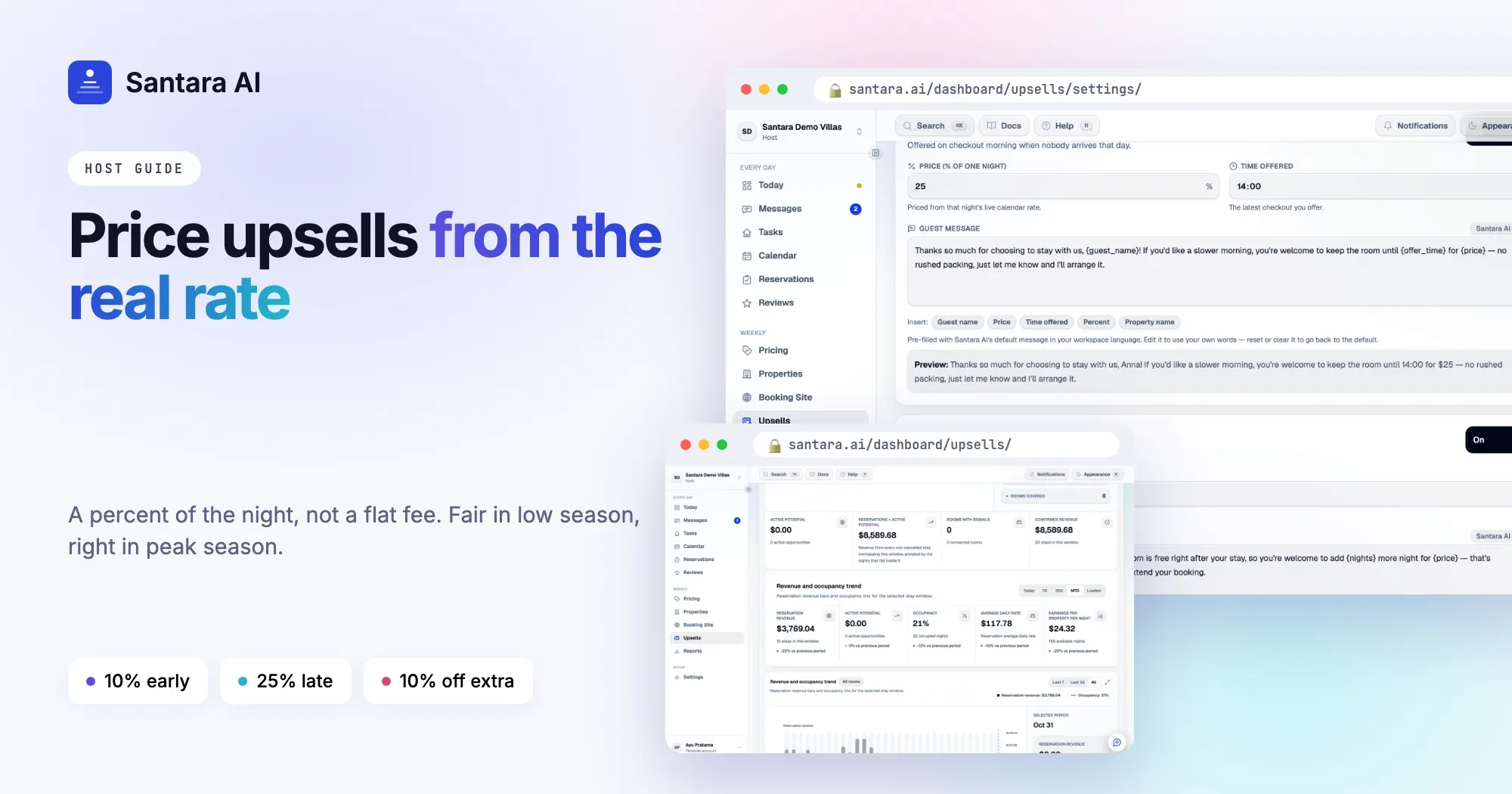
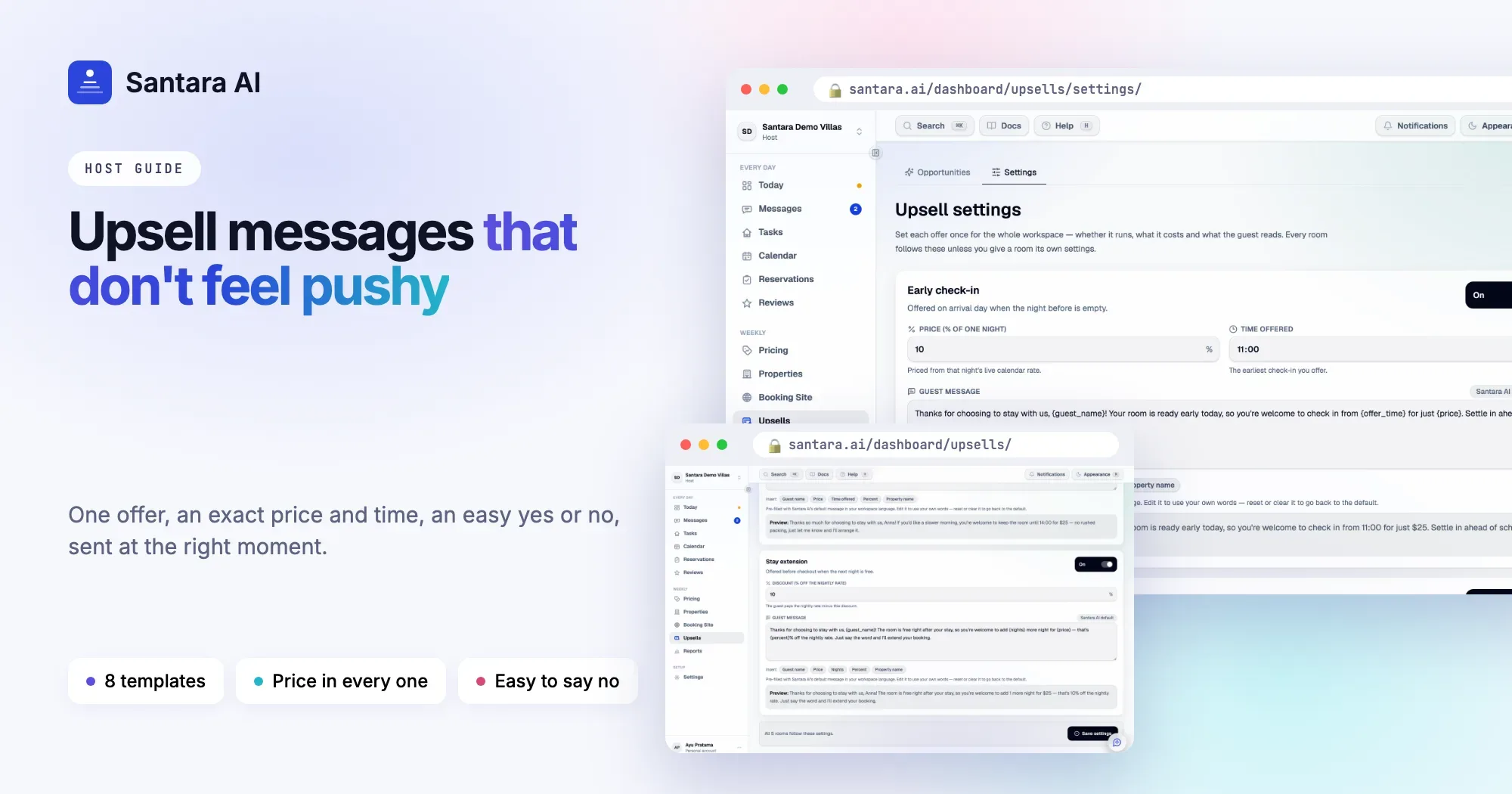
The price is a percent of the live nightly rate for the checkout night, so the offer follows your pricing. The default is 25% of that rate and the default time offered is 14:00. You can change both in Upsells → Settings, write your own guest message with insert chips for guest name, price and time, and turn the offer off for any room that needs different rules.
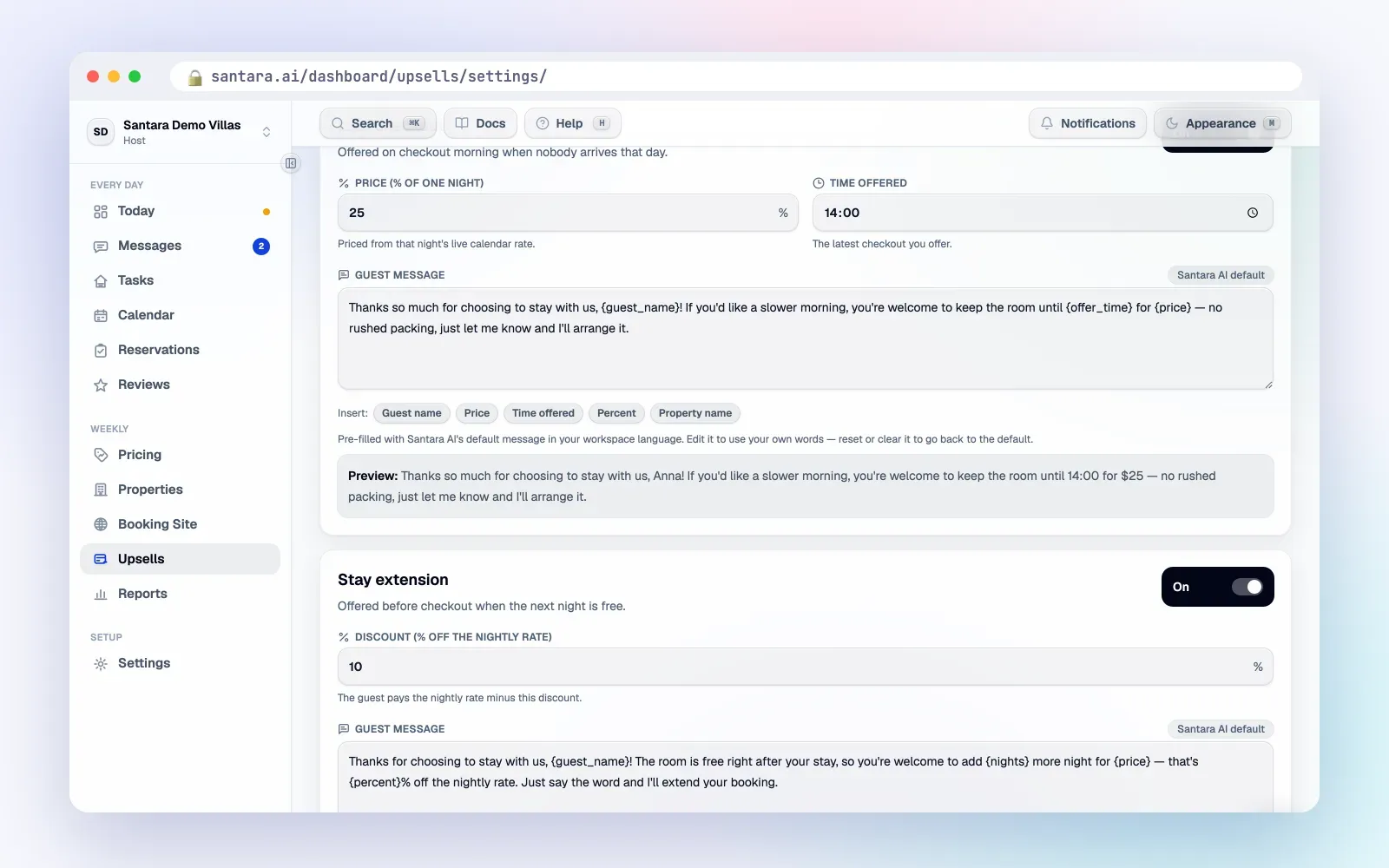
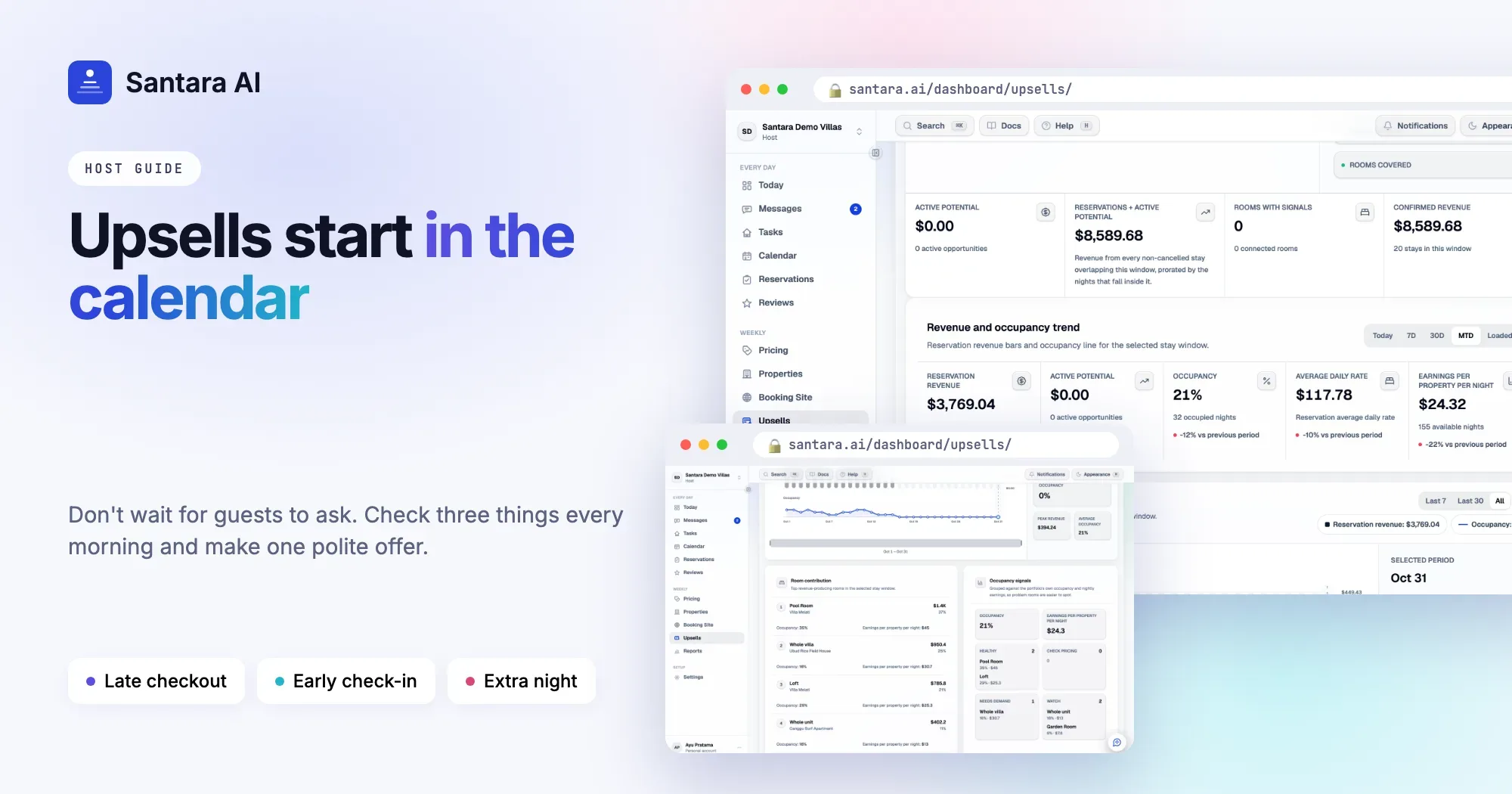
The offer appears in your Daily Brief email and on the Upsells page, with the guest, the price, why it was found and the exact message. Nothing is sent automatically. You review it and press send, and it goes into the guest's existing conversation on Airbnb, Booking.com or Expedia, or WhatsApp if there's an open WhatsApp conversation. Guests with the stay guidebook can also request late checkout themselves, and you confirm.
What it doesn't do
Santara AI doesn't change the checkout time on the reservation or take payment. When the guest says yes, you arrange the time and any payment through the booking platform's own tools. It doesn't check your cleaner's workload before suggesting the offer, so look at the cleaning plan before you send. It doesn't yet track which offers were accepted or report upsell revenue. No offer is made once checkout time has passed.
FAQ
How much should I charge for late checkout?
A percent of that night's actual rate is the fairest approach. 25% for 14:00 is a sensible starting point, with more for 16:00 or a half day.
Should I ever give late checkout for free?
Sometimes, as a gesture for a repeat guest or after a problem during the stay. Just make it a choice, not a habit.
What if a booking for the same day comes in after I've said yes?
Decide your rule in advance. One option is to block same-day arrivals once a late checkout is confirmed. Another is to offer late checkout only the evening before, when the day is unlikely to change.
Does Santara AI send late checkout offers by itself?
No. It finds and prices the offer. You review it and press send.
Keep reading
- The upsells hiding in your calendar
- Turnover day without chaos: a cleaning system for 5 to 50 units
- The guest message playbook: 10 moments that decide your review score
Your first 3 months are free.
Join For Free