Launch a direct booking site in 30 days: a week-by-week checklist
A direct booking checklist for hosts: build in week 1, write content in week 2, test and publish in week 3, promote in week 4, then watch the funnel.
 Tai Pham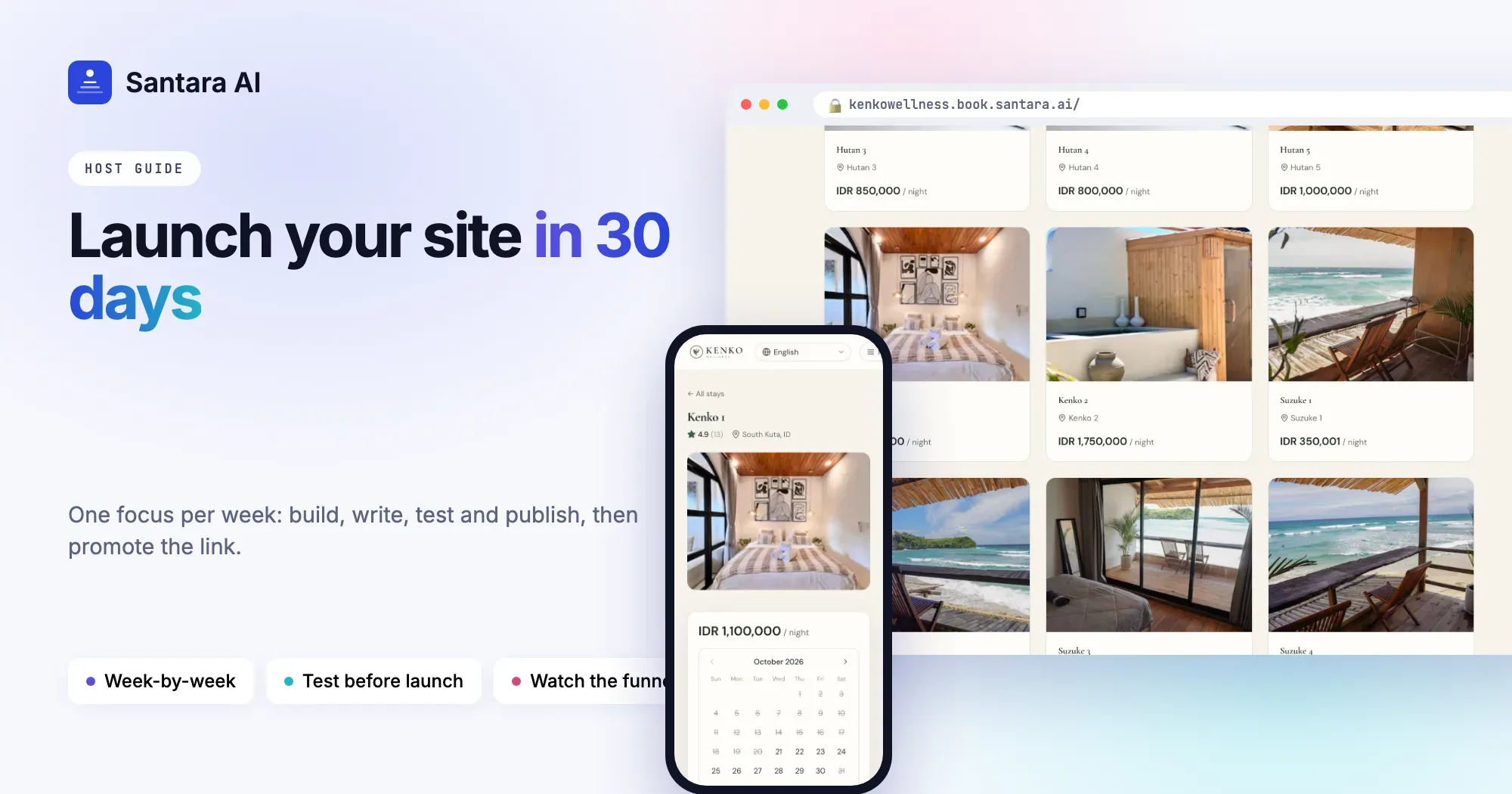
Most hosts who want a direct booking website never launch one. Not because it is hard, but because it never feels finished. There is always one more photo to retake, one more page to write, one more decision about fees. Months pass, and every booking still comes through an OTA.
Thirty days is enough to launch a direct booking website properly if you split the work into weeks and stop when each week is done. This direct booking checklist gives you one focus per week: build, content, test and publish, then promote. Each task is small enough to finish in an evening.
Before you start: what "launched" means
A launched site is not a perfect site. It is a site where a guest can find your places, see a real price for real dates, and either book or send a request. Everything else can improve after launch. Write that on a sticky note and keep it near your laptop.
Week 1: Build the basics
This week is about decisions, not writing. Make them quickly and move on.
Step 1
Pick the properties and rooms to list
Start with the places that are easiest to sell and best photographed. You can add the rest later. For each one, decide if guests can book instantly or should send a request first.
Step 2
Choose a template
Pick the look that suits your most common guest: bright and photo-led for a beach villa, calm for a wellness or countryside stay, bold for a city apartment. Do not spend more than an hour on this.
Step 3
Write a headline and tagline
Say what and where in plain words. "Quiet pool villas, 10 minutes from Uluwatu's beaches" works better than "Your paradise awaits".
Step 4
Add your contact details
Email, phone, WhatsApp, address and social links. Guests who are not ready to book want a quick way to ask a question.
Step 5
Set your pricing rules
Decide your cleaning fee and any other fees, which taxes apply and whether they are included in the price, and your cancellation policy. Write the cancellation policy in days, not adjectives: "Full refund up to 14 days before check-in."
Step 6
Decide how you take payment
Instant booking needs a payment account, such as your own Stripe account. If you are not ready for that, start with request mode: guests send a request and you approve it and arrange payment yourself.
Week 2: Write the content
Now fill the site with the pages guests look for before they book.
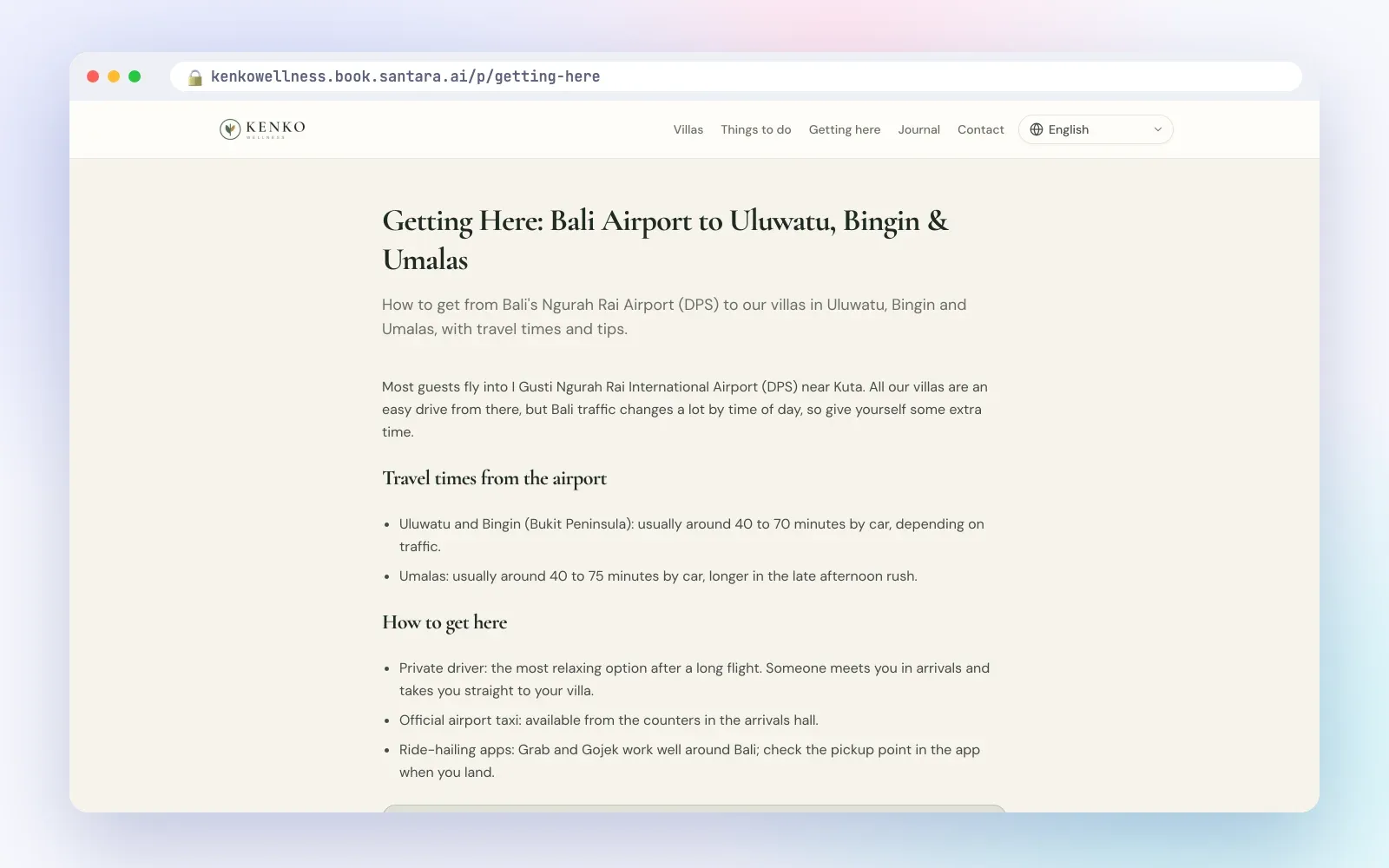
- Guide pages. At least two: things to do nearby and how to get here. Use real distances and travel times from your place. Write what you already tell guests in messages.
- About page or section. Who you are, how long you have hosted, what makes your place different. A few honest sentences are enough.
- Privacy, terms and cancellation pages. Write them yourself in plain language, or ask a local adviser. If your website tool gives you starter pages, replace every placeholder line before you publish. A page full of placeholder text tells guests the site is not ready.
- SEO titles and descriptions. One per page and per property. Type of place, key feature, location. For example: "Two-bedroom pool villa near Bingin Beach, Uluwatu".
- Languages. Turn on the languages your guests actually speak, and check the translated headline, sections and pages read naturally.
Week 3: Test, then publish
Do not skip this week. A broken checkout costs you more than a late launch.
| Test | How to do it | What good looks like |
| Book it yourself | Make a booking or send a request for real dates, as a guest would | You get through every step without help |
| Check mobile | Open the site on your phone and on a friend's phone | Price and dates are easy to find, buttons are easy to tap |
| Check the confirmation email | Look at the email the guest receives | Dates, guests, price breakdown and cancellation policy are correct |
| Check the channels | Look at your Airbnb and Booking.com calendars after the test booking | The dates are blocked on every channel |
| Cancel and refund | Cancel your test booking and refund it | The refund goes through and you know the steps for next time |
| Read every page once | Click every link in the menu and footer | No placeholder text, no dead links |
When all of that works, publish. Then send the link to two or three friends and ask them to try to book. Watch where they hesitate.
Week 4: Promote the link
A new site gets no visitors on its own. Put the link everywhere you already talk to guests.
- Bio links. Instagram bio, Facebook page website field and "Book now" button, TikTok profile, WhatsApp Business profile.
- Google Business profile. If your property has one, add the site in the website field.
- Local partners. Surf schools, yoga studios, drivers, restaurants and wedding planners you already work with. Ask them to link to your site, and link back to them from your guide pages.
- Past guests, through your own channels. People who booked with you directly before, or who follow you on Instagram or chat with you on WhatsApp. Send them a short personal message with the link. Do not contact OTA guests through Airbnb or Booking.com messages to move them off the platform; that breaks platform rules.
- A card in the room. A small printed card with your site name for guests to keep for next time.
After day 30: what to watch
Look at your numbers once a week, not every day. The most useful view is the funnel: how many people visit, how many open a listing, how many check a price for real dates, how many start checkout, and how many book.
- Many visitors, few listing views: the home page is not leading people to your places. Move listings higher, or make the headline clearer.
- Many listing views, few price checks: photos or the first paragraph are not convincing. Check the first image and the description.
- Many price checks, few bookings: the price or the fees surprise people, or the dates they want are taken. Review your fees and minimum stays.
- Top referrers: which websites sent you visitors. Put more effort into the ones that work.
How Santara AI makes this a 30-day job
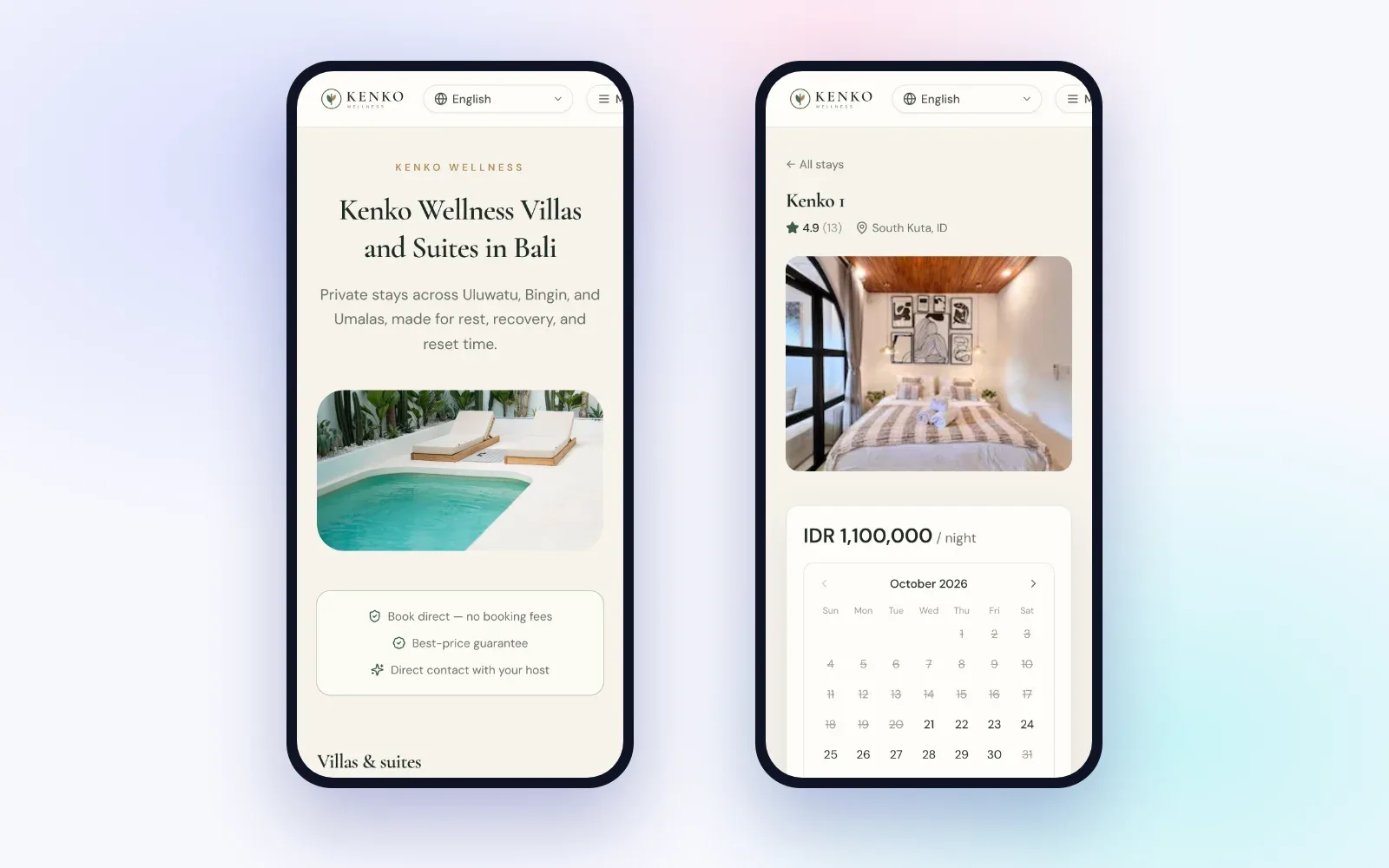
A direct booking site with Santara AI is included in every plan and is built for exactly this checklist.
- One Setup page. Site details, template and theme, contact details, which properties and rooms to list (each set to Instant book or Request to book), and Stripe for payments, all in one place.
- Content pulled from your listings. Properties, rooms, photos and prices come from your Santara AI workspace. No re-uploading.
- Pricing tab. Up to 20 fees, up to 5 taxes (included or added), a damage waiver and a cancellation policy, each overridable per listing.
- AI suggestions. Headline, tagline, about text, FAQ items and SEO titles and descriptions, written from your real listing facts. You review and tick each one before it applies.
- Starter legal pages. One button adds Privacy, Terms and Cancellation pages with placeholder text for you to replace.
- The same calendar as your channels. A confirmed direct booking blocks the dates on your channels, and availability is re-checked at checkout.
- Analytics with a funnel. Views, listing views, quotes, checkouts and bookings, with the percentage at each step, plus top pages, top referrers and top listings.
Limits to plan around
Guest emails are sent in English only. Messages from the contact form appear in the Leads tab, with no email alert, so check the tab regularly. Request to book does not collect payment online. Stripe is not available to businesses in every country.
FAQ
Can I launch faster than 30 days?
Yes. If your listings, photos and prices are already in place, weeks 1 and 2 can take a weekend. Do not shorten the testing week.
Should I launch with every property?
No. Start with your best-photographed places and add the rest once the site works.
Do I need Stripe to launch?
Not if you start with request mode. Guests send a request, you approve or decline, and you arrange payment yourself.
What if I find a mistake after publishing?
Fix it and keep going. A live site with one small mistake brings more bookings than a perfect site that is never published.
Keep reading
- Direct booking website for vacation rentals: how to win repeat guests without leaving Airbnb
- Taking payments for direct bookings
- Vacation rental website SEO
Your first 3 months are free.
Join For Free