#1.0.1 Santara Updates: Faster Pricing, Better Billing & Human Support
Santara just got easier to manage — with faster pricing updates, clearer billing, smarter daily briefs, and human support available directly inside the app.
 Tai Pham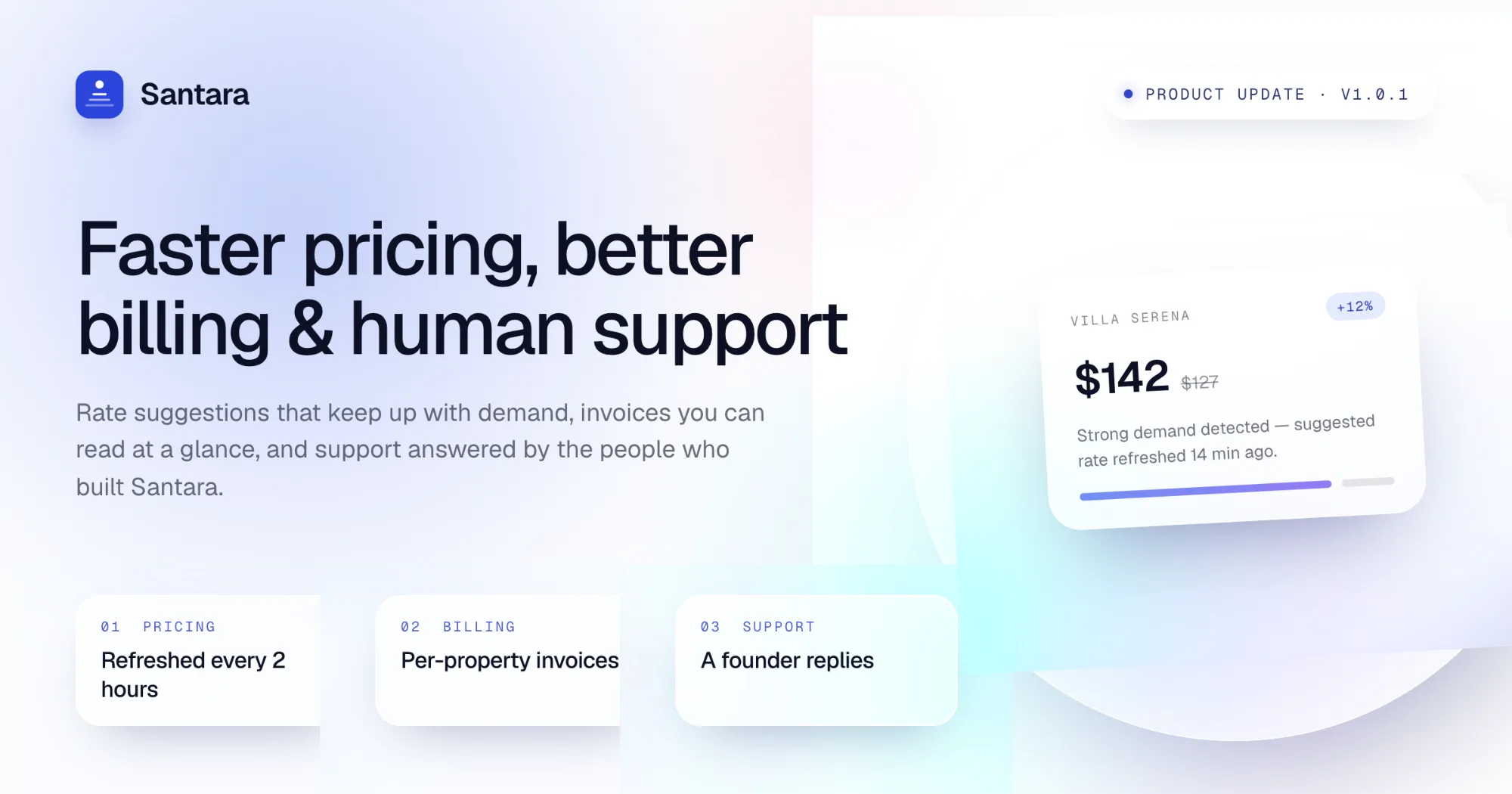
The assistant panel has two tabs. The first is still the AI assistant that reads your workspace and answers questions about it. The second is a support thread that goes to the Santara team — real people, with your assistant transcript carried over when you escalate, so you do not retype the story. Replies arrive back in the same panel.
Adding a listing asks before it charges
If you are at the capacity you pay for, adding a room or property used to fail with an error nobody could act on. Now it asks:
- How many listings you hold
- What one more costs today
- That the charge covers the rest of the current period
You confirm, we take the payment, and only then is the listing created.
What happens if the card declines?
Nothing is charged and no listing is added — and the message says both, so you are never left wondering whether money left your account. If the price changed while the dialog was open, we ask again with the new number instead of charging an amount you were not shown.
Growth is prorated to the days left in the period rather than billed as a full month. Removing a listing takes effect at renewal; the month is already bought. Promotion codes now apply on this path too.
Trials stopped behaving strangely
Adding rooms during a trial no longer risks cancelling the workspace, and the bill is recounted the moment a room is added or removed instead of drifting until renewal.
A "listing" now means one sellable room everywhere in billing — the same thing you see in the product and the same thing the invoice counts.
The daily brief knows what is ready right now
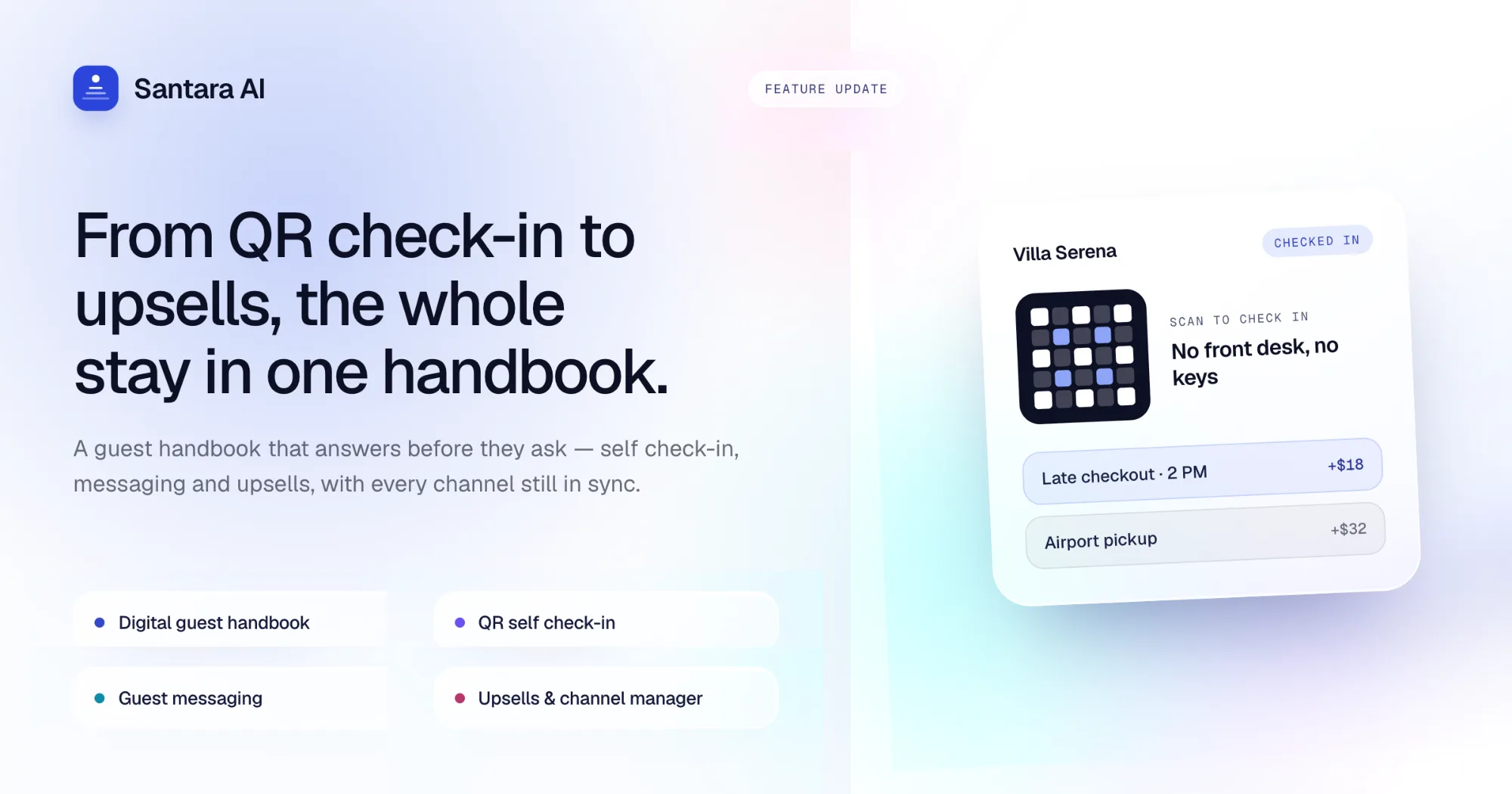
Each unit in the brief now says whether it is occupied, free, or waiting on a clean, worked out from the reservations and cleaning tasks for the day rather than from the calendar alone.
Upsell cards use shorter, clearer labels that fit the card, and the cleaning view groups the day's work the way a cleaner reads it.
Change a price, see the price
Editing a base price now triggers a repricing run straight away instead of waiting for the overnight job, and the pricing screen tells you when the run finished.
Dates and cut-offs are resolved in your workspace timezone throughout, which fixes prices and reports that looked a day out for anyone not on the server's clock.
Prices and availability reach the channels faster
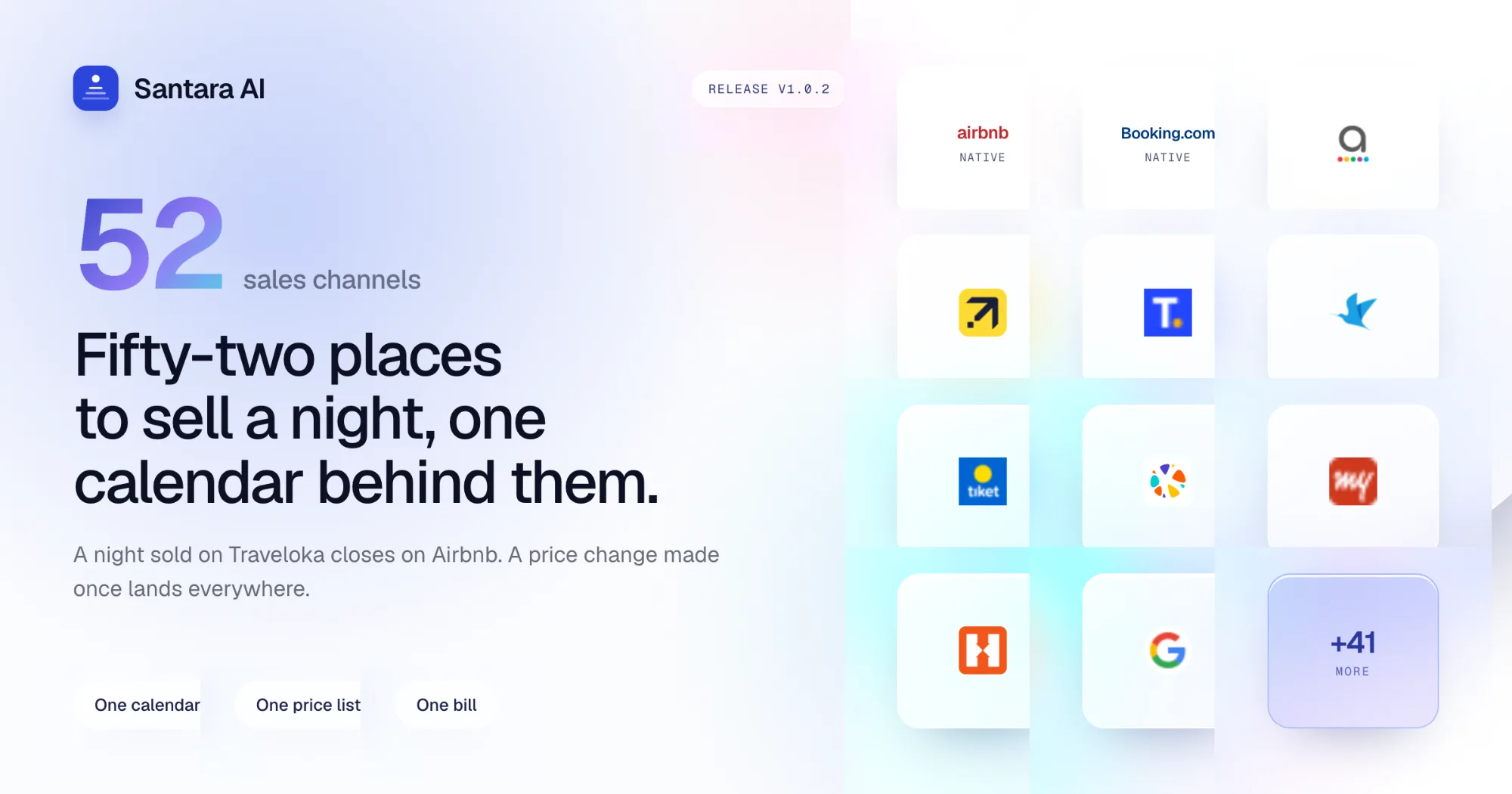
When several changes stack up for the same room and date range, they are folded into one push to the channel manager instead of being sent one at a time.
In practice, a bulk price edit or a long-range availability change lands on Airbnb and Booking.com in a fraction of the time, and a single stuck update no longer holds the queue behind it.
The manual has its own home
Product documentation moved to docs.santara.ai — searchable, in English, Indonesian, and Vietnamese, and linked from the Help menu in the app.
Guides that used to live on the marketing site now redirect there.
Smaller things
- Workspace settings are owner-only. Co-hosts keep their day-to-day access; billing, plan, and workspace configuration are the owner's.
- Bookings can be edited directly, so a stay taken over the phone or corrected after the fact no longer needs a workaround.
- More Airbnb amenities are recognised on import, so listing pages come across with fewer blanks to fill in by hand.
- Search results show which property or room a match belongs to.
- Booking-state wording is consistent across English, Indonesian, and Vietnamese.
- Fixed a calendar error that left the view stuck after a failed refresh.
As always, if something here does not behave the way it reads, open the assistant, switch to the Support tab, and tell us.