Sync prices and minimum stays across Airbnb, Booking.com and Agoda
Minimum stay, closed to arrival and stop sell explained in plain words, plus a step-by-step peak season plan and how to keep one price on every channel.
 Tai Pham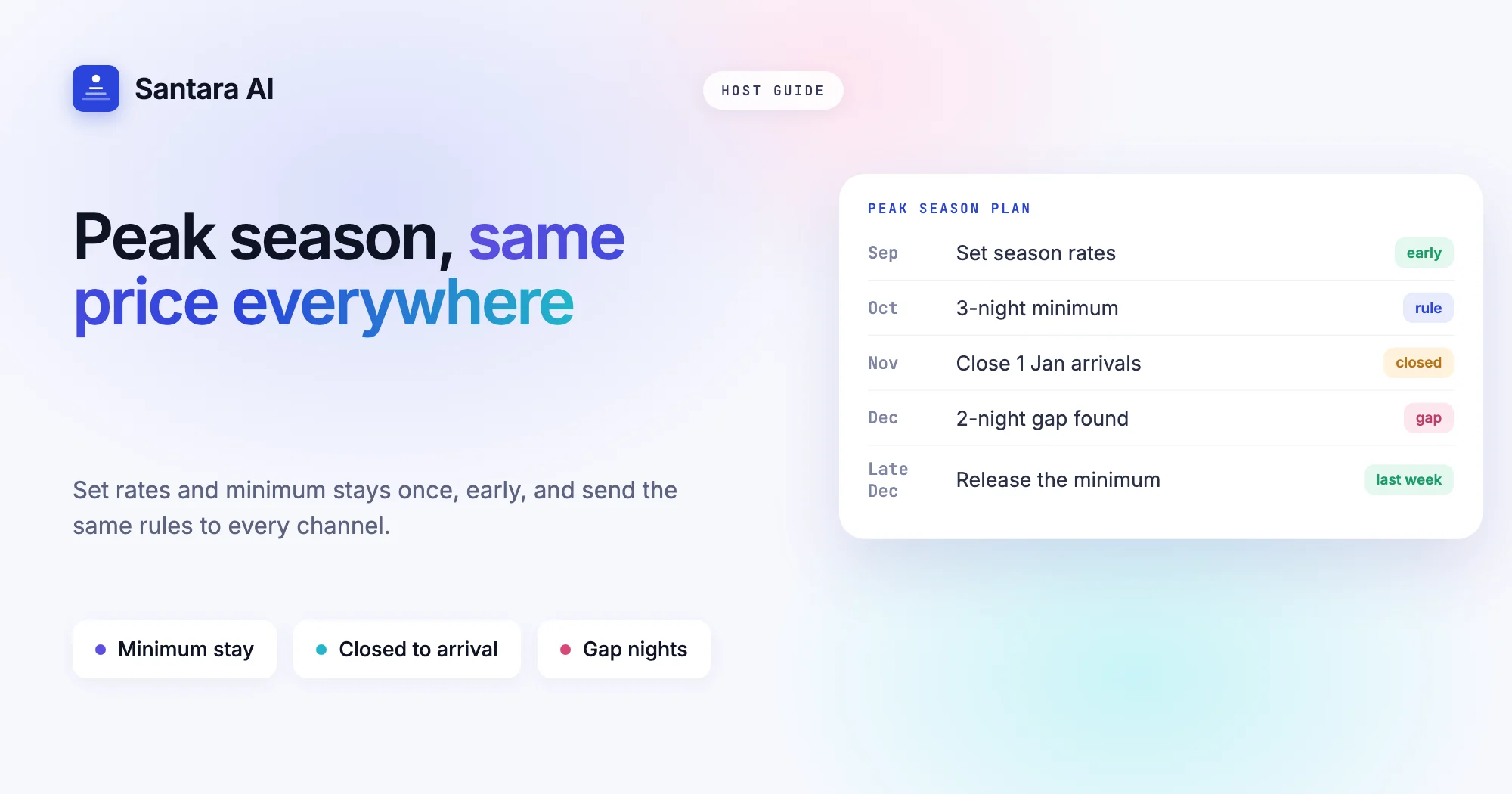
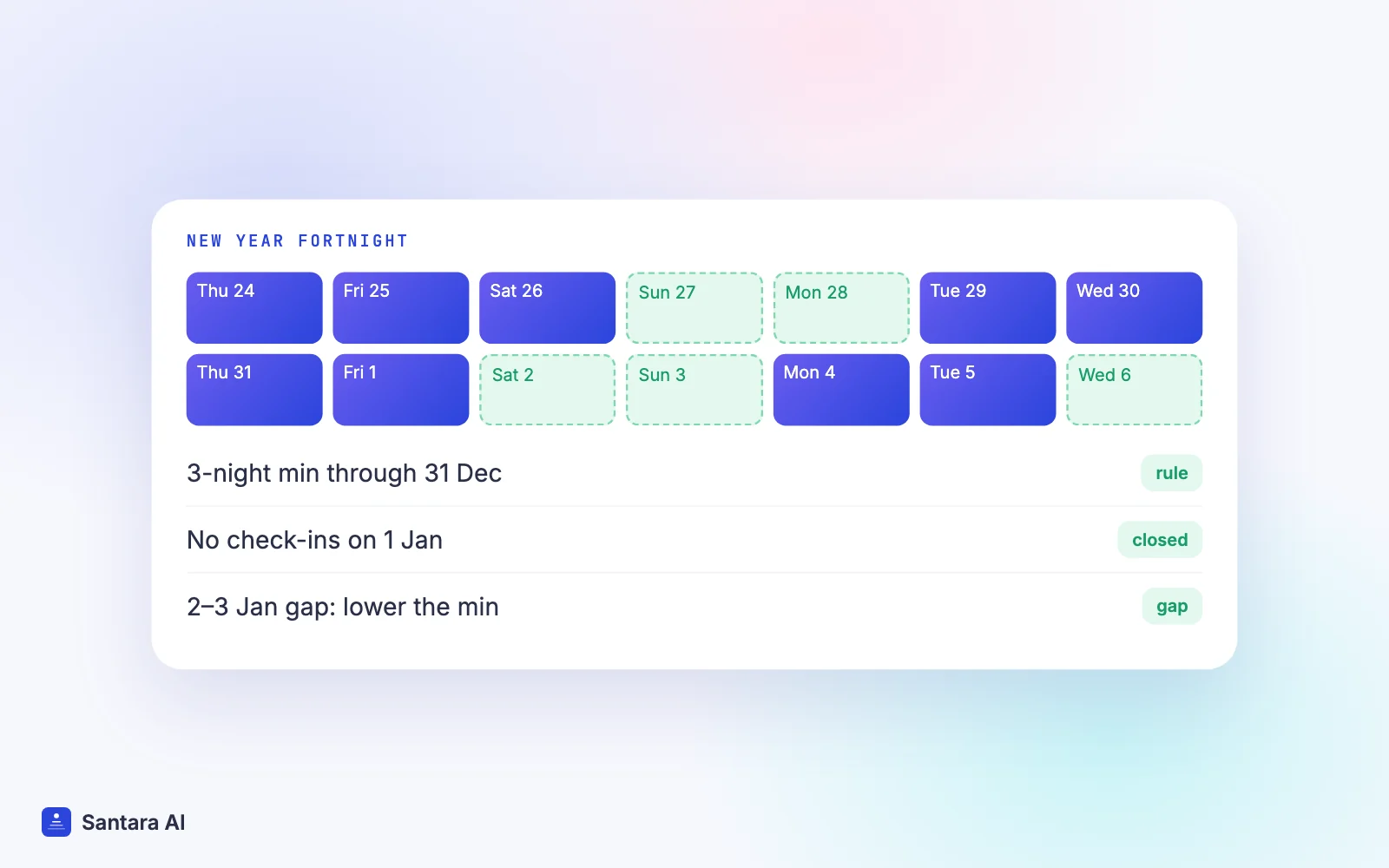
Peak season is when small calendar mistakes cost the most. Christmas week in Bali, Songkran in Phuket, the long weekends that fill every villa in Da Nang: these are the dates where one wrong price or a missing minimum stay can lose you a full week of income. A one-night booking lands in the middle of New Year, and the two nights on either side never sell.
Most hosts know they should set a minimum stay for busy dates and raise prices early. The harder part is keeping those prices and rules identical on Airbnb, Booking.com and Agoda at the same time. If you sync prices across channels by hand, one channel always ends up a step behind.
This guide explains each rate restriction in plain words, shows how to plan a peak period step by step, and covers the traps that catch hosts who edit one OTA directly.
Why prices and rules need to match everywhere
A channel manager keeps availability in line across every site you sell on. If that idea is new, start with what a channel manager is and how calendar sync works. Availability is only half the job, though. The other half is the price and the rules that sit on each night.
When those drift apart, guests notice. A guest sees one price on Airbnb and a lower one on Booking.com, and books the cheaper one. Or a three-night minimum is set on Airbnb but not on Agoda, and Agoda sells a single night on 31 December that breaks your best week into pieces. Neither is a double booking, but both cost you money.
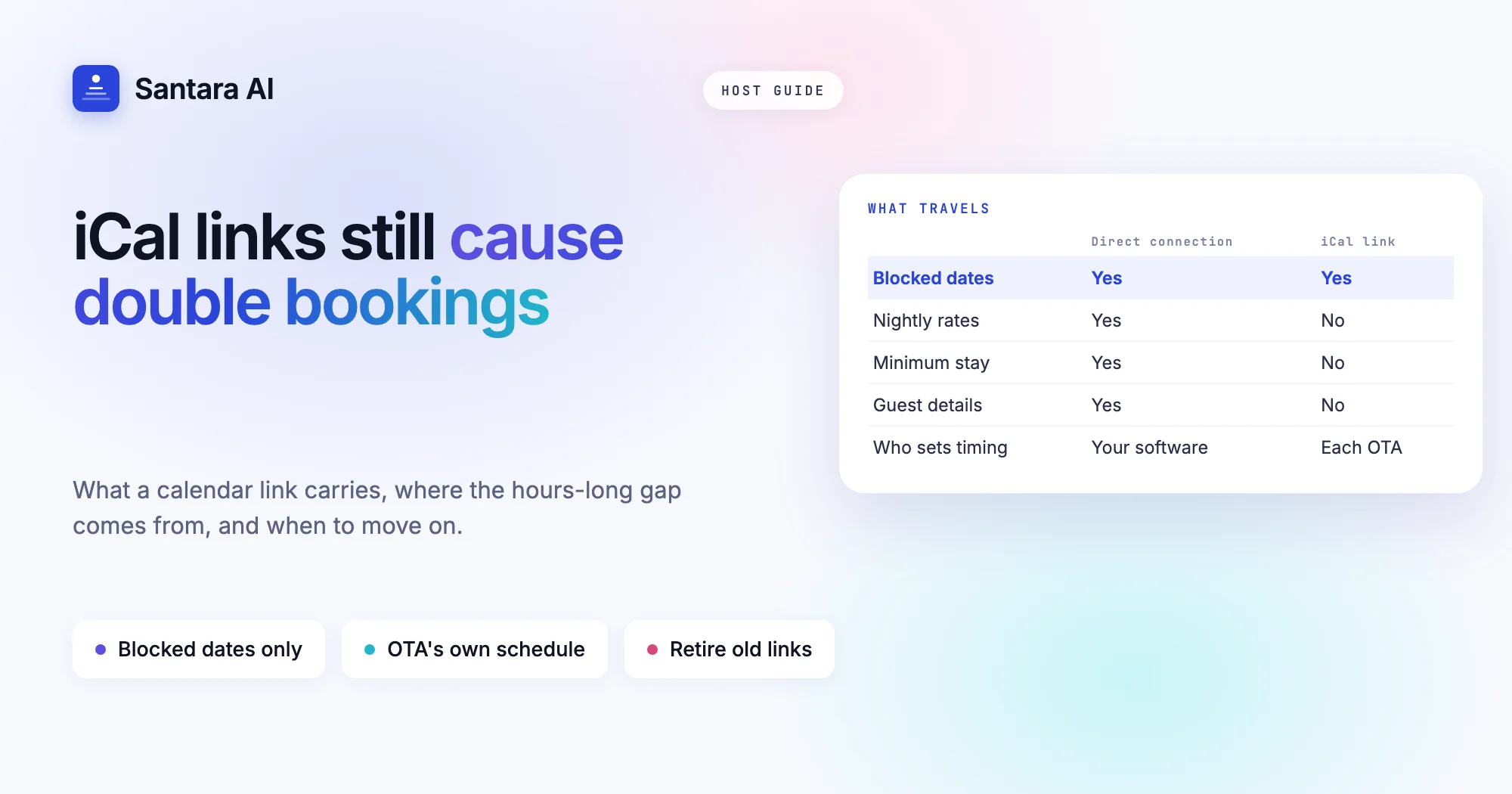
This is also where simple calendar links fall short. An iCal feed only carries blocked dates. It carries no price, no minimum stay and no closed dates, so it can't keep any of this in line. We compared the two approaches in iCal sync vs a channel manager.
Rate restrictions in plain words
Booking sites use a small set of restrictions. The names sound technical, but each one answers a simple question about a night.
| Restriction | What it means | When to use it |
| Minimum stay on arrival | A stay that <strong>starts</strong> on this date must be at least N nights | Peak dates where you want longer check-ins, but don't mind short stays that end there |
| Minimum stay through | <strong>Any</strong> stay that includes this date must be at least N nights | New Year's Eve, festival nights, the one night everyone wants |
| Maximum stay | A stay starting on this date can't be longer than N nights | Keeping a room free for a known event, or limiting long stays at peak rates |
| Closed to arrival | No check-ins on this date | Days your team can't clean, or days that would leave an awkward gap |
| Closed to departure | No check-outs on this date | Public holidays when cleaners are off, or to protect a long weekend |
| Stop sell | The night is not for sale at all | Owner stays, maintenance, or rooms you are holding back |
The difference between on arrival and through matters most. Say you set a three-night minimum on 31 December. With "on arrival", a guest arriving on the 29th for two nights can still book, because their stay doesn't start on the 31st. With "through", that two-night stay is blocked, because it touches the 31st. Use "through" for the single night that drives demand. Use "on arrival" when you just want longer stays to start in a busy window.
Not every OTA shows every restriction to guests in the same way. After you set a new rule, open one future date on each channel and check what a guest would see.
Peak season pricing: set it early
Most peak season mistakes come from setting rates too late. By the time you raise Christmas prices in November, early bookers have already taken your best nights at the normal rate. Plan the whole period at once, well in advance, then let it run.
Here is a simple order that works for most small properties. Say you run three villas in Canggu and want to plan the two weeks around New Year.
Step 1
Set season rates early
Decide the peak price for the whole period months ahead and put it on the calendar before guests start searching. Set weekends and the key nights (24–25 December, 31 December) higher than the rest of the period.
Step 2
Set the minimum stay
Choose a minimum stay for the period, for example three nights, and a "through" rule on the night that matters most. Longer minimums fill fewer bookings but leave fewer holes.
Step 3
Close awkward arrival days
If arrivals on 1 January would leave a one-night gap on the 31st, or if your cleaners rest that day, set closed to arrival or closed to departure on those dates.
Step 4
Watch the gap nights
Check the calendar every few days. A two-night hole between two bookings will never sell under a three-night minimum. Lower the minimum for those specific nights, or offer them at a slightly lower price.
Step 5
Release restrictions as dates approach
In the last week or two, a strict minimum stay mostly blocks bookings. Shorten it, reopen closed arrival days, and let the remaining nights sell to last-minute guests.
The trap of editing one OTA directly
When a date is busy, it is tempting to open the Airbnb app and change the price right there. It feels faster. It usually causes one of two problems.
It gets overwritten. If a channel manager is connected, its next update for that date replaces whatever you typed on the OTA. Your change silently disappears, and you think the price is higher than it is.
It drifts. If nothing pushes that date again, the OTA keeps your manual price while every other channel keeps the old one. Now your listings disagree, and the cheapest one wins the booking.
The rule is simple: one place changes prices and rules, and every channel reads from it. If you use a channel manager, make all peak season edits there and treat the OTA extranets as read-only.
Multi-unit rooms and unit count
Some hosts sell several identical units under one listing: four standard bungalows, or six rooms of the same type in a guesthouse. Here, the number you sell is just as important as the price.
The unit count tells your channel manager how many identical units exist. If it says four, every channel can sell up to four on a given night, and each booking lowers the number on the others. If you set it too high, you can oversell. If you set it too low, you leave units empty on your busiest nights.
Before peak season, check the unit count for every room type. If one unit is out for repairs over New Year, close it for those dates rather than leaving the count wrong.
How Santara AI keeps prices and minimum stays in sync
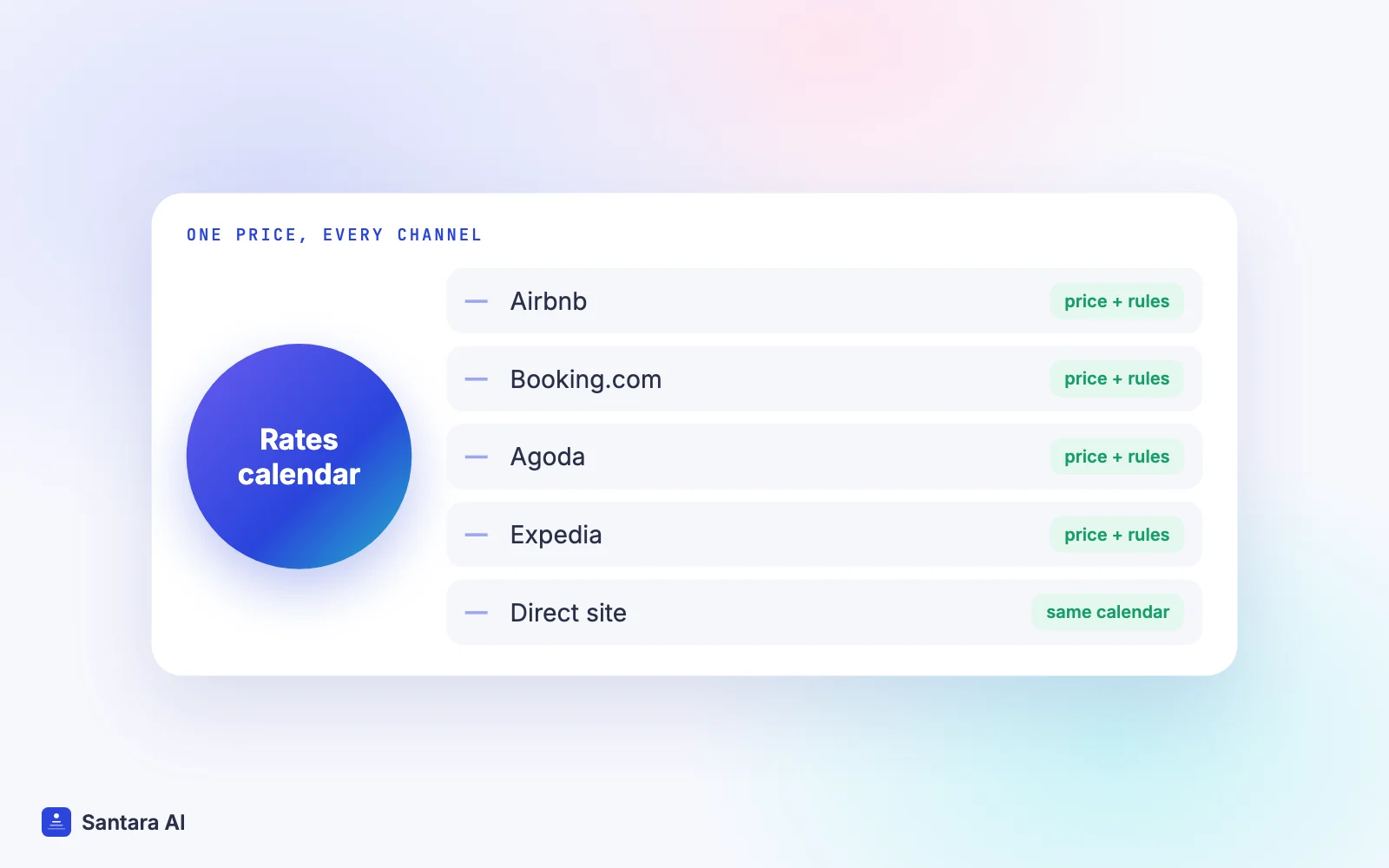
Santara AI replaces both the PMS and the channel manager, so there is one calendar per room and every channel is fed from it. Pricing lives on the rates calendar:
- Weekday defaults plus date overrides. Set a normal price and rules for each day of the week, then override any specific date or range, such as your New Year period.
- Every restriction from the table above. Nightly rate, availability, minimum stay on arrival and through, maximum stay, closed to arrival, closed to departure and stop sell all push to your connected channels.
- Zero-price guard. A zero or placeholder price is never pushed to a channel, so a typo can't list a villa for nothing.
- Smart pricing rules. A built-in rule engine can set prices from seasons, weekends and last-minute or gap rules. When you edit a price by hand, the rules don't overwrite it.
- Unit count is a hard cap. Availability is never pushed above a room's unit count. To sell more, you raise the unit count.
- Rejections are recorded. Updates go through a queue with retries. If a channel rejects one, it is logged, not silently dropped.
What it doesn't do today
The same price and the same rules go to every connected channel. Santara AI can't set a different price, a markup, or a different minimum stay for one channel only. If PriceLabs is connected to your listings, Santara AI detects it, but it is not used as a pricing source.
FAQ
What is the difference between minimum stay on arrival and minimum stay through?
Minimum stay on arrival applies only to stays that start on that date. Minimum stay through applies to any stay that includes that date, even if it started earlier.
How do I sync prices across channels without changing each one by hand?
Use a channel manager or an all-in-one system, set the price there once, and stop editing prices inside each OTA. Every channel then reads the same rate.
What does closed to arrival mean?
Guests can't check in on that date, but they can stay through it. It's useful for days you can't turn rooms over, or to stop bookings that would leave short gaps.
When should I relax my minimum stay in peak season?
In the last one to two weeks before the dates. By then, long stays are mostly booked and a strict minimum mainly blocks the short stays that could still fill your gaps.
Keep reading
- Airbnb and Booking.com without double bookings
- PMS vs channel manager: do short-term rental hosts need both?
- The upsells hiding in your calendar
Your first 3 months are free.
Join For Free