Airbnb and Booking.com double booking: how to list on both safely
Listing on Airbnb and Booking.com fills more nights, but the two platforms work differently. Here is where they clash and a setup that keeps one calendar in charge.
 Tai Pham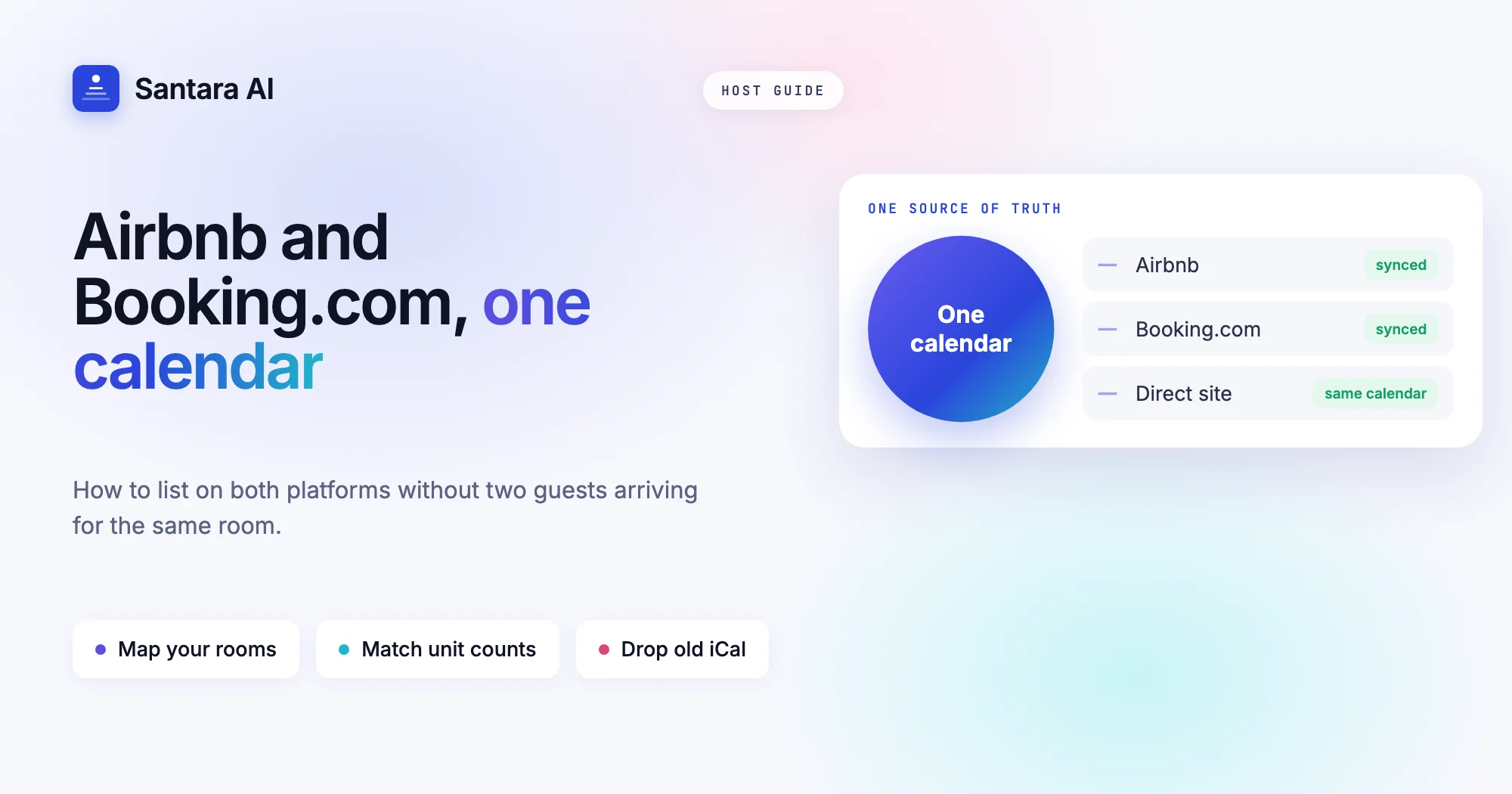
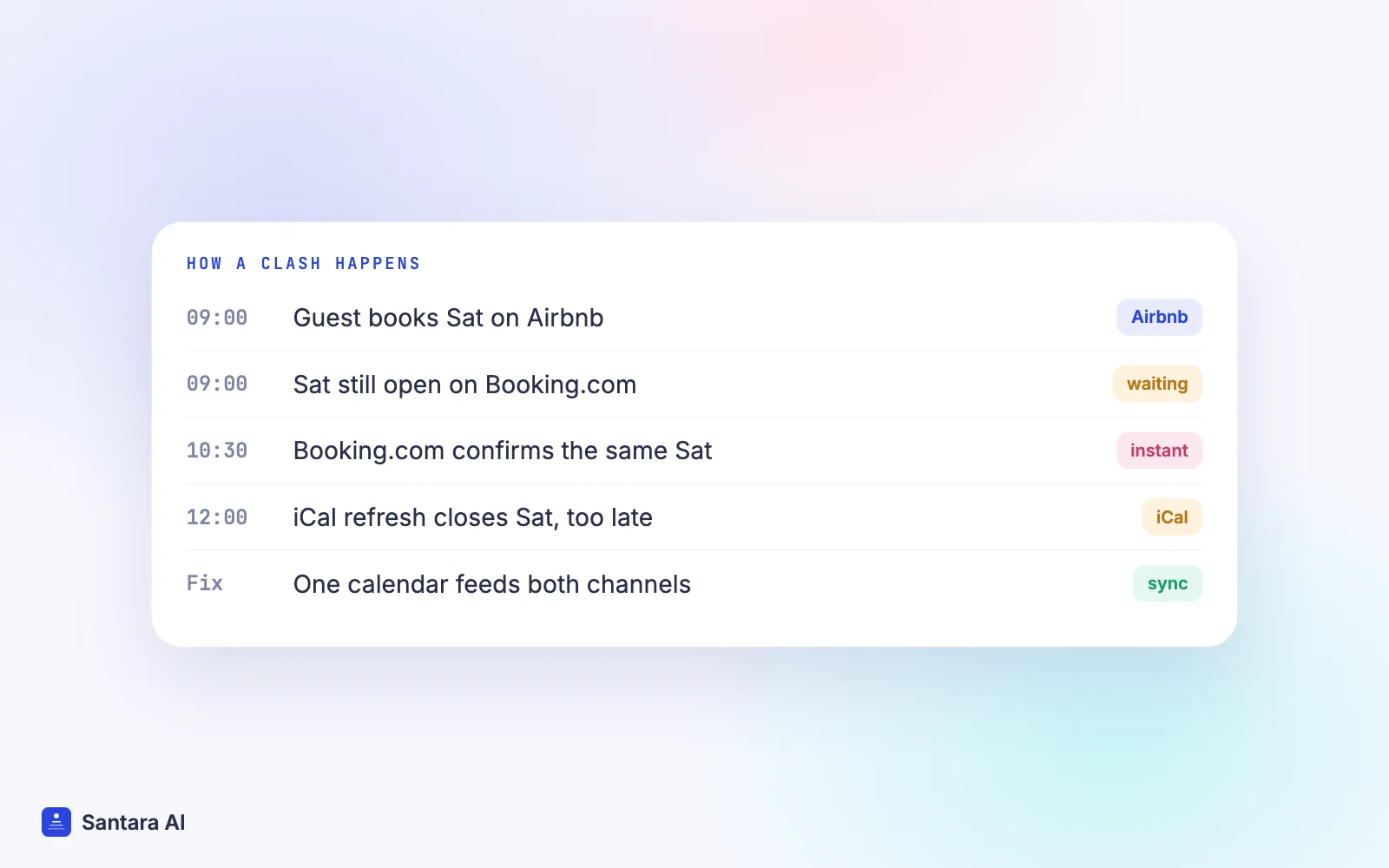
Most hosts start on Airbnb. Then a quiet month arrives, a friend mentions their villa fills up through Booking.com, and you decide to list on Airbnb and Booking.com together. A week later the first clash happens: two guests, one room, the same Saturday. An Airbnb and Booking.com double booking is the most common fear of the two-channel host, and it usually has a simple cause.
The two platforms are not copies of each other. They take bookings differently, describe your property differently and handle changes differently. If your setup ignores those differences, the calendars drift apart, and a drifting calendar is where double bookings come from.
This guide covers why adding Booking.com is worth it, where the two platforms clash, a step-by-step setup that keeps one calendar in charge, and the mistakes that still cause trouble after everything is connected.
Why hosts add Booking.com to Airbnb
Booking.com brings guests you may not reach on Airbnb. Many travellers in Asia and Europe use it out of habit because they book hotels there, and they search for a villa or apartment in the same app.
The booking window is often different too. In many markets Booking.com guests book closer to the date, while Airbnb guests plan further ahead for longer stays. Say you run four rooms in Da Nang: Airbnb fills your weeks in advance, and Booking.com picks up the last-minute weekend nights that would have stayed empty.
That mix is the point. Two channels with different guests smooth out your occupancy. The cost is that you now have two calendars that must agree every single day.
How Airbnb and Booking.com differ (and where they clash)
Most clashes come from five differences. Knowing them helps you set rules that work on both sides.
| Airbnb | Booking.com | |
| How bookings arrive | Instant Book or request to book, your choice | Confirmed straight away by default |
| What you list | A listing, usually one home or room | A property with room types, each with a number of units |
| Date changes | Guest requests a change, you accept or decline | Depends on your policy; changes and cancellations can arrive without a conversation |
| Cancellations | Set by the cancellation policy you choose | Free-cancellation rate plans are common, so more bookings cancel |
| Minimum stay | Set on the listing and per date | Set as restrictions on the rate plan and per date |
Instant confirmation. On Booking.com a guest who sees an open night books it, with no request step to save you. If that night was already sold on Airbnb and Booking.com did not know, you have an Airbnb and Booking.com double booking.
Room types vs listings. Booking.com thinks in room types: "Deluxe Pool Villa, 3 units". Airbnb thinks in listings: one villa, one calendar. If you have three identical villas, Airbnb may hold three listings while Booking.com holds one room type with three units. Both must add up to the same real number of villas.
Modifications and cancellations. A guest who shortens a stay on Booking.com frees nights. A guest who extends a stay on Airbnb takes nights. Each change has to reach the other platform, or one side sells nights that are no longer free.
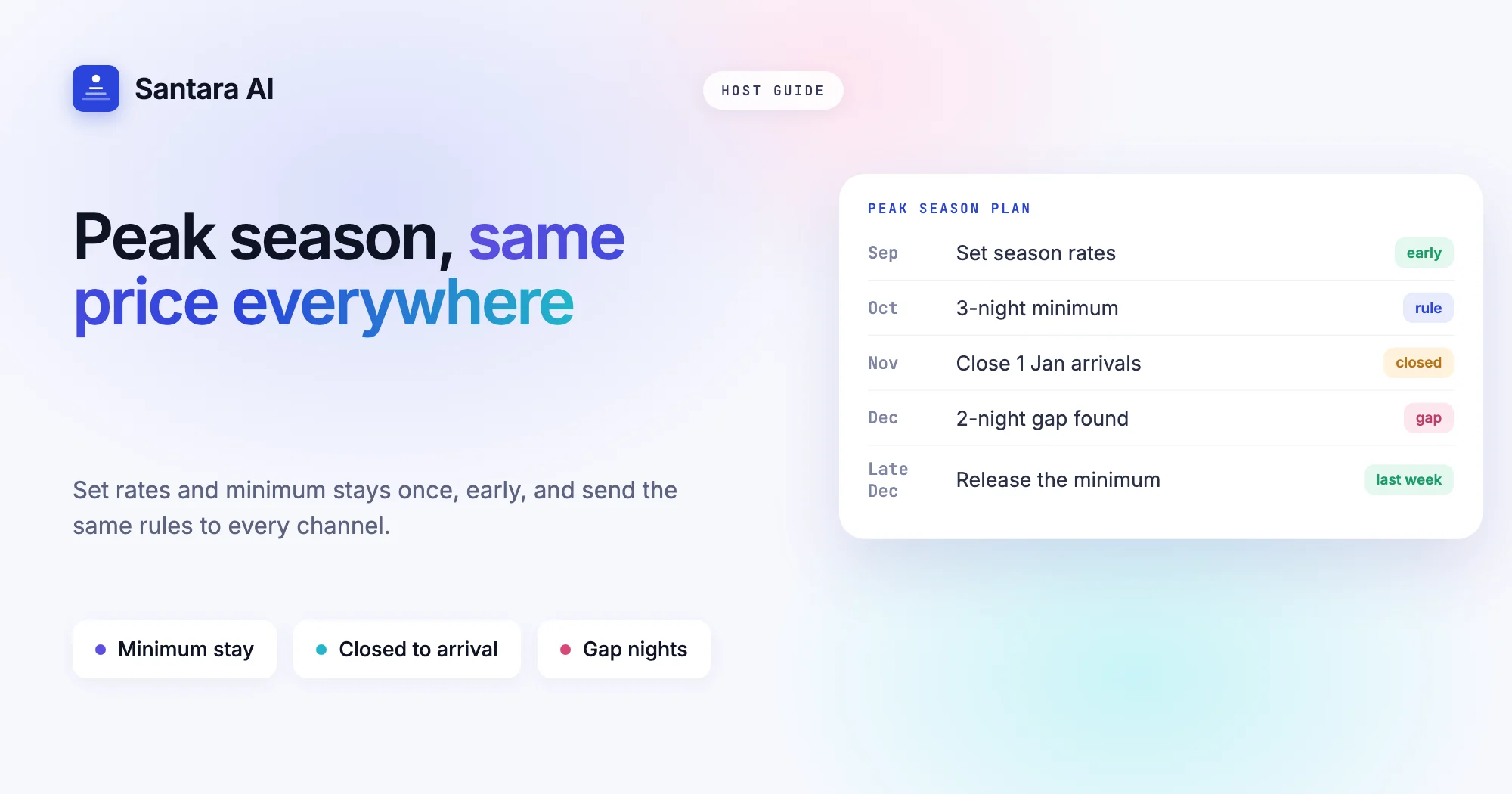
Minimum stay. If Airbnb asks for three nights and Booking.com allows one, you end up with one-night gaps on one side and lost bookings on the other. Pick one rule and apply it everywhere.
Sync Airbnb with Booking.com from one calendar
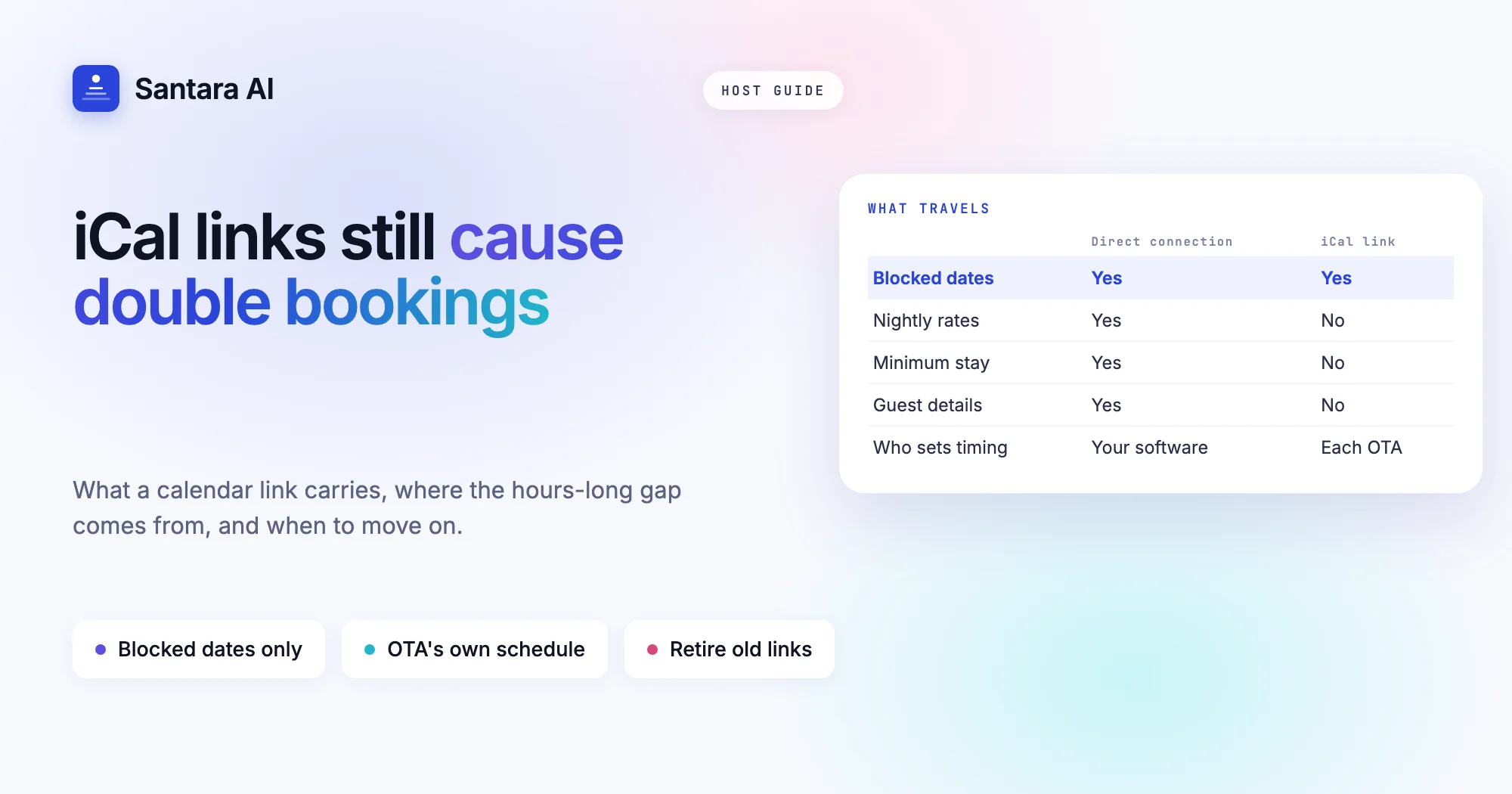
There are two ways to sync Airbnb with Booking.com. The first is iCal links: each platform exports a calendar file and imports the other's. It is free, but iCal only carries blocked dates, with no prices, no minimum stays and no guest details. The OTAs refresh those links on their own schedule, commonly every few hours, so a night can stay open on one side long after it sold on the other.
The second is a channel manager: one calendar holds availability, prices and stay rules, and both platforms are fed from it. If you want the full picture of how that works, read what a channel manager is and how calendar sync works. The key idea is simple: one source of truth, many outputs. Neither Airbnb nor Booking.com should be the master. Your own calendar is.
Setting up Airbnb and Booking.com in Santara AI
Santara AI replaces both the PMS and the channel manager. Each room has one calendar, and every connected channel is fed from it. Here is the setup for a host bringing an existing Airbnb account and an existing Booking.com property.
Step 1
Connect Airbnb and pick your listings
Sign in to Airbnb from Santara AI and authorize the connection. You choose which listings to bring in. Future reservations are imported, and each listing's real rates (nightly price, weekend price and fees where readable) come in read-only. Anything that cannot be read safely is reported to you instead of guessed.
Step 2
Enable the connectivity provider in the Booking.com extranet
In the Booking.com extranet, enable the connectivity provider shown in the Santara AI connect dialog, then enter your Hotel ID in Santara AI. The extranet sign-in uses two-factor verification, so this step needs the property owner or whoever holds that login. If you manage villas for owners, book ten minutes with them.
Step 3
Map each Booking.com room to a room in Santara AI
Your Booking.com rooms load automatically. Map each one to the matching room in Santara AI, the same room its Airbnb listing feeds. One real room, one calendar, two channels.
Step 4
Confirm the unit count
Before anything is pushed to a live listing, you confirm how many identical units each room sells. A one-villa room is 1. A room type with three identical villas is 3. Availability is capped at this number, so a 1-unit room can never be offered as 2.
Step 5
Go live
Going live is your step, not an automatic one. After that, changes in Santara AI push to both channels: availability, nightly rate, minimum stay, maximum stay, closed to arrival, closed to departure and stop sell.
Step 6
Test with a calendar check
Open the calendar and compare it with both platforms. Find one upcoming booking from each channel and check its dates are closed on the other. Then close a test date far in the future in Santara AI, check it closes on both, and reopen it.
From then on, a booking, modification or cancellation from either channel lands on the same calendar, and a booking on one channel lowers availability on the other. Updates go through a queue with retries, and if a channel rejects an update it is recorded so you can see it, not silently dropped. A zero or placeholder price is never pushed. You can see the whole setup on the integrations page, where Airbnb and Booking.com sit alongside Agoda, Expedia, Trip.com, Google Vacation Rentals and the rest of the 54 channels.
Airbnb and Booking.com double booking: common mistakes
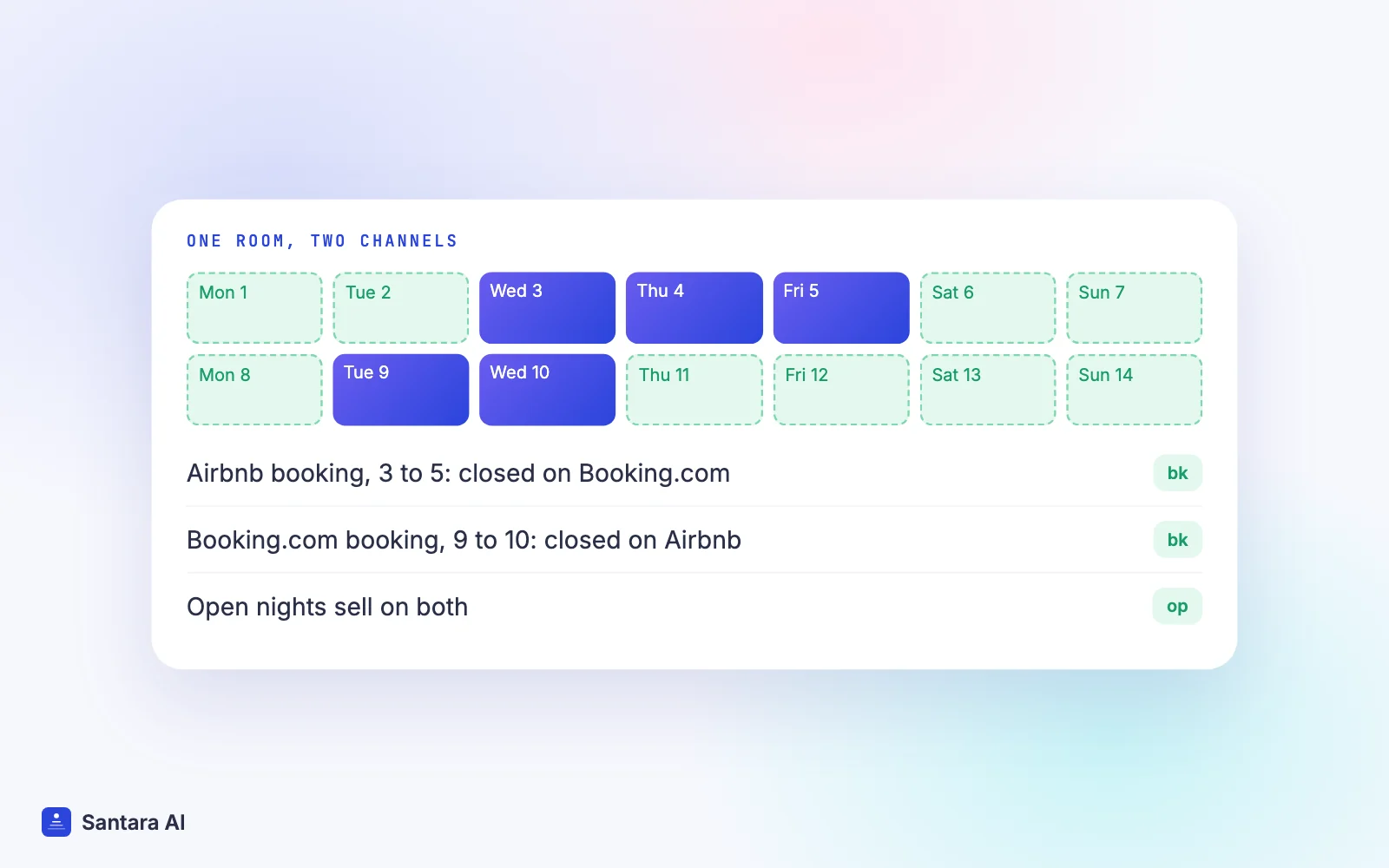
Connecting both channels makes an Airbnb and Booking.com double booking rare, not impossible. These are the mistakes we see most often, and each one is easy to fix.
| Mistake to avoid | What goes wrong | Fix |
| Mismatched room counts | Booking.com says 3 units, you really have 2, so it sells a villa that does not exist | Set the unit count to the real number of identical units |
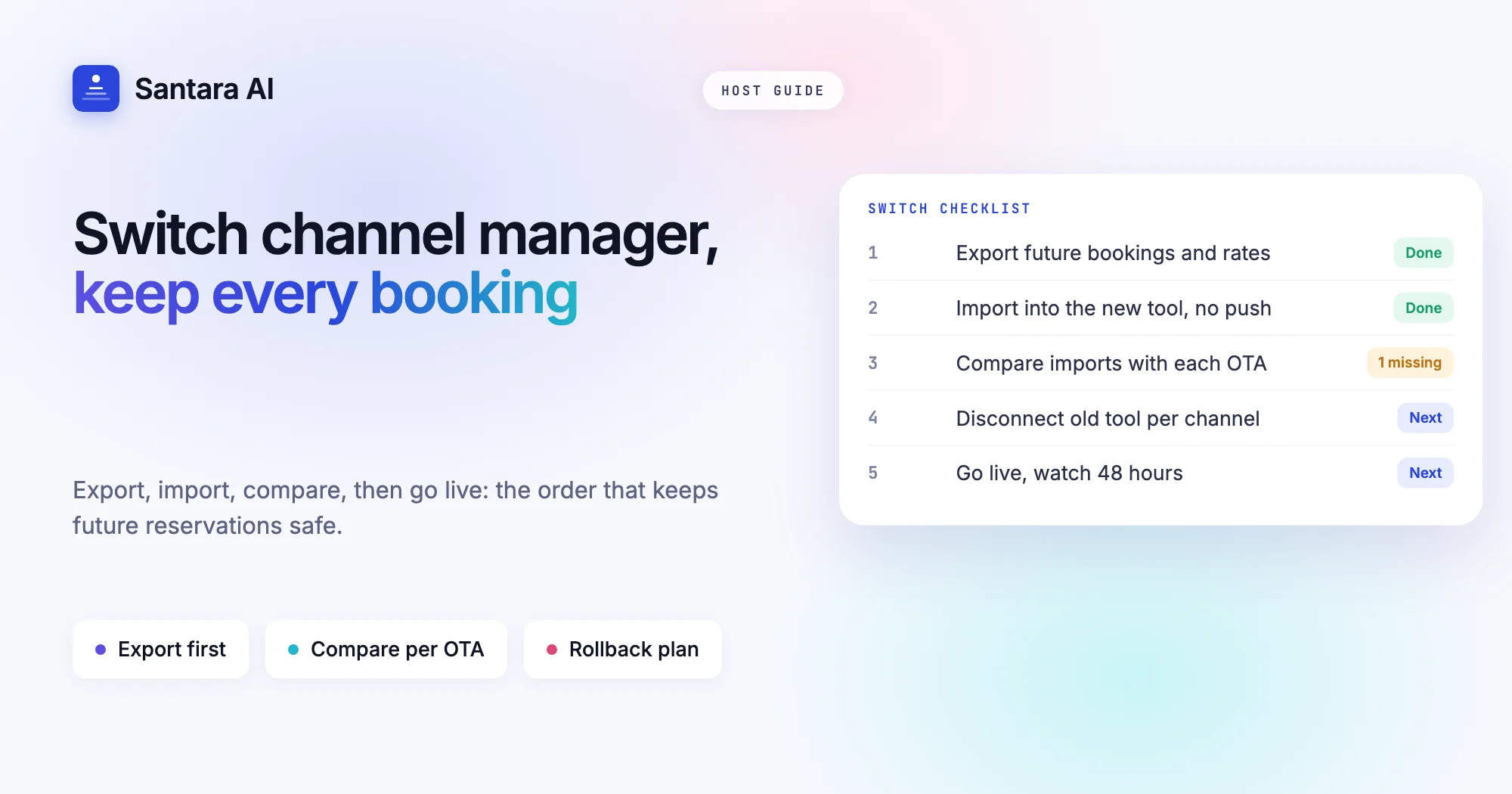
| Blocking dates on the OTA | A block made in the Airbnb app stays on Airbnb only, and the next update from your calendar can reopen it | Block dates in your own calendar so every channel closes |
| Leaving old iCal links on | Old imports keep adding blocks that never clear, or fight the real sync | Remove iCal imports on both platforms once the connection is live |
| Different house rules | A guest books a party weekend on one side that the other side forbids | Use the same check-in time, guest limit and rules on both |
| Different minimum stays | One-night gaps appear that no one can book | Set minimum stay once in your calendar |
| Two tools pushing to one channel | An old channel manager and the new one overwrite each other | Disconnect the old tool before you go live |
One cause remains even with a perfect setup: two guests booking the same night on both platforms within the short window before the update reaches the other side. It is uncommon, and when it happens both bookings sit on one calendar where you can see them and move one guest before arrival. If you are still weighing whether you need separate tools for operations and sync, our comparison of a PMS vs a channel manager walks through it.
What we don't do
Santara AI sends the same price and the same minimum stay to every channel; it does not set different prices or stay rules per channel. It never creates OTA listings: you connect the Airbnb and Booking.com accounts you already have. Disconnecting a channel stops sync but never deletes your listing or its reservations.
FAQ
Can I list on Airbnb and Booking.com at the same time?
Yes. Both platforms allow it, and many hosts do. The rule is that one calendar must control availability on both, so a night sold on one closes on the other.
How do I avoid double bookings between Airbnb and Booking.com?
Connect both to one calendar, set the correct unit count for each room, make all blocks and price changes in that calendar, and remove old iCal links once the connection is live.
Is iCal enough to sync Airbnb with Booking.com?
For one listing in a quiet season it can work. iCal only carries blocked dates and refreshes on each platform's schedule, so busy calendars are exposed to gaps.
Why does Booking.com need my Hotel ID and extranet access?
The connection is approved from inside the extranet. The property owner enables the connectivity provider there, then the Hotel ID links the property to your calendar.
Keep reading
Your first 3 months are free.
Join For Free