iCal vs channel manager: why iCal links still cause double bookings
iCal links carry blocked dates only, refreshed on each OTA's own schedule. See how an iCal double booking happens and when to move to a direct connection.
 Tai Pham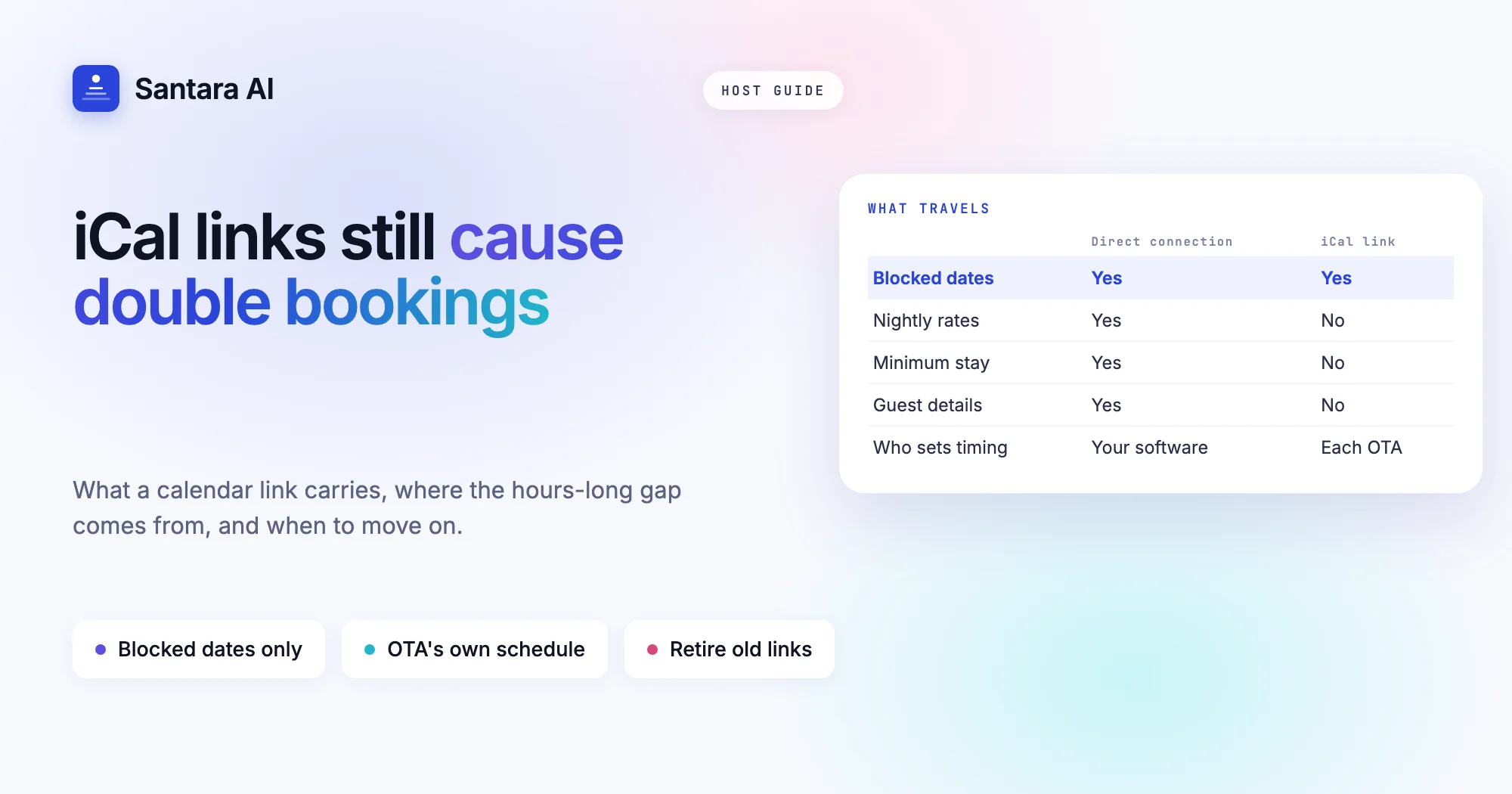
Most hosts start with iCal. You copy a calendar link from Airbnb, paste it into Booking.com, do the same the other way round, and the two calendars seem to talk to each other. It costs nothing and takes ten minutes. For a while, it works.
Then one morning two confirmed guests hold the same nights at your Bali villa, and you learn what an iCal link really is. The question of iCal vs channel manager is not about which is newer. It is about what each one actually carries, and how long the gap is between a booking on one site and the block on the other.
This guide explains what an iCal link carries, how a double booking happens step by step, and when iCal is still enough.
What an iCal link actually is
iCal is a plain calendar file format. When you export a calendar from an OTA, you get a web address that points to a small text file. That file lists date ranges marked as busy. When another OTA imports the link, it reads the file and blocks those dates on your listing there.
That is the whole mechanism. An iCal link carries:
- Blocked dates. Start and end of each busy period.
- Sometimes a short label, such as "Reserved" or "Not available".
It does not carry:
- Prices. Your nightly rate on each site stays separate.
- Minimum stay or other rules. No min stay, no closed to arrival, no stop sell.
- Guest details. No name, guest count, contact or booking reference.
The most important limit is timing. The importing OTA pulls your iCal file on its own schedule. You do not control when that happens. It is commonly every few hours and varies by site and by load. Between two pulls, the second site does not know about the new booking.
If you want the bigger picture of how a channel manager keeps one calendar in charge of every site, start with what a channel manager is and how calendar sync works.
How an iCal double booking happens
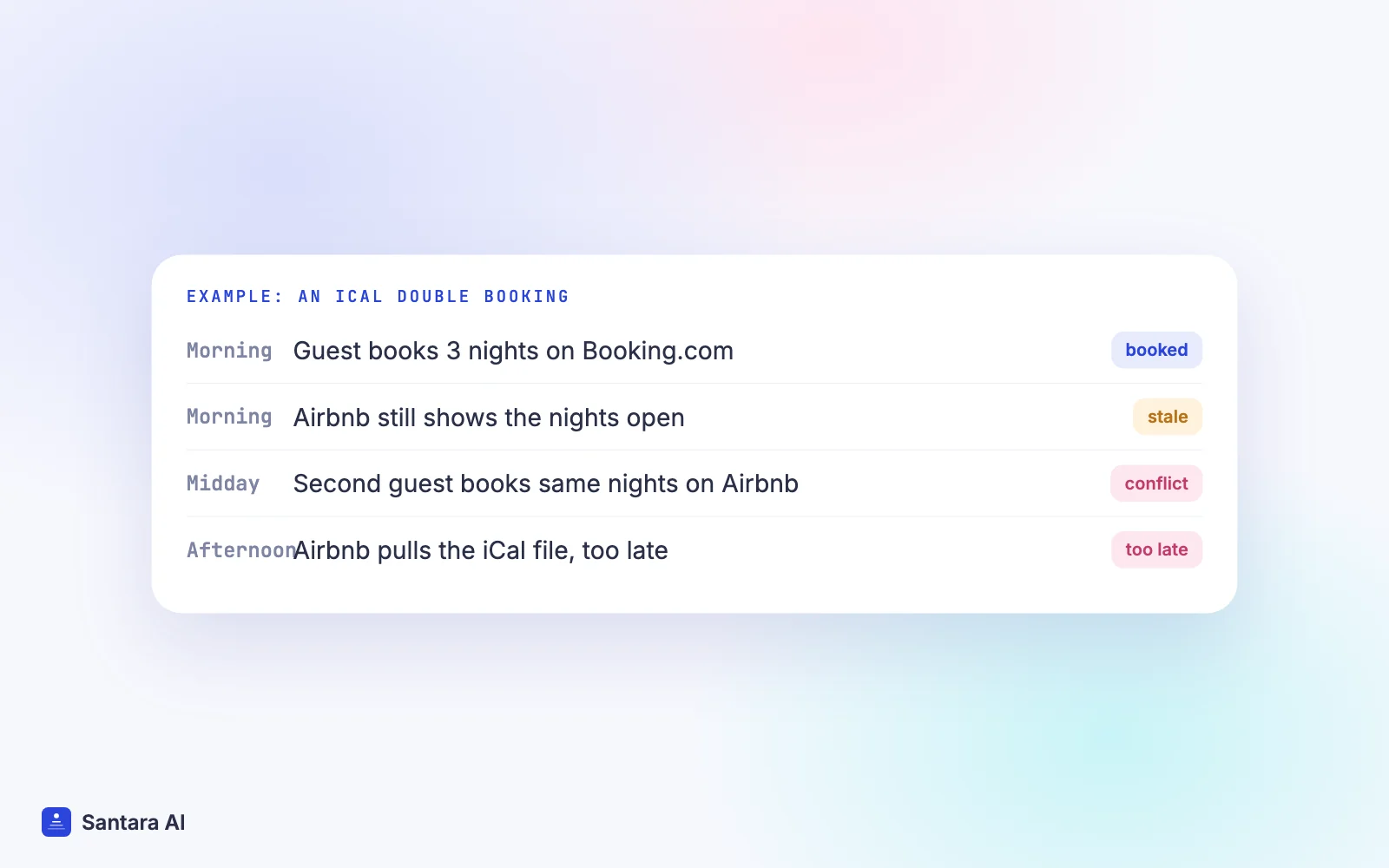
An iCal double booking almost never comes from a bug. It comes from the gap between two pulls. Here is a hypothetical example. Say you run a two-bedroom villa in Canggu, listed on Airbnb and Booking.com, linked by iCal both ways.
Step 1
Morning.
A guest books three nights in late December on Booking.com. Booking.com blocks those nights on its own calendar straight away.
Step 2
Same morning.
Airbnb has not pulled the Booking.com iCal file since earlier that day. On Airbnb, the three nights still show as open.
Step 3
Before lunch.
A second guest, searching Airbnb for the same dates, sees an open villa and books it with Instant Book.
Step 4
Afternoon.
Airbnb finally pulls the Booking.com file and tries to block the nights. They are already booked. You now have two confirmed reservations for one villa.
Nobody did anything wrong. Both sites acted on information that was hours old. The busier your season, the more likely someone books inside that window: late December in Bali, Songkran in Phuket, a long weekend in Da Nang.
Other ways iCal lets you down
Delay is the main issue, but not the only one.
- Feeds silently stop. If a link breaks, gets regenerated, or the OTA cannot reach it, the import can stop updating and you may not notice for days.
- Cancellations linger. When a guest cancels on one site, the block on the other site stays until the next pull. You lose sellable nights in the meantime.
- Prices drift. Because rates never travel over iCal, you change them by hand on each site. Sooner or later one site is cheaper than you meant.
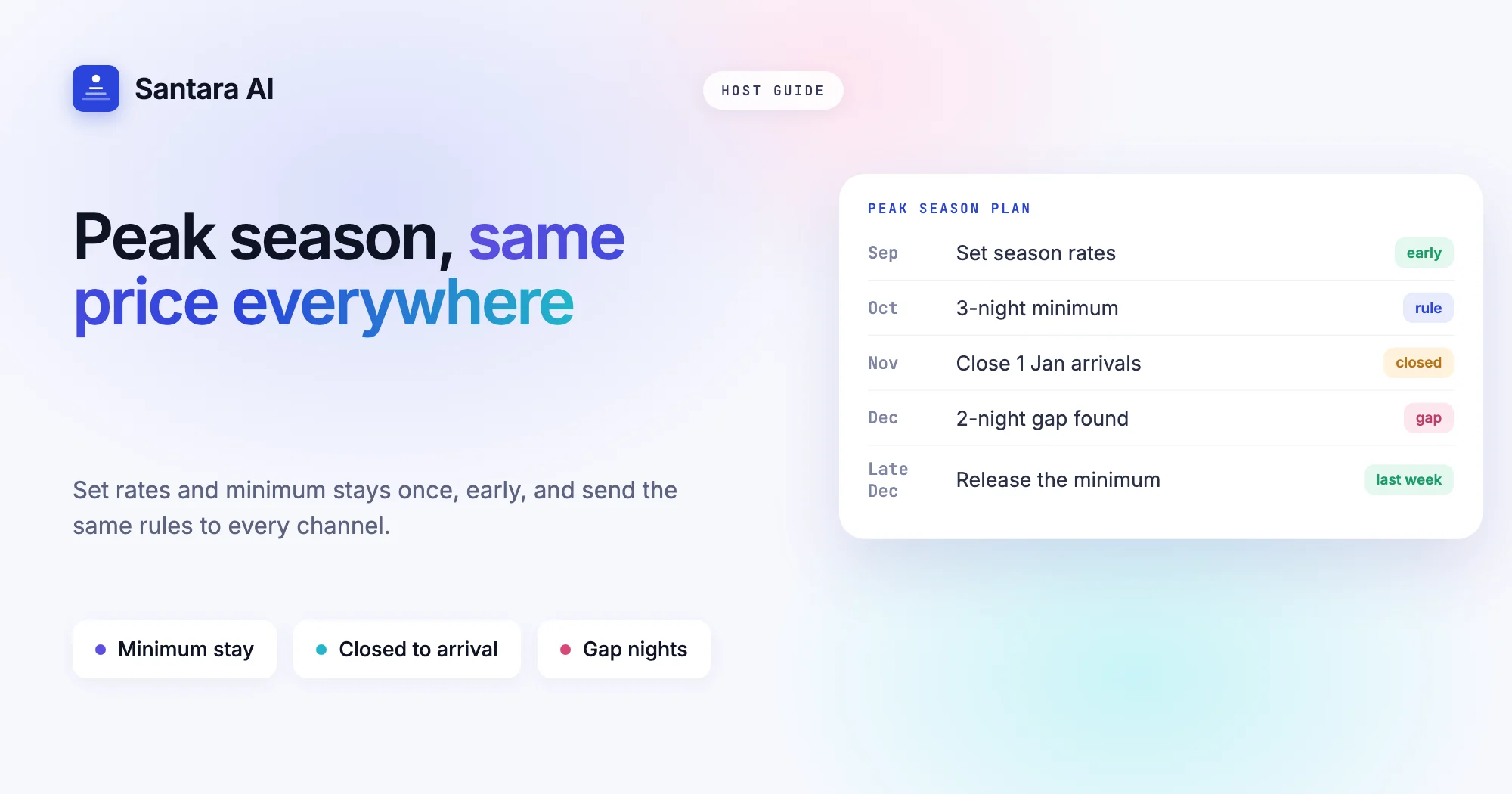
- Rules drift. A three-night minimum for New Year on Airbnb does not reach Booking.com. A one-night stay lands in the middle of your peak week.
When iCal is good enough (honestly)
iCal is not useless. For some hosts it is a reasonable choice, at least for a while. It can be fine if most of these are true:
- You run one listing, or a few that rarely book.
- You sell on one or two channels, not four.
- It is low season and bookings come in slowly.
- Guests usually book weeks ahead, so same-day races for the same nights are rare.
- You keep prices and minimum stays simple and are happy to update each site by hand.
Then the chance of two guests booking the same nights within a few hours is small. In the iCal vs channel manager choice, iCal wins on cost and simplicity, as long as you know what it leaves out.
When to move to a direct connection
The balance in the iCal vs channel manager decision changes as you grow. Consider a direct channel connection when:
- You have several units or more than two channels.
- Peak season brings many bookings close together, often last minute.
- You want to change prices or minimum stays once and have every site follow.
- You have already had one double booking and spent a day fixing it.
A direct connection works differently. Your software talks to each OTA through its own connection, sends availability and rates out, and receives bookings in. There is still a short processing gap, so a rare double booking can happen. But the gap is far smaller than waiting hours for the next iCal pull, and every channel is fed from one calendar instead of copying each other.
iCal vs channel manager: side by side
| iCal link | Direct channel connection | |
| What travels | Blocked dates only | Availability, rates, stay rules, bookings |
| Who decides when it updates | Each OTA, on its own schedule | Your software sends updates as changes happen |
| Typical gap | Commonly hours, varies | Much shorter, though never zero |
| Prices | Set by hand on each site | Set once, sent to every channel |
| Minimum stay, closed to arrival | Not carried | Carried |
| Guest name and booking details | Not carried | Imported with the booking |
| Cancellations | Block lingers until next pull | Dates reopen on the other channels |
| Setup | Paste links both ways for every pair | Connect each channel once |
How to retire iCal links safely
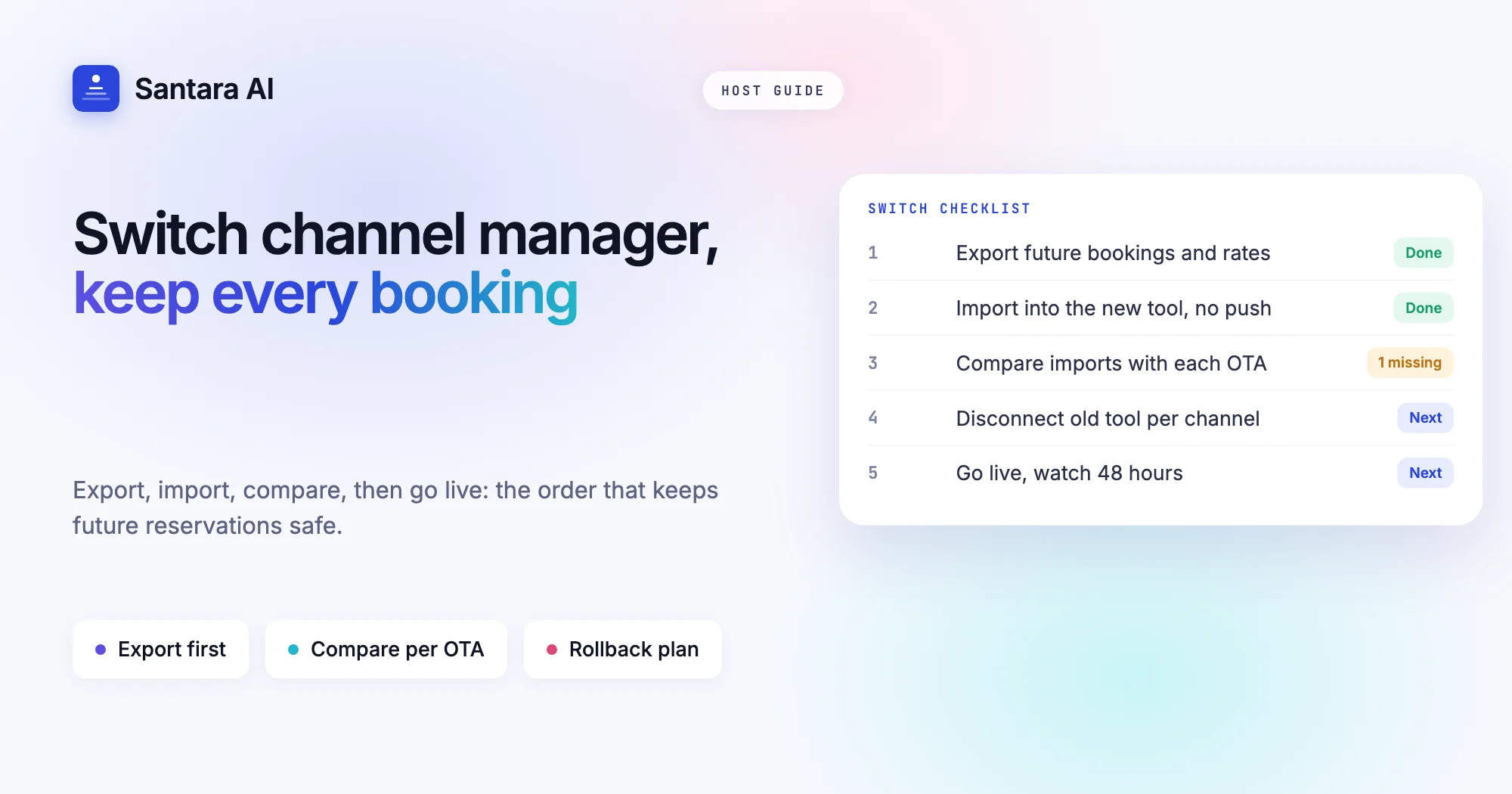
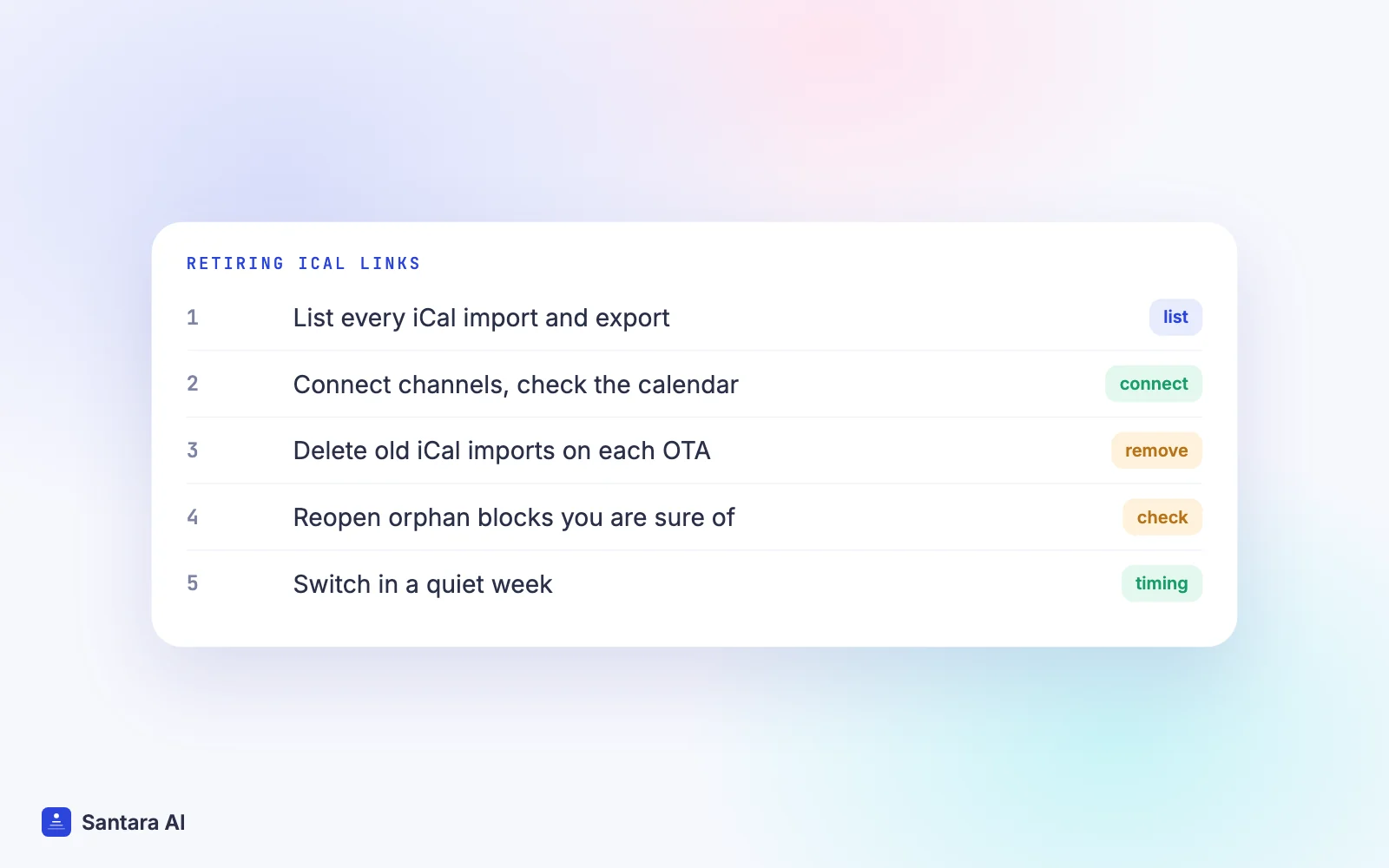
The switch itself is where many hosts get burned: old iCal imports keep running and create duplicate or stale blocks. Do it in this order.
Step 1
List every iCal link you have
On each OTA, note every calendar you import and every link you export. Include old tools, a Google Calendar, or a co-host's spreadsheet that reads your links.
Step 2
Connect your channels and check the calendar
Connect each channel directly and let future reservations import. Compare the result against each OTA's own reservation list before anything goes live.
Step 3
Remove the old iCal imports on each OTA
Go into each OTA's calendar sync settings and delete the imported calendars. If you leave them, a booking can arrive twice: once through the direct connection and once as an iCal block.
Step 4
Look for orphan blocks
Scan the next few months for blocked dates with no matching booking, usually leftovers from old feeds. Reopen only the ones you are sure about.
Step 5
Switch in a quiet week
Do the move outside peak season, so a mistake costs little. Watch the first few new bookings arrive and close the dates on the other channels.
How Santara AI handles this
Santara AI uses direct connections, not iCal. It replaces both the PMS and the channel manager, and it does not offer iCal import or export as a feature. One calendar per room is the source of truth, and every connected channel is fed from it.
- Connect from the app. For Airbnb you sign in to Airbnb from Santara AI and choose which listings to bring in. For Booking.com you enable the connectivity provider shown in the Santara AI connect dialog in your Booking.com extranet, then enter your Hotel ID and map each room. Agoda, Expedia, Trip.com, Google Vacation Rentals and the rest of the 54 channels connect from the in-app catalogue. See all integrations.
- Bookings come in with details. New bookings, changes and cancellations from every connected channel land on the same calendar, and a booking on one channel lowers availability on all the others.
- More than dates goes out. Availability, nightly rate, minimum stay, maximum stay, closed to arrival, closed to departure and stop sell are sent to connected channels.
- You decide when to go live. On connect, future reservations are imported, and for Airbnb the real rates are imported read-only. You confirm each room's unit count before anything is pushed.
- Safety checks. Availability can never exceed the room's unit count, a zero or placeholder price is never pushed, and updates go through a queue with retries. If a channel rejects an update, it is recorded, not silently dropped.
What still causes the odd double booking
A direct connection makes double bookings rare, not impossible. The remaining causes are a channel that rejects or delays an update on its side, two guests booking within the same short processing gap, a wrong unit count, and an old iCal import you forgot to remove. Retire your iCal links and check unit counts, and most of these go away.
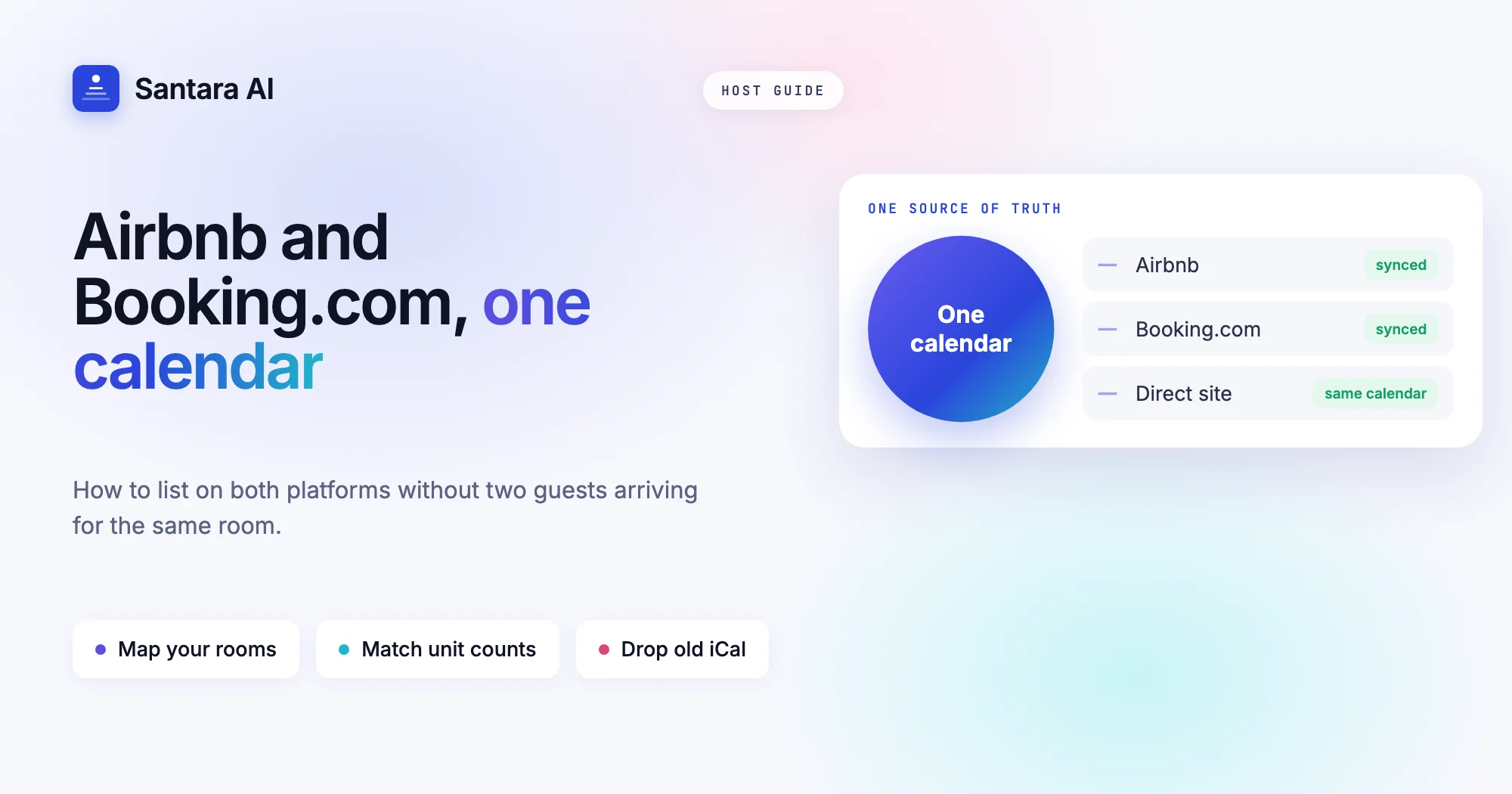
If you also sell on both Airbnb and Booking.com, our guide to listing on Airbnb and Booking.com without double bookings walks through the room mapping step in detail.
FAQ
How often does Airbnb iCal sync update?
Airbnb, like other OTAs, pulls imported calendars on its own schedule. It is commonly every few hours and can vary, which is why a booking elsewhere may not block the nights on Airbnb straight away.
Why does iCal sync delay cause double bookings?
Between two pulls, the second site still shows the nights as open. If a guest books there inside that window, both bookings are confirmed for the same nights.
Can iCal sync prices or minimum stay?
No. iCal only carries blocked dates. Prices, minimum stays and other stay rules must be set on each site separately, or sent by a channel manager.
Should I keep iCal links after connecting a channel manager?
No. Remove the old imports on each OTA once your channels are connected directly. Leaving them can create duplicate or stale blocks.
Keep reading
- PMS vs channel manager: do short-term rental hosts need both?
- How to choose villa management software
- Direct booking websites for vacation rentals
Your first 3 months are free.
Join For Free