How to price your Airbnb: base price, weekends, discounts and fees
A step-by-step method to price your Airbnb: comparable listings, base price, weekend premium, discounts, cleaning fee and Smart Pricing, with a worked example.
 Tai Pham
Most hosts set their first Airbnb price by looking at three nearby listings, picking a number in the middle and never touching it again. Then the calendar fills with cheap weekends, empty Tuesdays and long stays that barely cover cleaning. The problem is rarely the number itself. It is the lack of a method behind it.
This guide gives you that method: how to price your Airbnb from comparable listings, how to set a base price, a weekend premium and length-of-stay discounts, when early-bird or last-minute discounts make sense, how the cleaning fee works now that guests see a total price, and what Airbnb's own Smart Pricing does and does not do. Every platform fact below comes from Airbnb's help pages, checked on 26 October 2026, and is linked so you can confirm it.
You will also find a worked example you can copy into a spreadsheet, and a simple review routine so your prices don't go stale. The numbers in the example are hypothetical. Your own market sets the real ones.
Start with comparable listings, not your costs
The first rule of how to price your Airbnb: start from what guests pay. Your costs tell you the lowest price you can live with. They don't tell you what guests will pay. For that you need comparable listings: places that a guest searching your dates would see next to yours.
Airbnb has a built-in tool for this. In your calendar, select one or more nights, click the nightly price and choose to view similar listings. According to Airbnb's compare similar listings article, it shows two kinds of averages:
- Booked prices: nightly prices guests actually paid for similar listings nearby. This is your best benchmark.
- Available prices: prices of similar listings that are still open. Some of these will never sell at that price.
Airbnb says "similar" is based on location, size, features, amenities, ratings, reviews and the other listings guests look at while considering yours. Two limits matter: the tool compares nightly prices, not trip totals (cleaning fees and discounts change the final cost), and it doesn't appear when Smart Pricing is on.
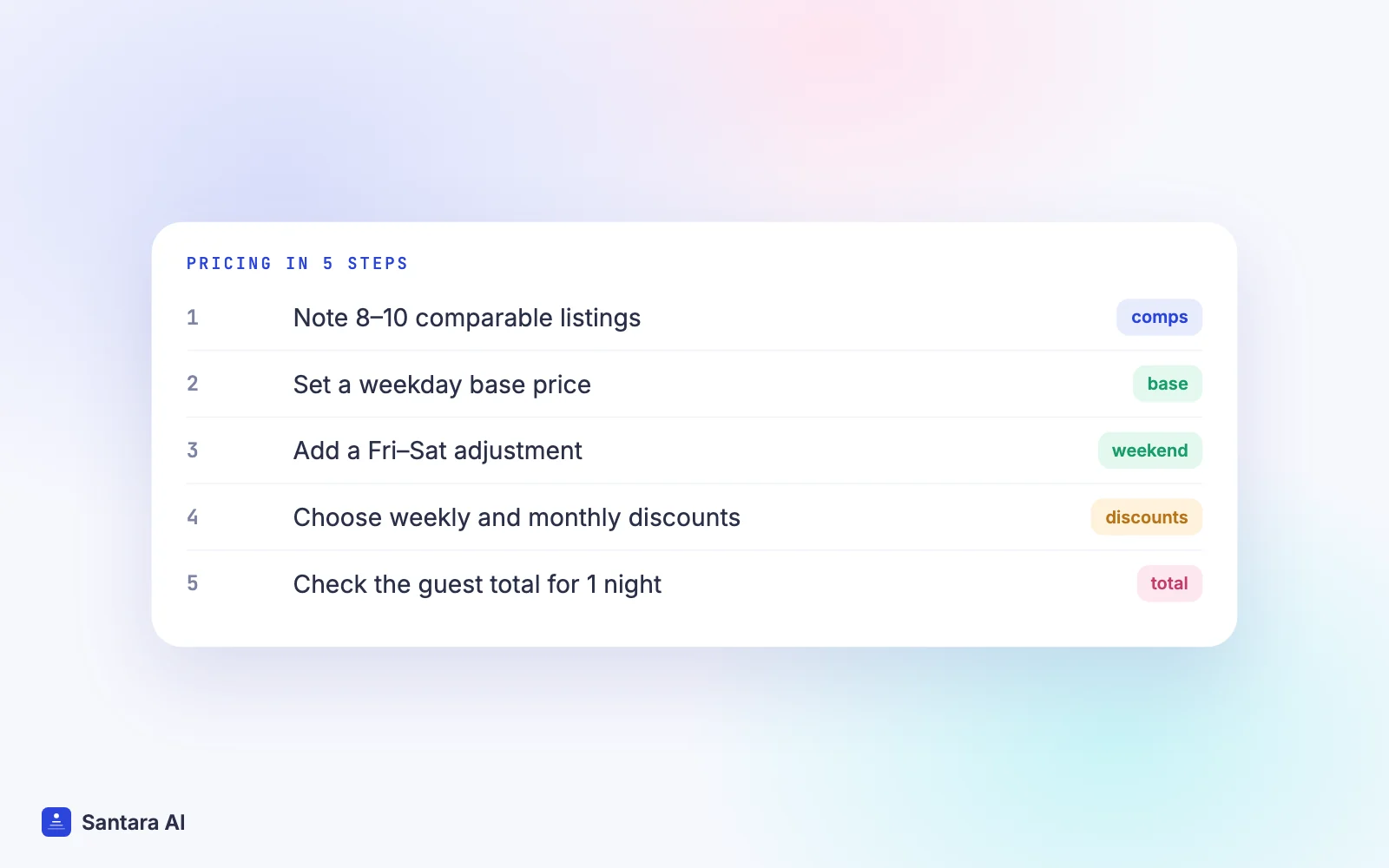
If you prefer to do it by hand, search your own dates as a guest, filter for your guest count and bedrooms, and note 8–10 listings that really compete with you. Write down their price for a weekday night, a weekend night and a 7-night stay. Do this for two different weeks, not just one.
Price also affects where you appear. Airbnb's search results article says listings priced below comparable listings in the area tend to rank higher. Our post on how Airbnb search ranking works covers the other factors.
Set a base price and a weekend premium
Your base price is the weekday nightly rate you are happy to sell most of the year. A practical way to set it: take the average booked price of your comparables, then adjust for what makes you better or worse (newer bathroom, no lift, a pool, fewer reviews). New listings with no reviews often start a little below the average to win the first bookings, then raise the price once reviews arrive.
Weekends usually sell faster, so they deserve their own price. Airbnb's weekend adjustment applies to Friday and Saturday nights and can be set anywhere from -50% to +50% of your base price. Two details from that page:
- You must turn Smart Pricing off to set your own weekend adjustment.
- A custom price on a specific date always overrides the weekend adjustment.
If your guests are mostly domestic weekenders, the premium can be larger. If you sit in a business district, your "weekend" may be the quiet part of the week, and a negative adjustment is the honest answer.
Length-of-stay discounts, early bird and last minute
Discounts are where many hosts lose money by accident, so set them on purpose.
| Discount | What Airbnb says | When it helps |
| Weekly | Stays of 7 or more nights (help 1233) | Fewer turnovers, fewer cleaning costs |
| Monthly | Stays of 28 or more nights (same page) | Low season, remote workers |
| Early bird | Bookings made 1 to 24 months before check-in (Resource Center) | Locking in peak dates early |
| Last minute | Lowers the price as check-in gets closer (same page) | Nights that would otherwise stay empty |
Some rules that change the maths:
- Weekly and monthly discounts of 10% or more are shown in search results, per help 1233.
- Only one discount applies per night. Airbnb's Combining discounts page gives the priority: new listing promotion, then custom promotion, then length-of-stay, then early bird, then last minute.
- A non-refundable discount, if you offer it, is calculated last, on the price after other discounts (same page).
A weekly discount should roughly match what you save on turnovers. If one clean costs you $20 and a 7-night stay replaces two or three shorter stays, a 10% weekly discount on a $90 room ($63 off the week) is easy to justify. A 25% discount usually isn't. For monthly stays, our low season playbook goes deeper.
The cleaning fee under total price display
Since 21 April 2025, Airbnb shows guests worldwide the total price of their stay, including all fees before taxes, from the first search result (Airbnb newsroom). Airbnb's fees article confirms that this total includes your nightly price and any additional fees you set, such as cleaning.
That changes the trade-off. A high cleaning fee no longer hides behind a low nightly price: on a one-night stay it can make your total look expensive next to a competitor with no fee. You have three options:
Step 1
Keep a cleaning fee
that reflects your real turnover cost, and accept that one-night totals look higher.
Step 2
Fold part of it into the nightly price
, which makes short stays more competitive and long stays slightly more expensive.
Step 3
Use a short-stay cleaning fee.
Airbnb lets you charge a lower cleaning fee to guests who book 1 or 2 nights, with the standard fee for longer stays (help 58).
For a deeper look at what each platform takes from your price, read our comparison of Airbnb vs Booking.com fees for hosts.
How to price your Airbnb: a worked example
Here is how to price your Airbnb in practice. Say you run a two-bedroom villa near Canggu. These figures are hypothetical, before Airbnb's service fee and taxes.
- Comparable booked weekday average: $95. Your villa has fewer reviews, so base price: $90.
- Weekend adjustment: +15%, so Friday and Saturday are about $104.
- Weekly discount: 10%. Cleaning fee: $25, short-stay cleaning fee $15.
| Stay | Nights | Cleaning | Guest total (before service fee, taxes) | Per night |
| 1 night, Tuesday | $90 | $15 | $105 | $105 |
| 2 nights, Fri–Sat | $208 | $15 | $223 | $112 |
| 7 nights, Mon–Sun | $658 − 10% = $592 | $25 | $617 | $88 |
Read the table the way a guest does. The 7-night guest pays the lowest rate per night, which is right: you clean once instead of three times. The weekend guest pays the most, which is also right. If your one-night total ends up well above your comparables, the short-stay cleaning fee or a lower Tuesday price is the lever, not a lower base price for everyone.
Airbnb Smart Pricing: what it does
Smart Pricing is Airbnb's automatic pricing. Per Airbnb's Smart Pricing article:
- It "uses hundreds of factors about your listing and your area" to adjust your nightly price based on demand.
- You set a minimum and a maximum price, and you can change them at any time.
- You can still set a custom price for specific dates without turning it off.
- Weekly, monthly and trip-length discounts override Smart Pricing.
- You must turn it off to add weekend pricing or to apply a rule-set.
- Price changes don't affect pending or confirmed reservations.
The minimum is the setting that matters most. Set it at the lowest price you would genuinely accept on a quiet Tuesday, not at a hopeful number. Airbnb also announced on 30 September 2026 that a new dynamic pricing tool will recommend a price range and adjust prices daily, arriving "later this fall" (Airbnb 2026 fall update); check your app for whether it has reached your account.
One practical rule: choose one place where prices are decided. If Smart Pricing, a spreadsheet and another tool all edit the same nights, nobody knows which number is real.
Review cadence: when to look at your prices again
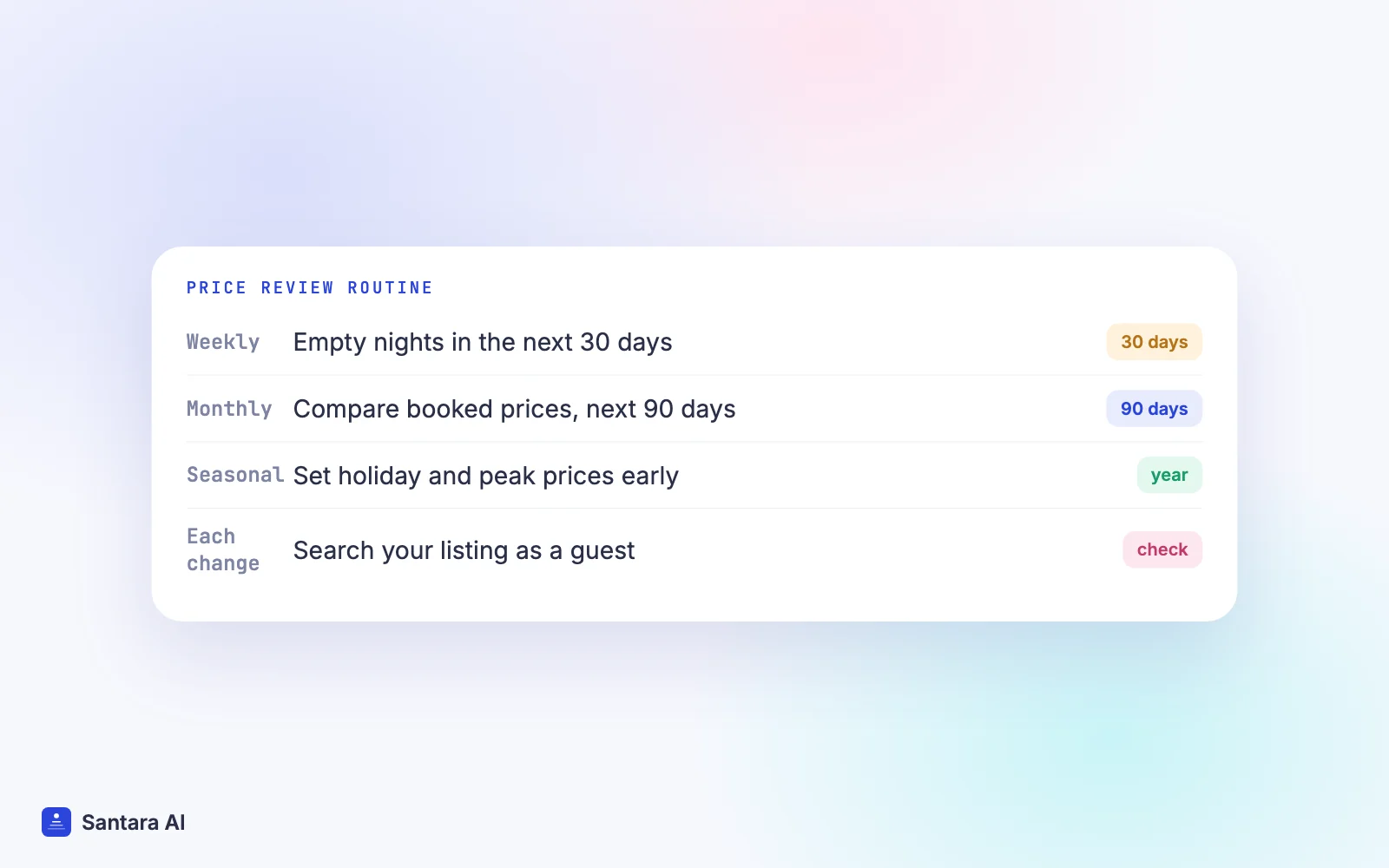
Prices go stale. A simple routine keeps them honest:
Step 1
Every week: the next 30 days
Look for empty nights inside the next month. If a night has no booking and your comparables are filling, lower that night or allow a shorter stay. If you sold out a weekend weeks early, the next similar weekend is probably underpriced.
Step 2
Every month: the next 90 days
Re-run the similar listings check for two weeks in the coming quarter. Compare your booked rate with the average booked price nearby. Adjust the base price in small steps, not jumps.
Step 3
Every season: the whole year ahead
Set holiday and peak prices well ahead. Our guide to Tết and Lebaran pricing has a step-by-step plan for 2027.
Step 4
After every change: check the guest total
Search your own listing as a guest for one night, a weekend and a week. Make sure the totals look right next to your comparables.
To judge whether your prices work, track occupancy, ADR and RevPAR together. Our post on occupancy, ADR and RevPAR explains each one.
How Santara AI helps you price your Airbnb
Santara AI replaces both the PMS and the channel manager, so your prices live on one rates calendar per room. You set a default price for each weekday plus overrides for specific dates, and the nightly rate, minimum stay and other stay rules are pushed from that calendar to every connected channel: Airbnb, Booking.com, Agoda, Traveloka, Tiket.com and others.
When you connect Airbnb, your listing's real rates (nightly price, weekend price and fees where they can be read) are imported read-only, so you start from what guests see today. Anything that can't be read safely is reported instead of guessed.
The smart pricing rule engine can set prices from seasons, weekends, and last-minute or gap rules. When you change a price by hand, the rules don't overwrite it. A zero or placeholder price is never pushed to a channel.
What Santara AI does not do
Santara AI sends the same price to every channel; it can't set a different price or markup per OTA. Airbnb discounts, promotions, cleaning fees and Smart Pricing settings are managed on Airbnb. If you use PriceLabs, Santara AI detects it but does not use it as a pricing source. It does not choose your base price for you.
FAQ
How do I price my Airbnb for the first time?
Start from the average booked price of 8–10 comparable listings, adjust for what makes yours better or worse, and set a weekday base price. Add a weekend adjustment, a weekly discount and a cleaning fee, then check the guest total for one night and one week.
Should I use Airbnb Smart Pricing?
It can work if you set a realistic minimum and maximum. Note that you must turn it off to set your own weekend adjustment, and Airbnb's similar listings comparison doesn't show while it is on.
What weekend premium should I charge on Airbnb?
There is no standard figure. Airbnb allows -50% to +50% on Friday and Saturday nights. Look at how early your weekends sell compared with weekdays and how your comparables price them.
Does a high cleaning fee hurt my Airbnb bookings?
Guests now see a total price including fees before taxes, so a high fee makes short stays look expensive. A short-stay cleaning fee for 1–2 night bookings or a slightly higher nightly price can balance it.
Keep reading
- Sync prices and minimum stays across Airbnb, Booking.com and Agoda
- Christmas and New Year pricing for Bali, Phuket and Đà Lạt
- Vacation rental profit and break-even worksheet
Your first 3 months are free.
Join For Free