How to list on Airbnb: a step-by-step guide for new hosts (2026)
How to list on Airbnb from Airbnb's own help pages: account, ID check, photos, pricing with the 2026 host-only fee, availability, rules, cancellation, payouts.
 Tai Pham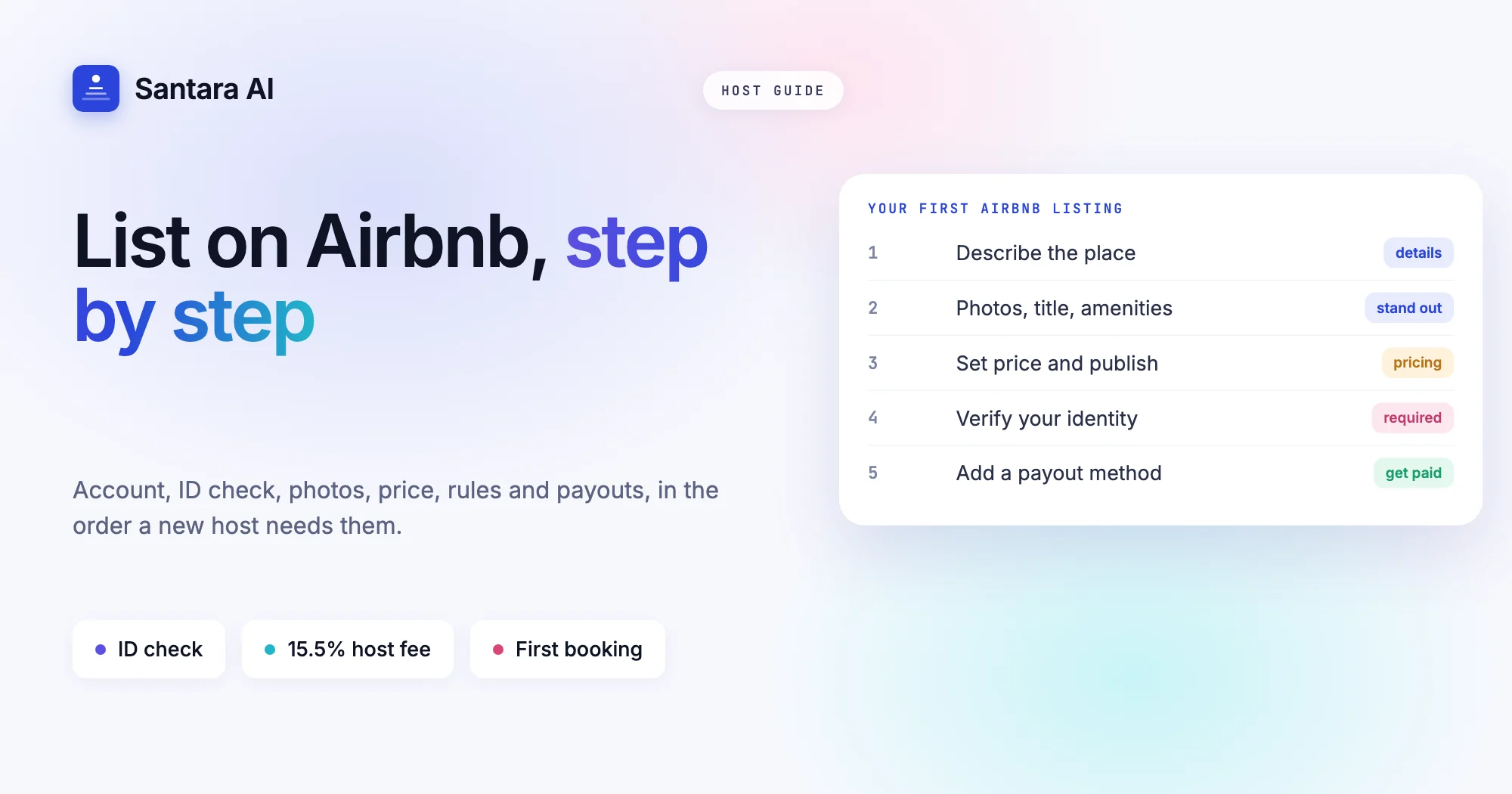
If you have a spare room, a guesthouse or a villa and you are wondering how to list on Airbnb, the good news is that the setup itself is short. Airbnb walks you through it screen by screen. The part that takes thought is everything around those screens: the price you start at, the nights you open, the rules you set and the cancellation policy you pick. Those choices decide what your first month looks like.
This guide follows Airbnb's own help and resource pages, checked on 22 October 2026, and puts them in the order a new host actually needs them. It covers your account and identity check, the listing details and photos, pricing (including the 2026 fee change), availability, house rules, cancellation policy, your payout method, and a checklist for the first booking. Where Airbnb does not publish something, we say so.
One thing before you start: Airbnb is a platform, not a permit. In Vietnam, Indonesia and most other countries, renting rooms to guests has its own legal steps. Check them first with our Vietnam homestay licence guide or Bali villa licence guide, depending on where you host.
How to list on Airbnb: the steps in order
Airbnb's getting started guide (April 2026) groups the listing flow into three parts: tell Airbnb about your place, make the listing stand out, then finish up and publish. Around those three parts sit a few account steps. Here is the full order.
Step 1
Create your account and start a listing
Sign up or log in, switch to hosting and create a new listing. Airbnb's create a listing article says you start it from the host section of your profile.
Step 2
Describe the place
Property type, location, bedrooms, bathrooms and maximum guests. Pin the map location carefully; it is what guests use to judge the area.
Step 3
Make it stand out
Upload photos, write a title and description, and tick the amenities you really offer.
Step 4
Set your price and publish
Set weekday and weekend prices, and decide whether to add a new listing promotion for your first guests.
Step 5
Verify your identity
After you publish, the listing stays pending until your identity is verified. Once it is, guests can book.
Step 6
Add a payout method
Without one, Airbnb has nowhere to send your money. Do it on day one, because verification can take time.
Airbnb's help article says a published listing should show in search within 24 hours, and some take up to 72 hours if further review is needed. Do not panic if you cannot find yourself on the first evening.
Identity verification: what Airbnb asks for
Airbnb's article on verifying your identity says every host, new co-host and booking guest must be identity verified. Depending on your country, Airbnb may ask for your legal name, address and other details. If that is not enough, it asks for a photo of a government ID (driving licence, passport or national ID card), and sometimes a selfie. Airbnb says the selfie is not shown on your profile.
Have your ID ready before you start, and make sure the name you enter matches it. A mismatch here tends to come back later, when you add a payout method and the names have to match again.
Listing details and photos
The listing is your shop window, and Airbnb's flow asks for the basics in a sensible order. A few practical notes from running small properties in Southeast Asia:
- Be exact about the space. If the "villa" is a private room inside your family home, choose that. Wrong expectations are the fastest route to a bad review.
- Count beds, not rooms. Guests filter by beds and guests. A sofa bed is fine if you say it is one.
- Amenities you actually have. Air conditioning in every bedroom or only one? Hot water at all hours? A pool shared with other villas? Say it plainly.
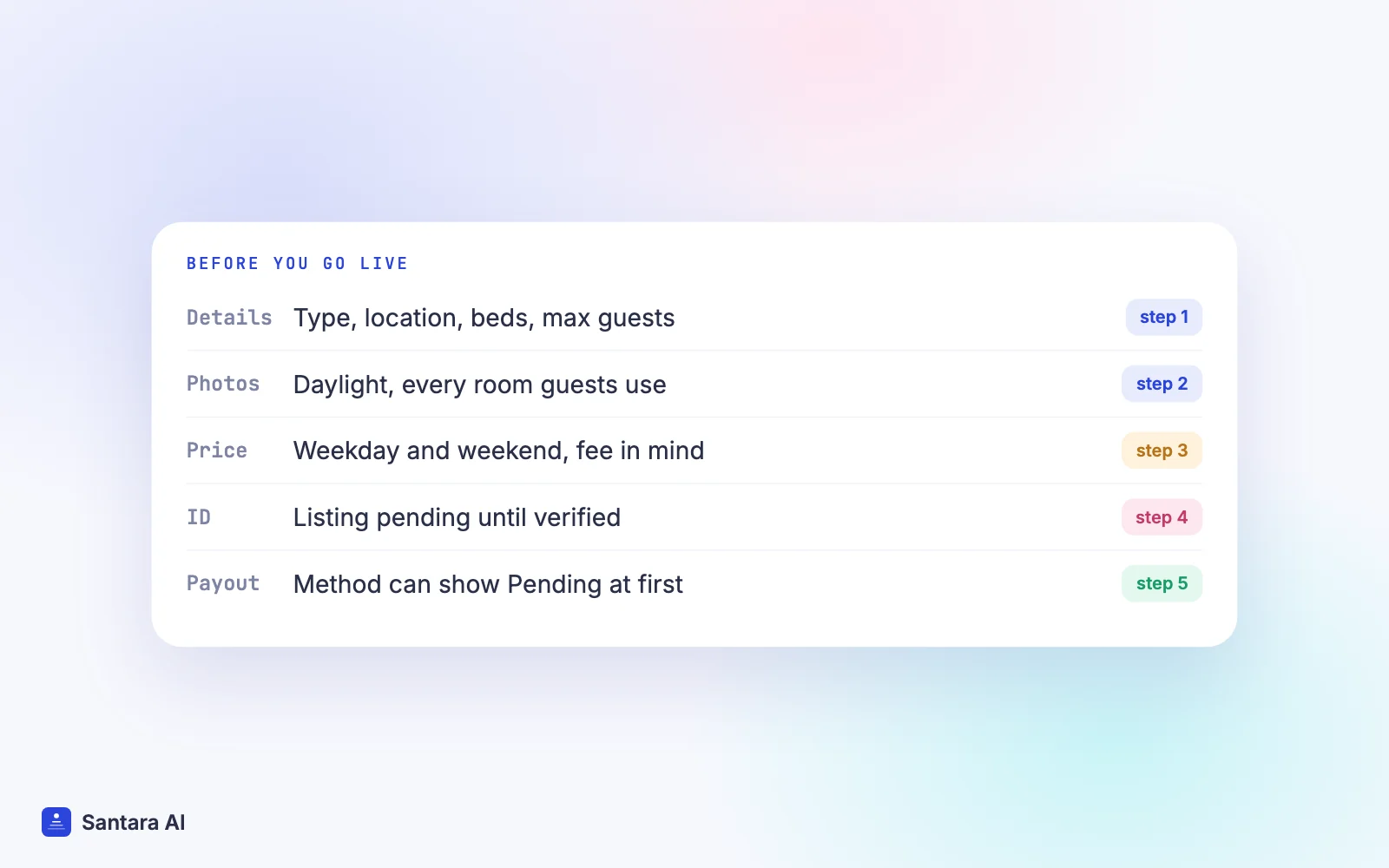
- Photos in daylight. Airbnb's guide suggests decluttering, staging rooms, shooting in soft natural light, and hiring a professional if you can. Shoot every room guests can use, plus the bathroom, the view and the entrance.
Write the title last. It should say what the place is and where, in a few words. Put house details that matter (stairs, no lift, a 10-minute walk from the road in Ubud) in the description, so nobody is surprised.
Pricing, and the 2026 host-only fee
Airbnb suggests a nightly price based on your location, amenities and similar listings nearby, and you can change it at any time. You can also set a weekend price. Treat the suggestion as a starting point, not an answer.
The bigger thing to understand in 2026 is the fee. Airbnb's service fees article says it is moving all home hosts to a single fee taken from the host's payout. Most hosts pay 15.5%, others typically 14% to 16%, and the guest pays no separate service fee. The older split fee (about 3% for most hosts, with the guest paying a fee on top) is being phased out. So the price you set is close to what the guest sees, and your payout is that price minus the fee.
That means a new host should price with the fee already in mind. If you want to receive about 1,000,000₫ a night and your fee is 15.5%, a nightly price of 1,000,000₫ leaves you 845,000₫. Our post on the Airbnb host-only fee in 2026 walks through the repricing math, and the OTA fee calculator lets you test your own numbers.
Two more pricing settings worth a minute: a cleaning fee if you charge one, and length-of-stay discounts if you want longer stays. Start simple. You can add rules once you see real bookings.
Availability: which nights, how much notice
Airbnb's guide to updating your availability lists the settings that shape when guests can book:
| Setting | Options Airbnb lists | What it protects |
| Advance notice | Same day, 1, 2, 3 or 7 days | Time to prepare before arrival |
| Same-day cut-off | Any hour from 6:00 AM to 12:00 AM | Late-night surprise bookings |
| Preparation time | None, 1 or 2 nights before and after each stay | Cleaning and repair time |
| Availability window | 3, 6, 9, 12 or 24 months ahead | Bookings too far out to plan |
| Trip length | Your own minimum and maximum nights | Stays that don't pay for a turnover |
Airbnb notes that minimum and maximum stay lengths must follow local rules. For a first listing, a short availability window (a few months) and one or two nights of minimum stay keeps things manageable while you learn. Block any nights you already know you cannot host, like family visits or Tết.
If you also sell the same room elsewhere, read our guide to listing on Airbnb and Booking.com without double bookings before you open the calendar wide.
House rules
Airbnb's page on changes to house rules describes seven standard rules you can set in the Listing editor: maximum overnight guests, quiet hours, events, pets, smoking, commercial photography, and lock up at checkout. Anything else goes under "requests", and Airbnb says requests must be reasonable. Its own examples: you may ask guests to put used dishes in the sink or gather used towels, but not to wash dishes or strip beds.
Keep rules short and specific. "Quiet after 22:00, neighbours are close" works better than a long list in capital letters. For a fuller template, see our house manual template.
Cancellation policy
Airbnb's cancellation policies article lists these standard options for stays under 28 nights:
- Flexible: full refund until 24 hours before check-in.
- Moderate: full refund until 5 days before check-in.
- Limited: full refund until 14 days before check-in (for bookings from 1 October 2025).
- Firm: full refund until 30 days before check-in, 50% between 30 and 7 days.
Strict and Super strict policies are listed as invitation-only. You can also offer a discounted non-refundable rate. Stays of 28 nights or more use separate long-stay policies (Firm or Strict).
There is no right answer. A new listing with no reviews may get its first bookings faster with a looser policy. A villa that sells out every December may want a firmer one for those dates.
Your payout method
Airbnb's add a payout method article gives the path on desktop: Menu, Account settings, Payments, Payouts, Add payout method. You choose your country, then a method from those available there. In some countries Airbnb sends a small test deposit (under US$1) first, and the method shows as Pending until it is ready. The first method you add becomes your default.
Airbnb's getting started guide says it collects payment before check-in and usually sends your payout about 24 hours after the guest's scheduled arrival. Timing also depends on your payout method.
First-booking checklist
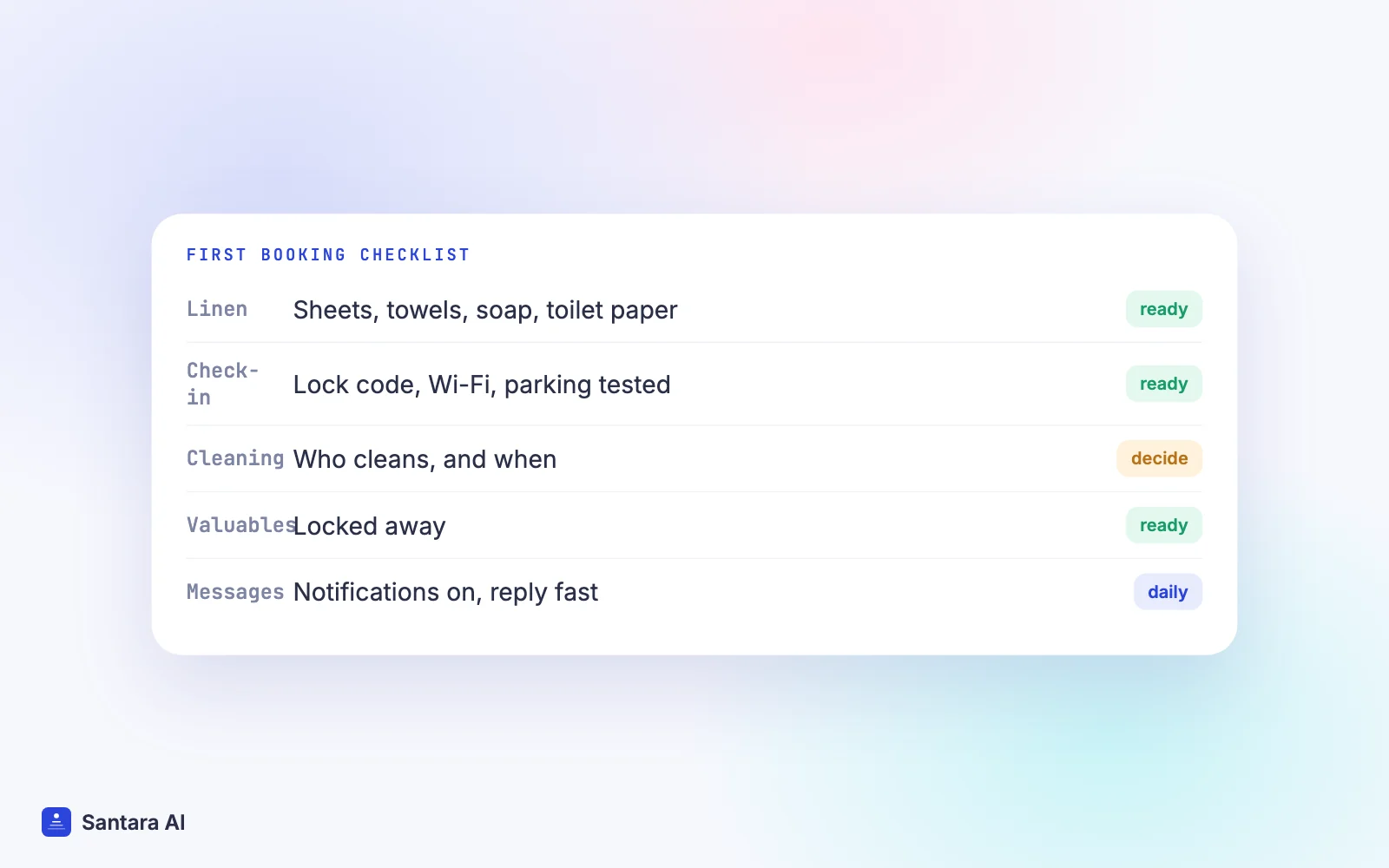
Before your first guest arrives, run through this list:
- Fresh linen and towels, toilet paper, soap and shampoo stocked (Airbnb's own readiness basics).
- Check-in steps written and tested: lock code or key handover, Wi-Fi name and password, parking.
- A cleaning routine decided, whether you clean or someone else does.
- Valuables locked away.
- Your phone set to notify you of Airbnb messages, so you answer fast.
- Local registration done if your country requires it. See our guest registration guide for Vietnam and Indonesia.
How Santara AI fits once you are live
Santara AI does not create Airbnb listings for you. You build and publish the listing on Airbnb as above, then connect it. That is where Santara AI takes over the daily work: it replaces both the PMS and the channel manager, with one calendar per room.
To connect, you sign in to Airbnb from Santara AI, authorize it, and pick which listings to bring in. Future reservations are imported, and the listing's real rates (nightly price, weekend price and fees where readable) are imported read-only; anything that can't be read safely is reported instead of guessed. Nothing is pushed to your live listing until you confirm each room's unit count. After that, availability, nightly rate and minimum stay set in Santara AI push to Airbnb and to any other channel you connect, such as Booking.com or Agoda.
Airbnb guest messages arrive in the Santara AI inbox, where AI drafts a reply that nothing sends until you press Send. Each new booking creates a cleaning task, and the Daily Brief email lists the day's arrivals, departures and cleans.
What stays on Airbnb
Photos, descriptions, house rules, cancellation policy and your payout method are managed on Airbnb itself. Santara AI does not push listing content to Airbnb, and disconnecting never deletes your listing or its reservations.
FAQ
Is it free to list on Airbnb?
Creating a listing costs nothing. Airbnb takes a service fee from each booking; under the single fee most hosts pay 15.5% of the booking, deducted from the payout, according to Airbnb's service fees article.
How long does it take for a new Airbnb listing to appear in search?
Airbnb says a published listing should show in search within 24 hours, and some take up to 72 hours if further review is needed. It must also pass identity verification first.
What documents do I need to become an Airbnb host?
Airbnb may ask for your legal name, address and other details, and if needed a photo of a government ID such as a passport or national ID card, plus a selfie. Local licences are separate and depend on your country.
Which cancellation policy should a new Airbnb host choose?
Many new hosts start with Flexible or Moderate to win first bookings and reviews, then tighten it for busy dates. Airbnb lists Flexible, Moderate, Limited and Firm as standard options.
Keep reading
- Airbnb channel manager: how the connection works
- How to become an Airbnb Superhost
- Short-term rental glossary
Your first 3 months are free.
Join For Free